New Feature
Job alerts, rebuilt from the email up
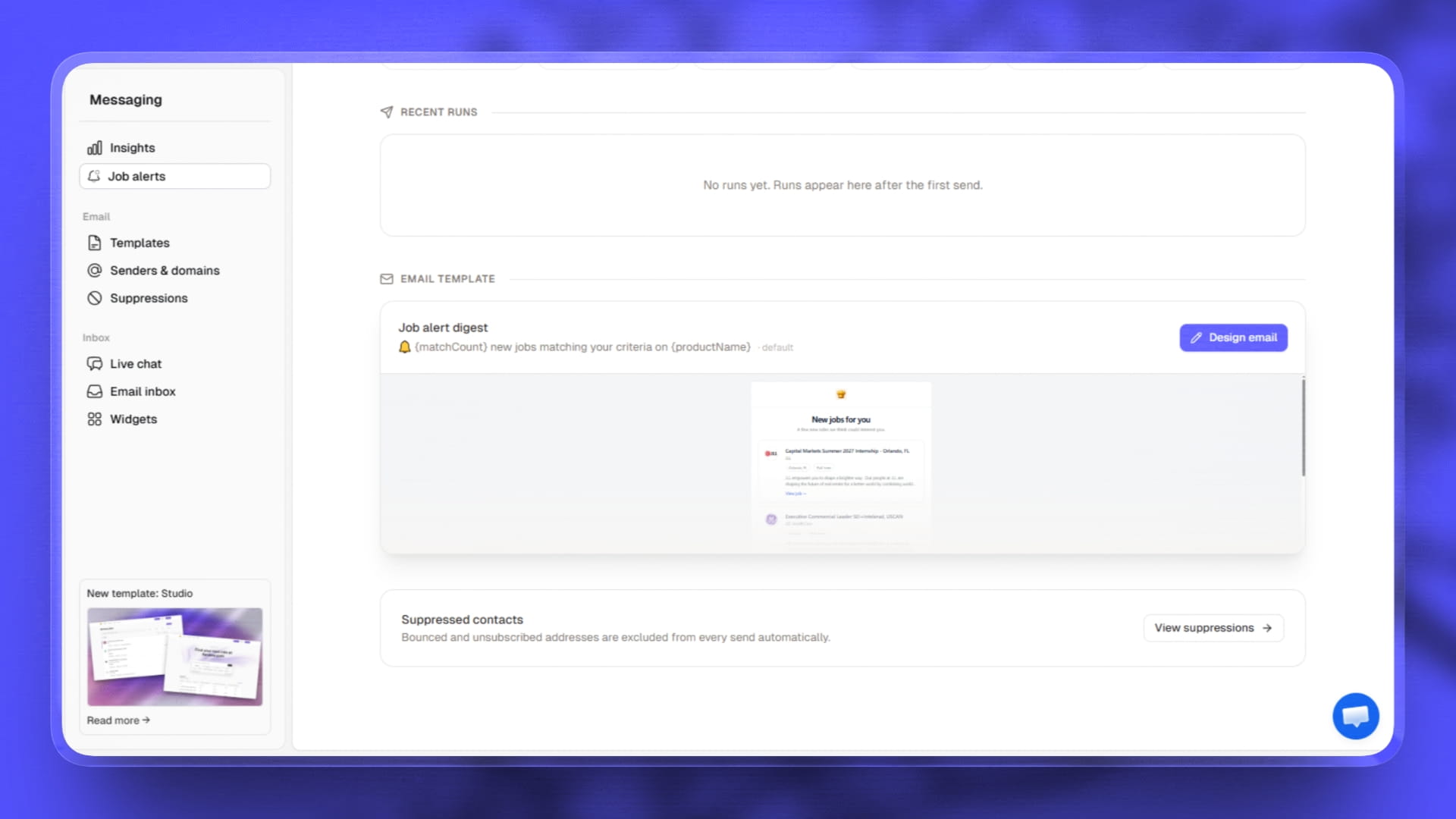
- The alert email is yours to design, and the preview is the real email. Set your colors, logo, font, corner style, card layout and subject line in one place. What you see in the editor is exactly what lands in the inbox, because the preview and the real send are now the same thing. Before this you could spend an afternoon on a template the sender never used.
- Alerts can follow a salary floor. A member can ask to only hear about roles paying at least a certain amount. Jobs that do not publish a salary still come through, so nobody misses a good role over a blank field.
- Alerts can follow keywords. Someone chasing "night shift" or "bilingual" gets those roles instead of everything in a category.
- Edit any member's alert settings yourself. Open a user in your Users list and set whether alerts are on, how often, what they cover and their salary floor, without asking them to log in and go find it.
- Set a ceiling for the whole board. Choose the most often anyone should hear from you, and the page shows what that works out to per month. Members who asked for less keep their own setting.
- Send yourself a test before anything goes out, and see every run that has gone: how many were sent, whether it completed, and what failed.