Product Updates

Changelog

We ship fast and continuously improve our platform. Stay up to date with the latest features and improvements to Kardow job board software.

2026

January

Improvement

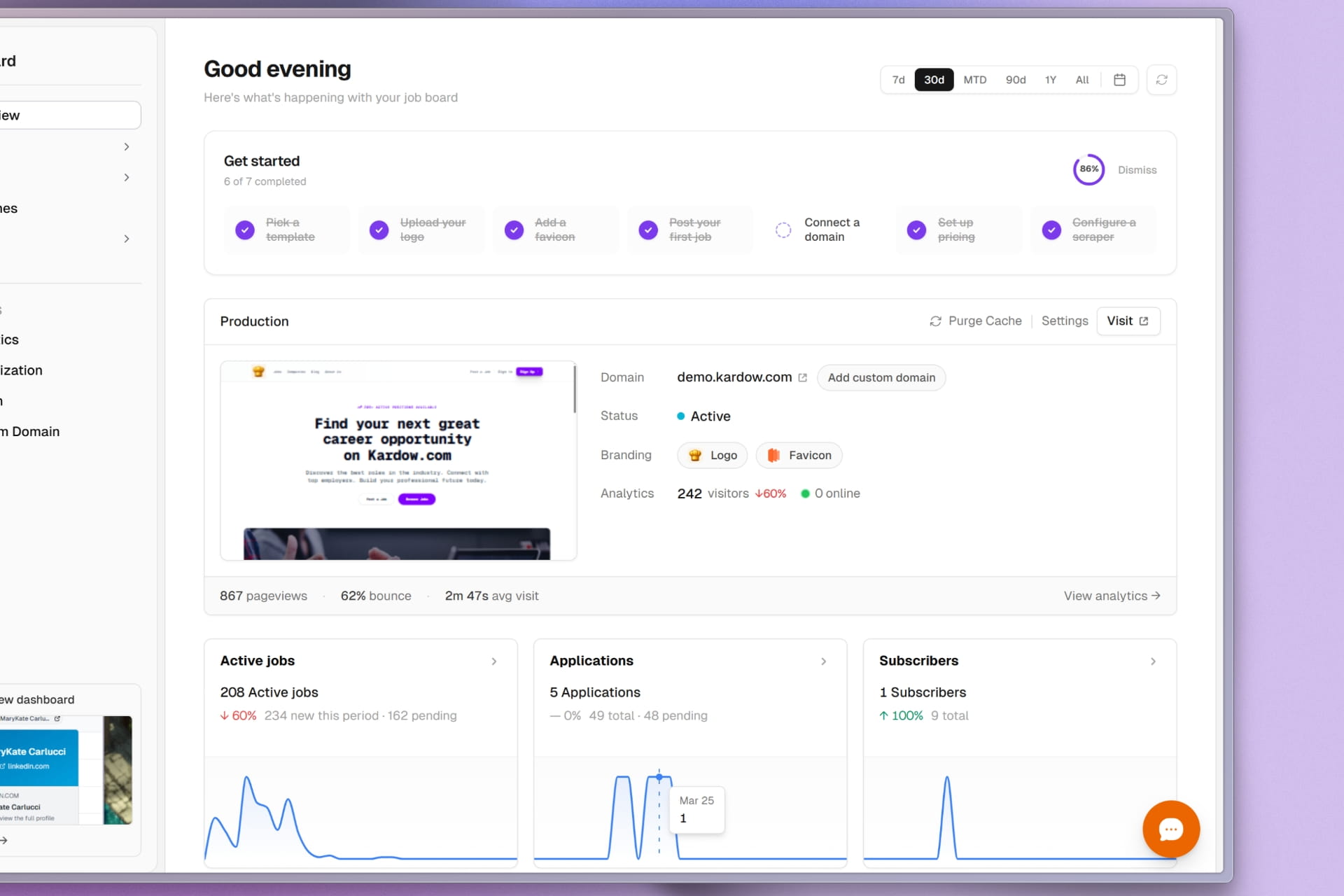
Phone Applications, Smarter Pricing Plans, and Better Maps

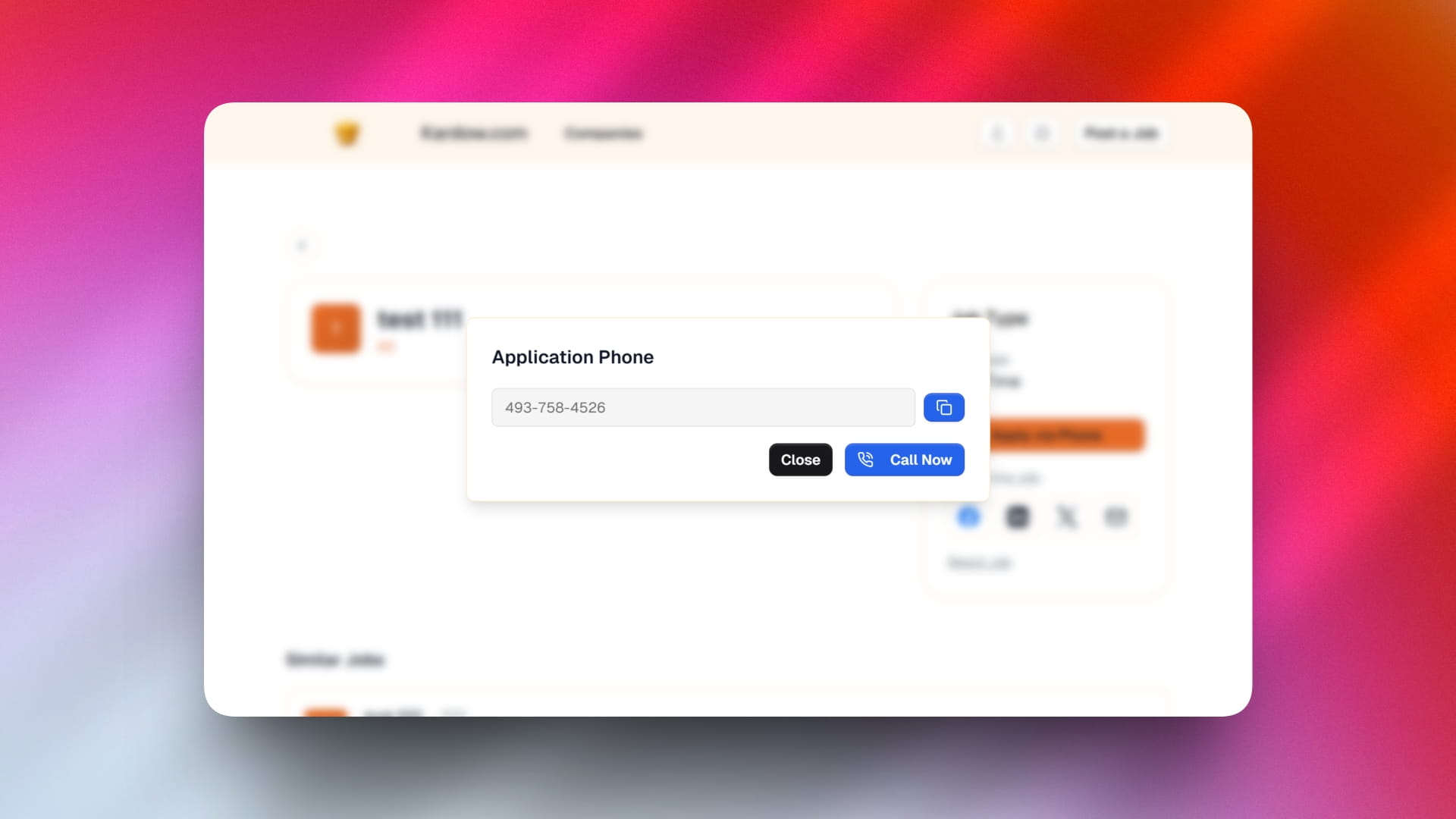
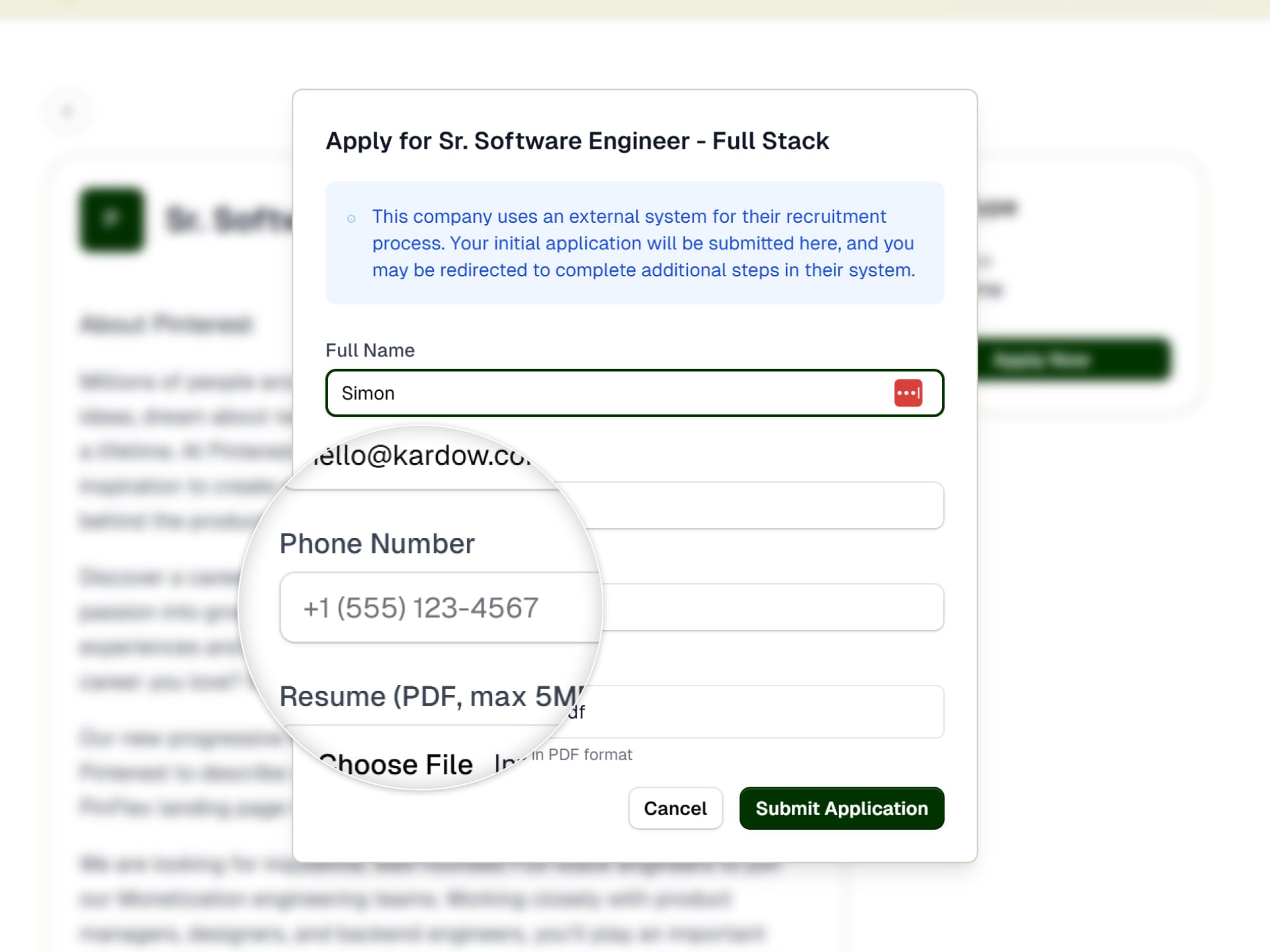
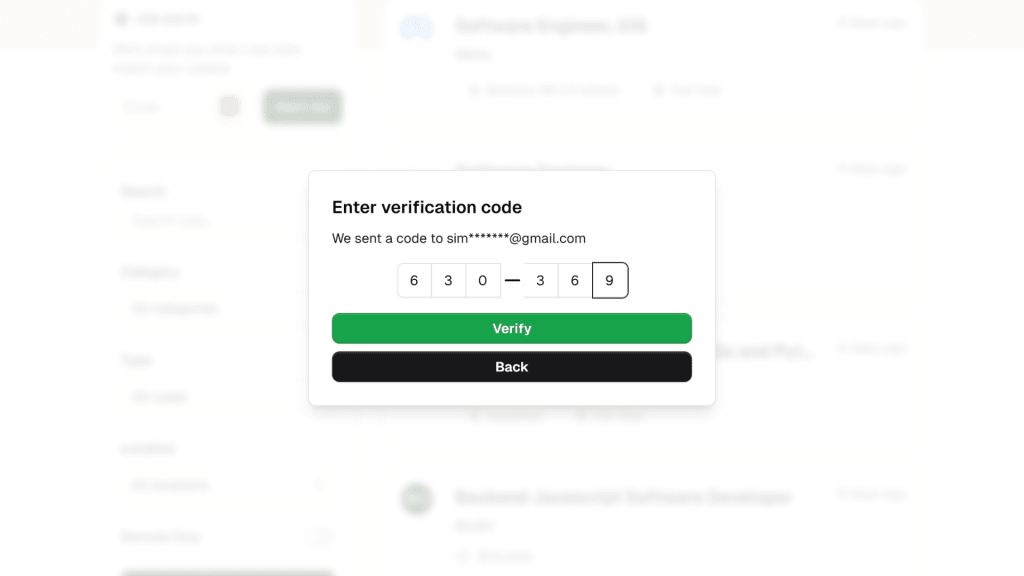
  • Phone number applications are now supported! Employers can now accept applications directly through phone calls with a smooth phone verification dialog that visitors use to call or copy the number.
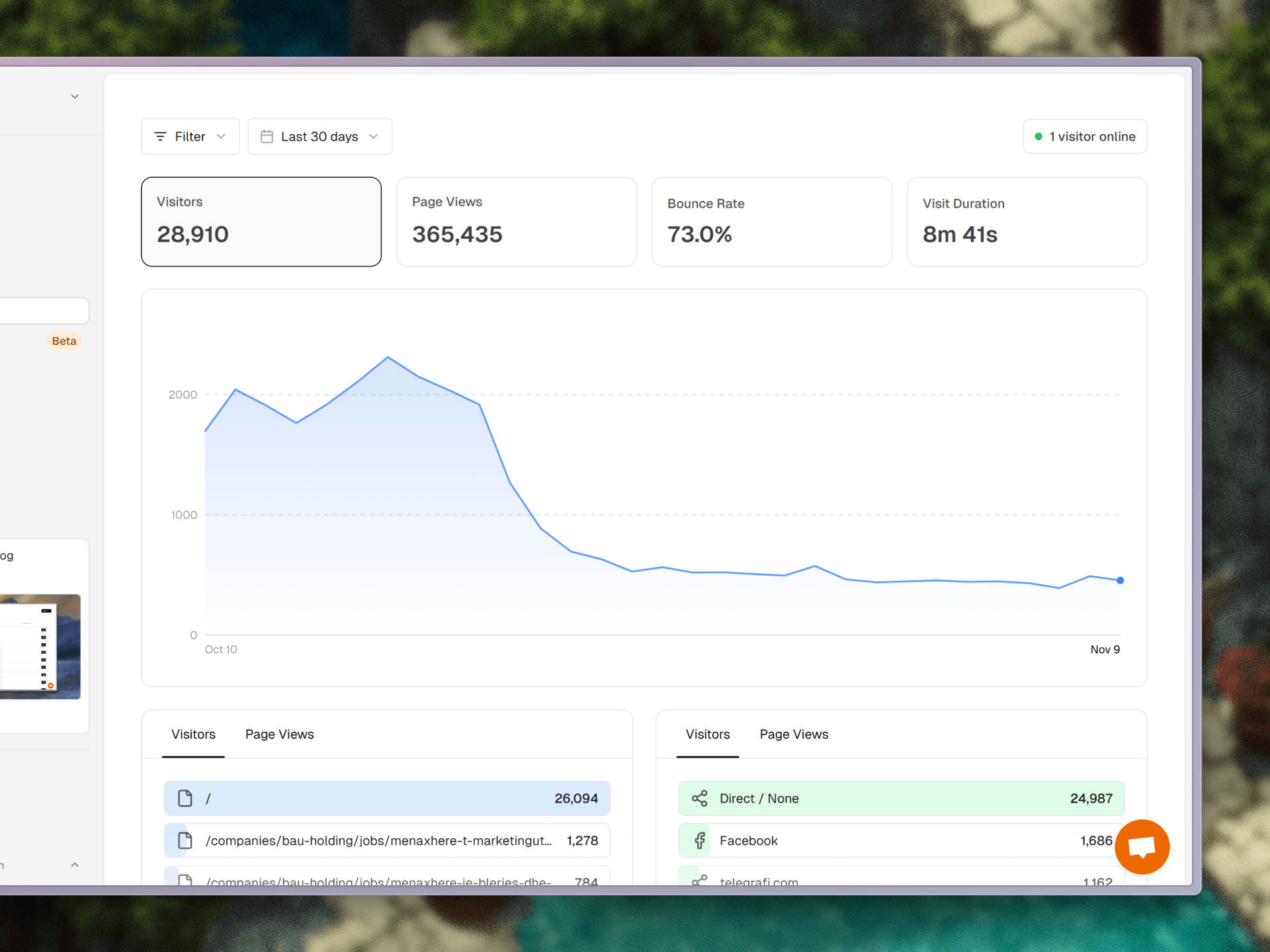
  • Visitors map view has been completely redesigned with better visuals, improved performance, and a more intuitive interface for seeing where your visitors are located.
  • AI Assistant moved to sidebar for easier access and better integration into your workflow without taking up valuable space.
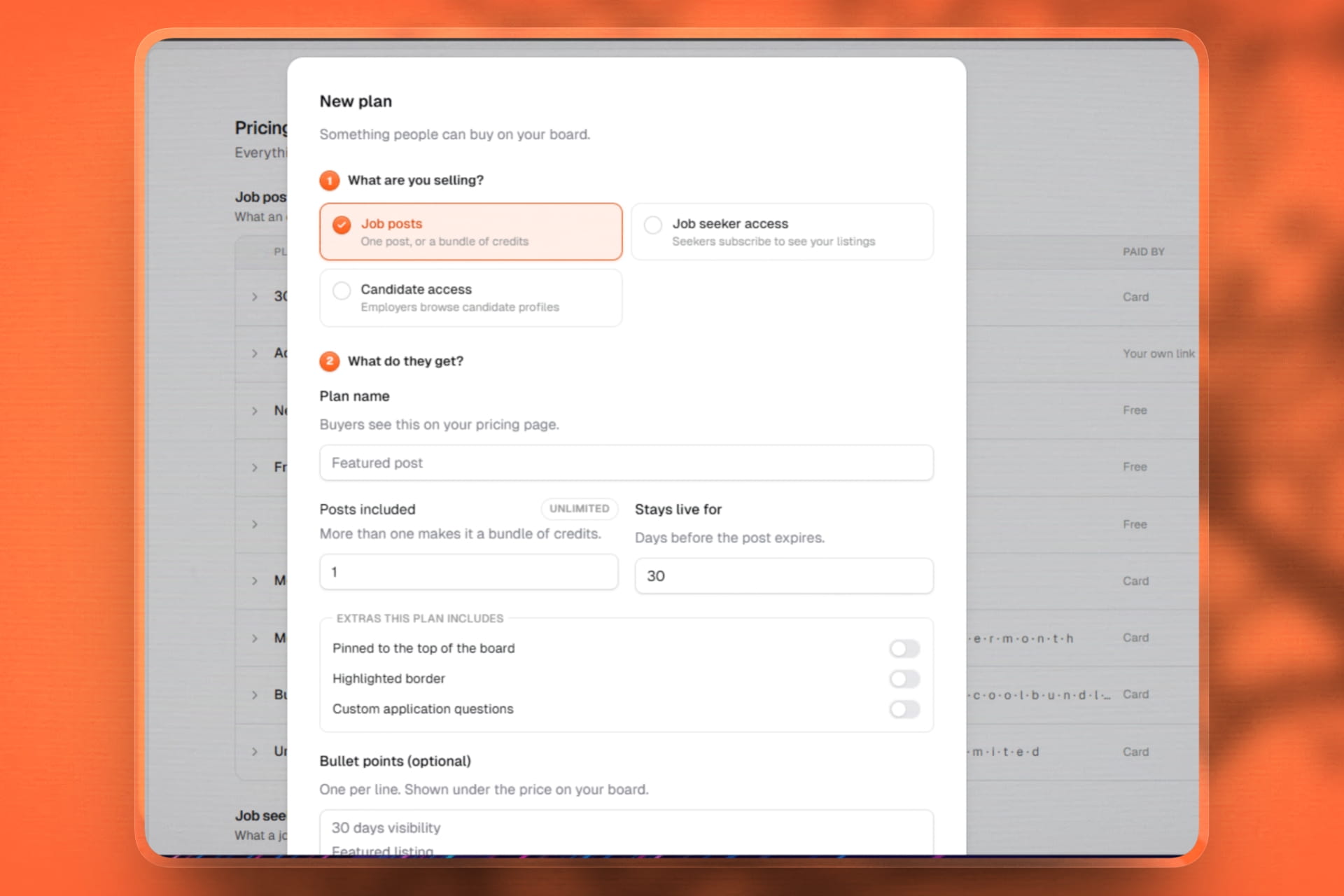
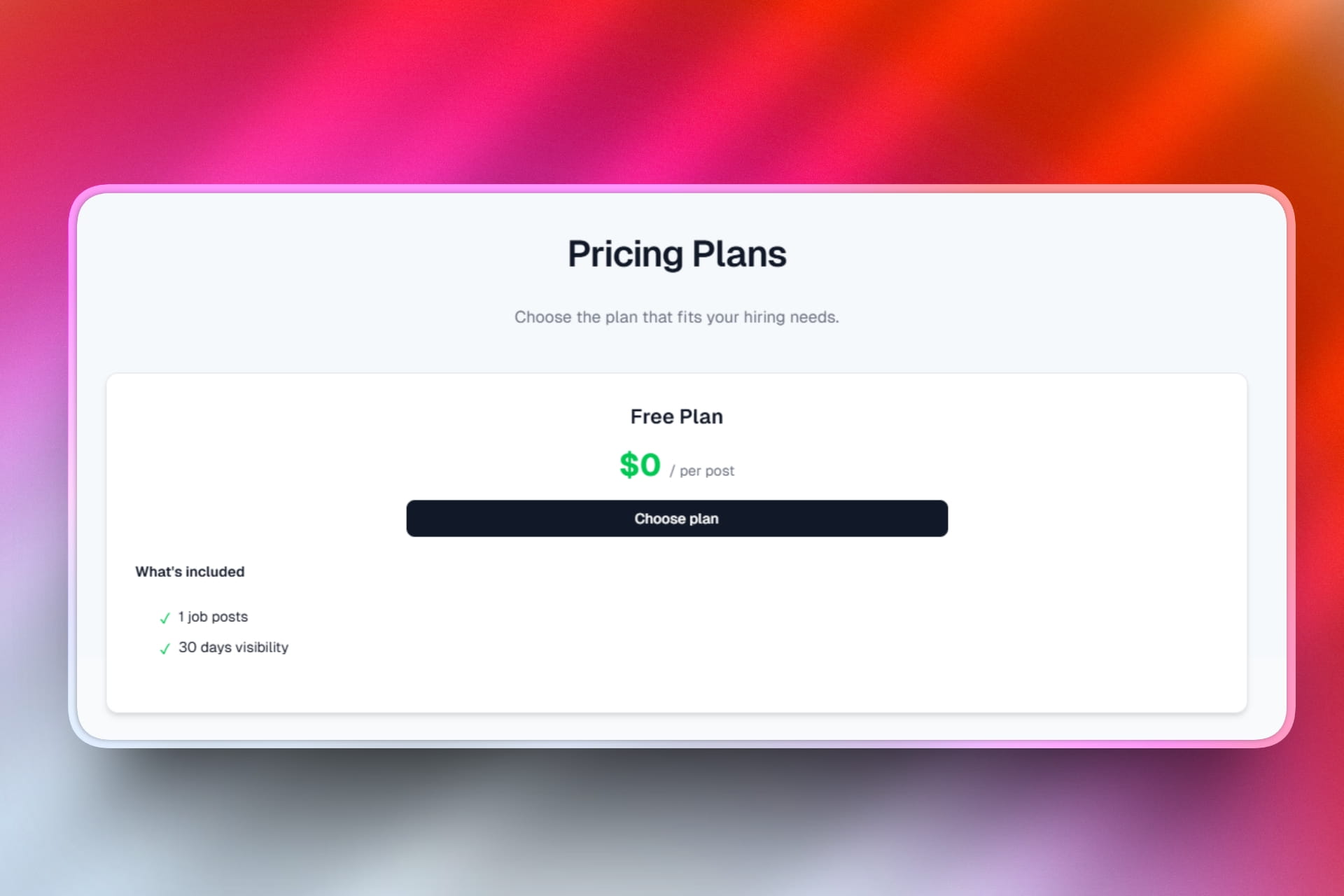
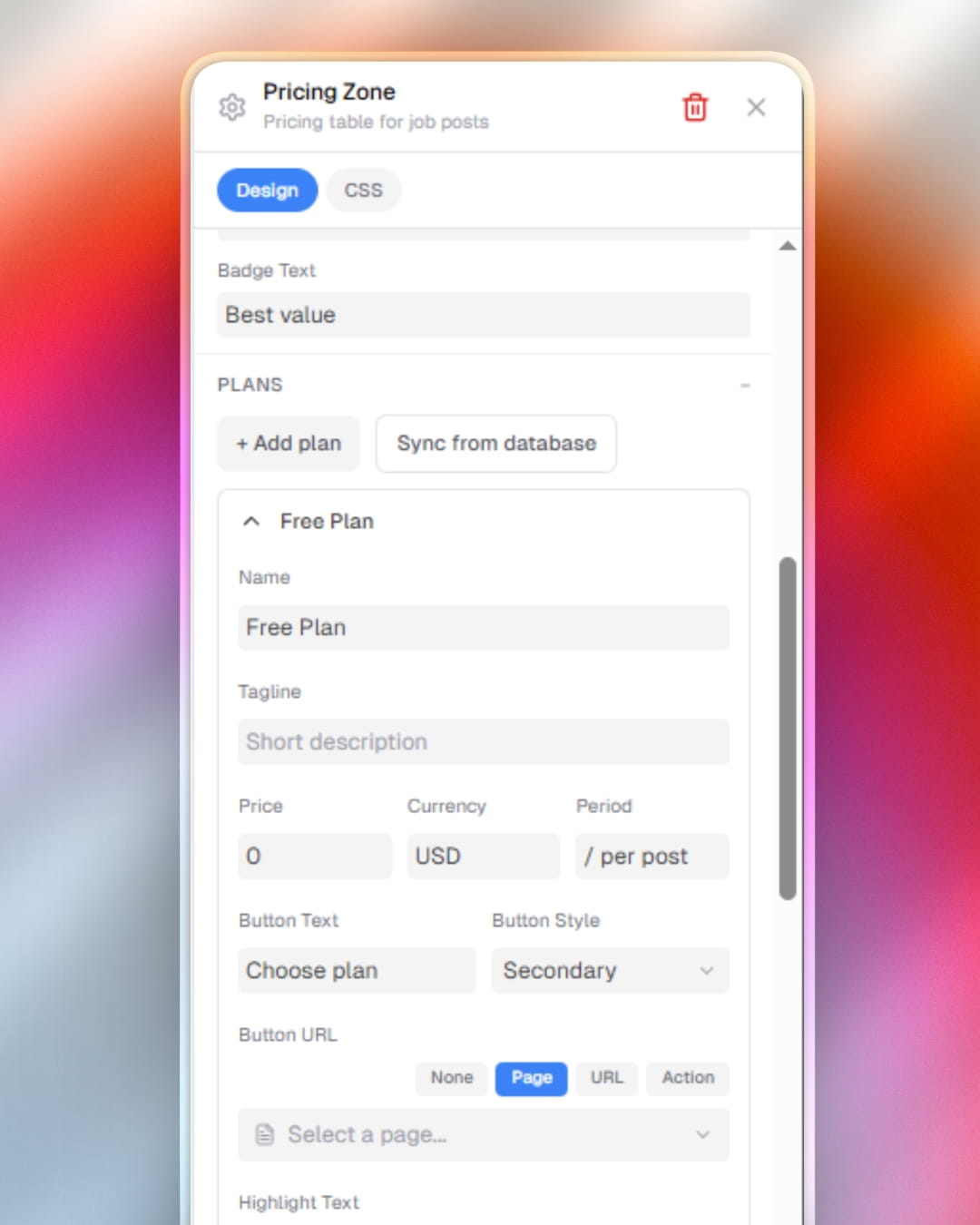
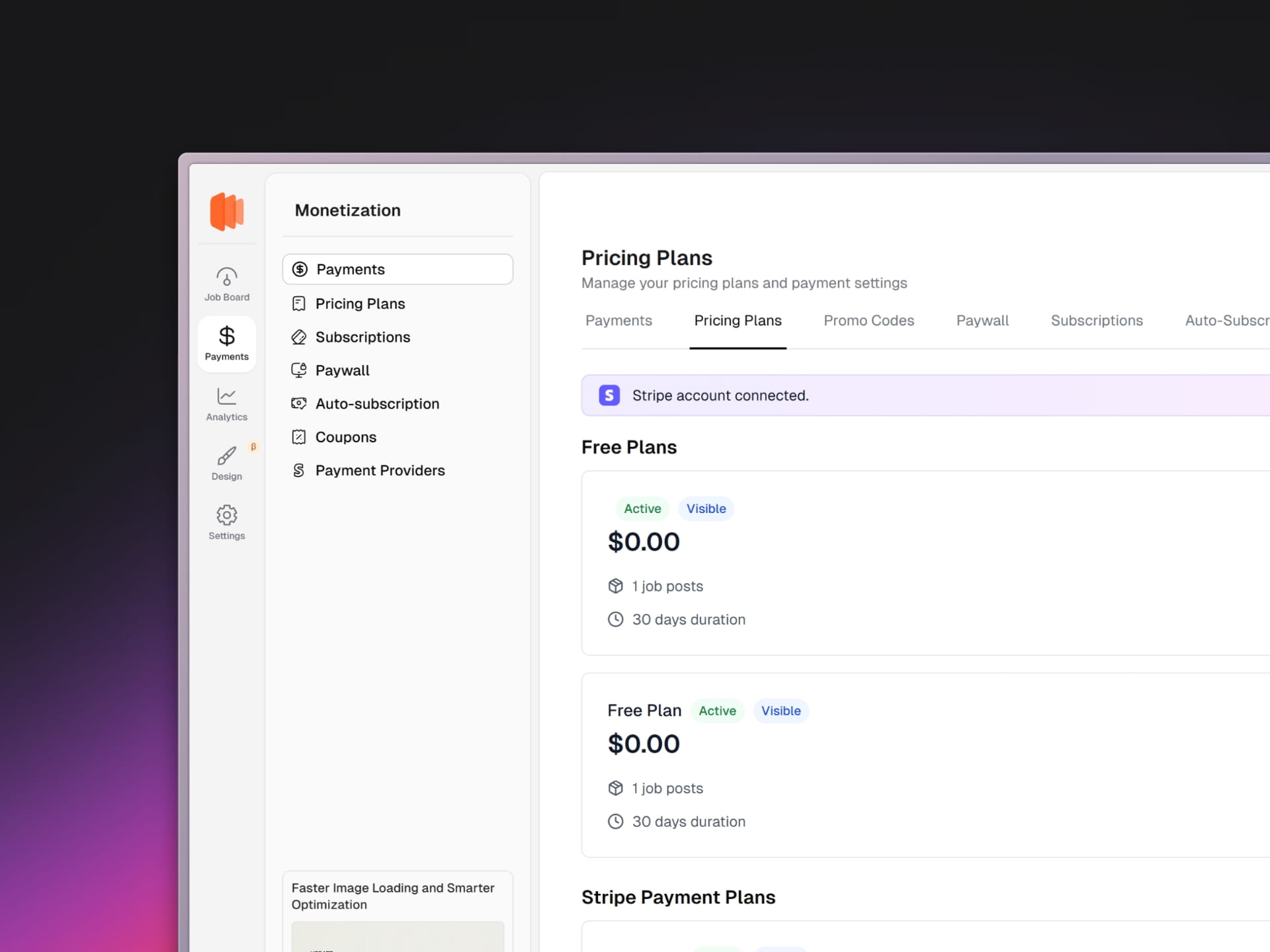
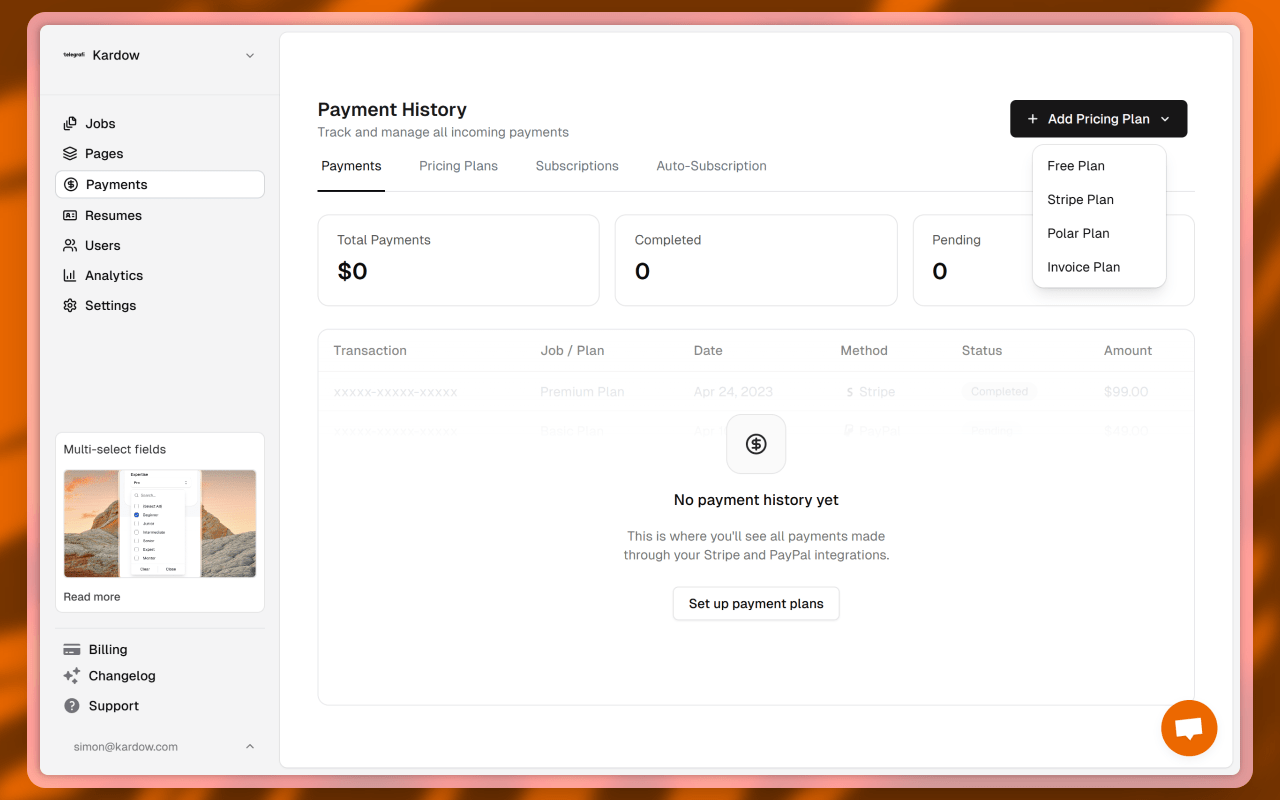
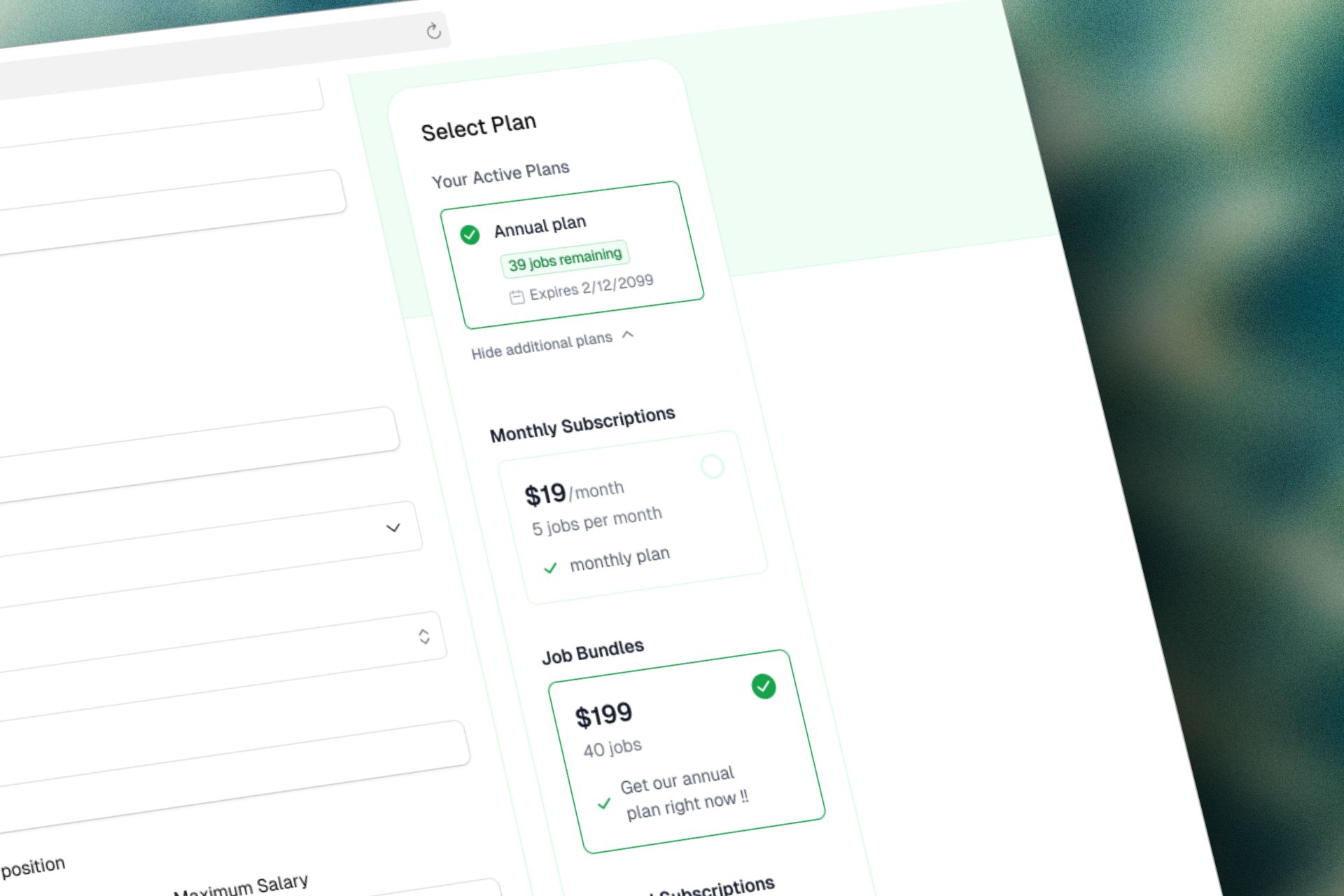
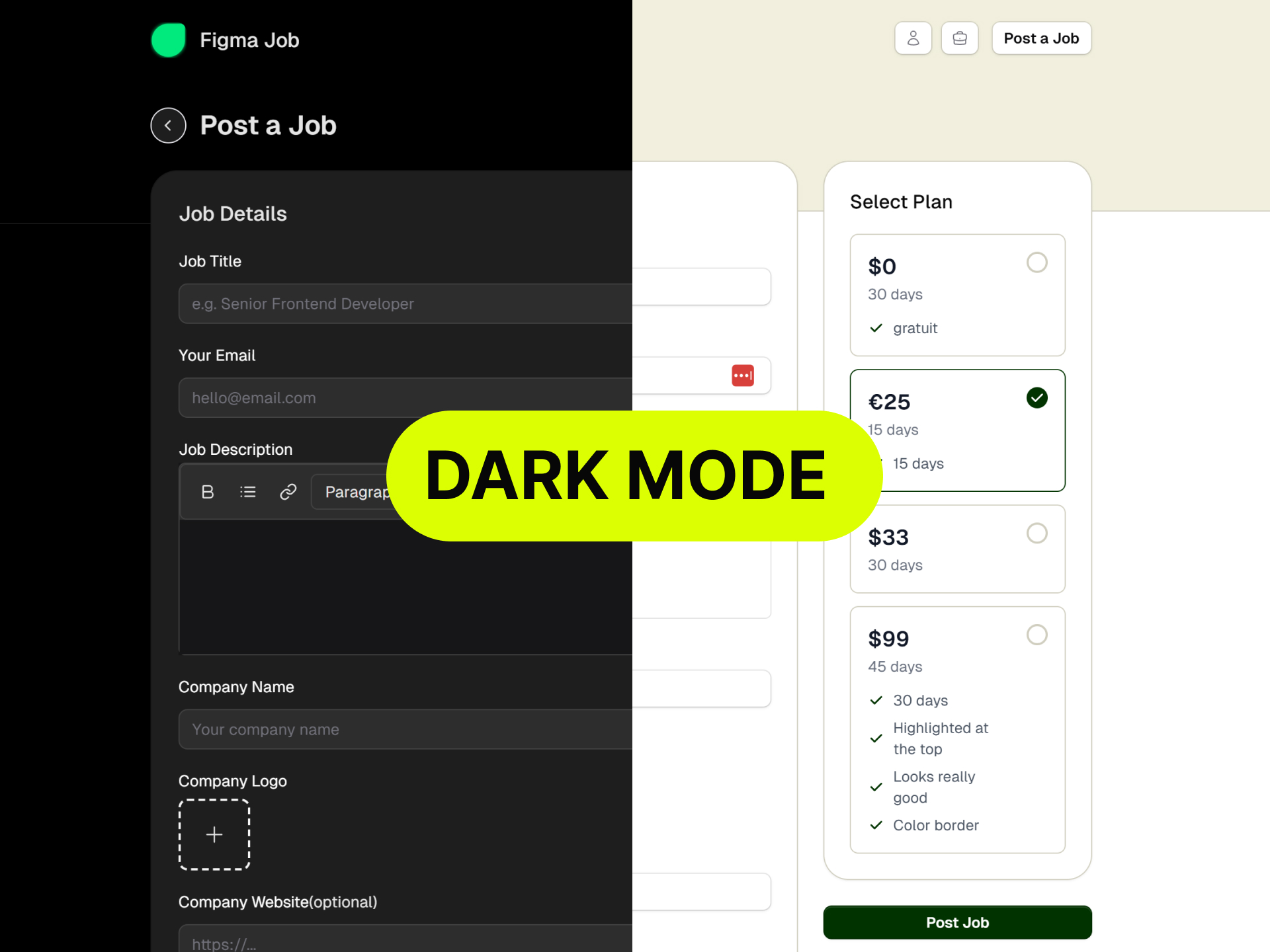
  • Pricing plans now support multi-select, allowing you to manage multiple pricing tiers more flexibly and showing the unlimited jobs symbol on unlimited plans.
  • Pricing plan IDs are now properly tracked and displayed, making it easier to manage different pricing configurations.
  • Unlimited jobs pricing plans now properly display indicators, helping customers understand the full scope of their plan benefits.
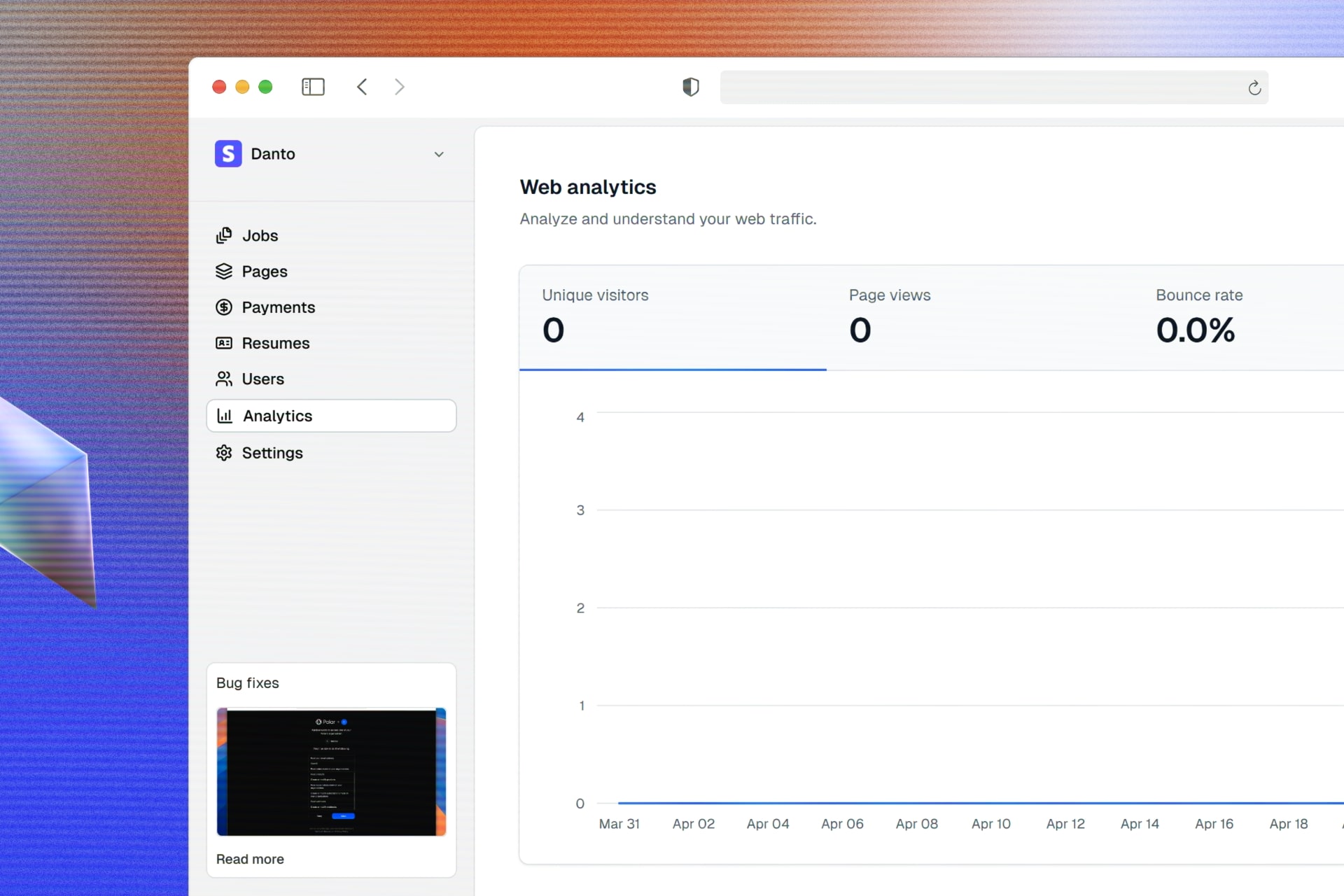
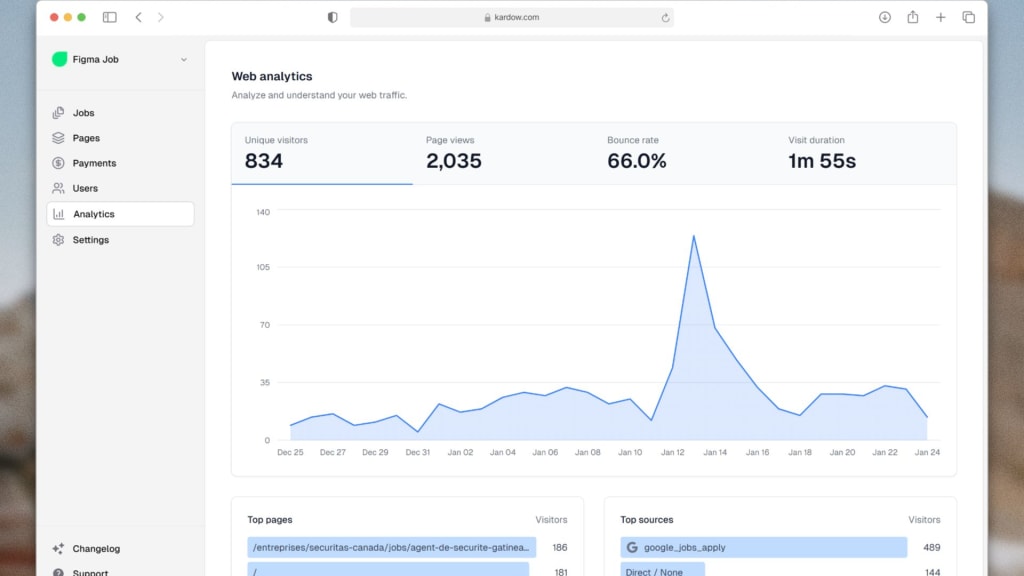
  • Overall improvements to the visitor analytics experience with a cleaner interface.
Phone Applications, Smarter Pricing Plans, and Better Maps
Improvement

Better Headers, Improved Job Lists, and Faster Searching

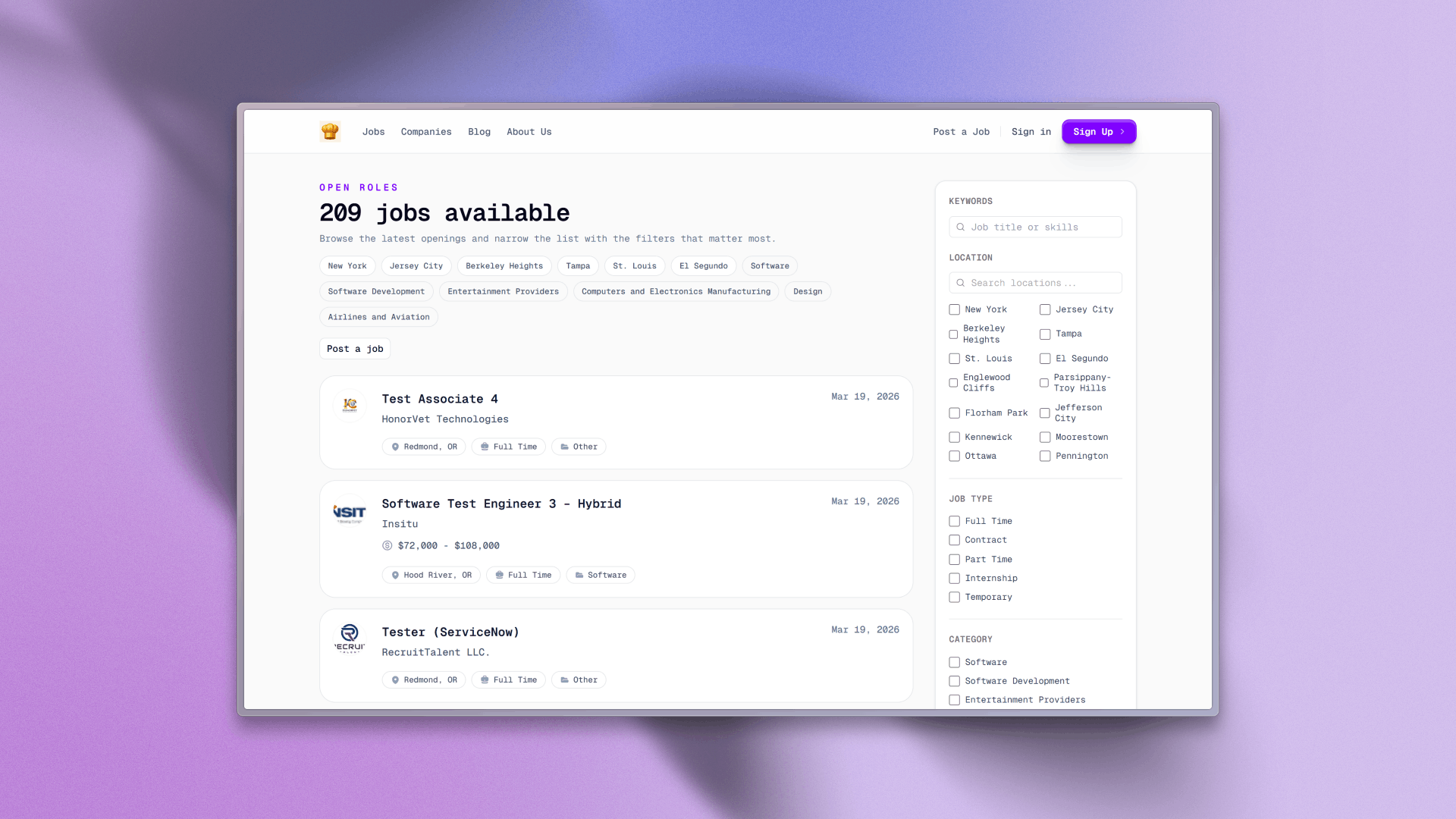
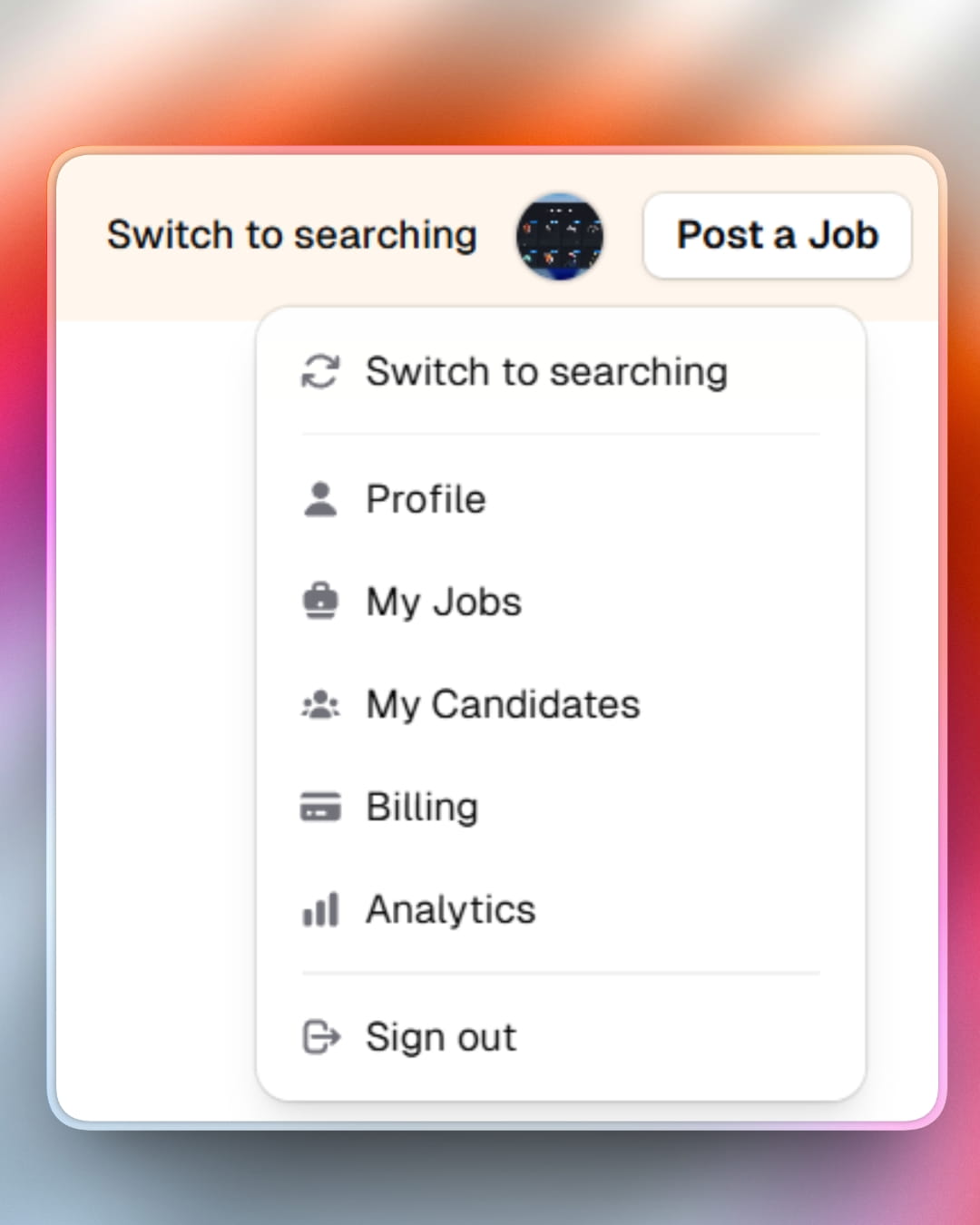
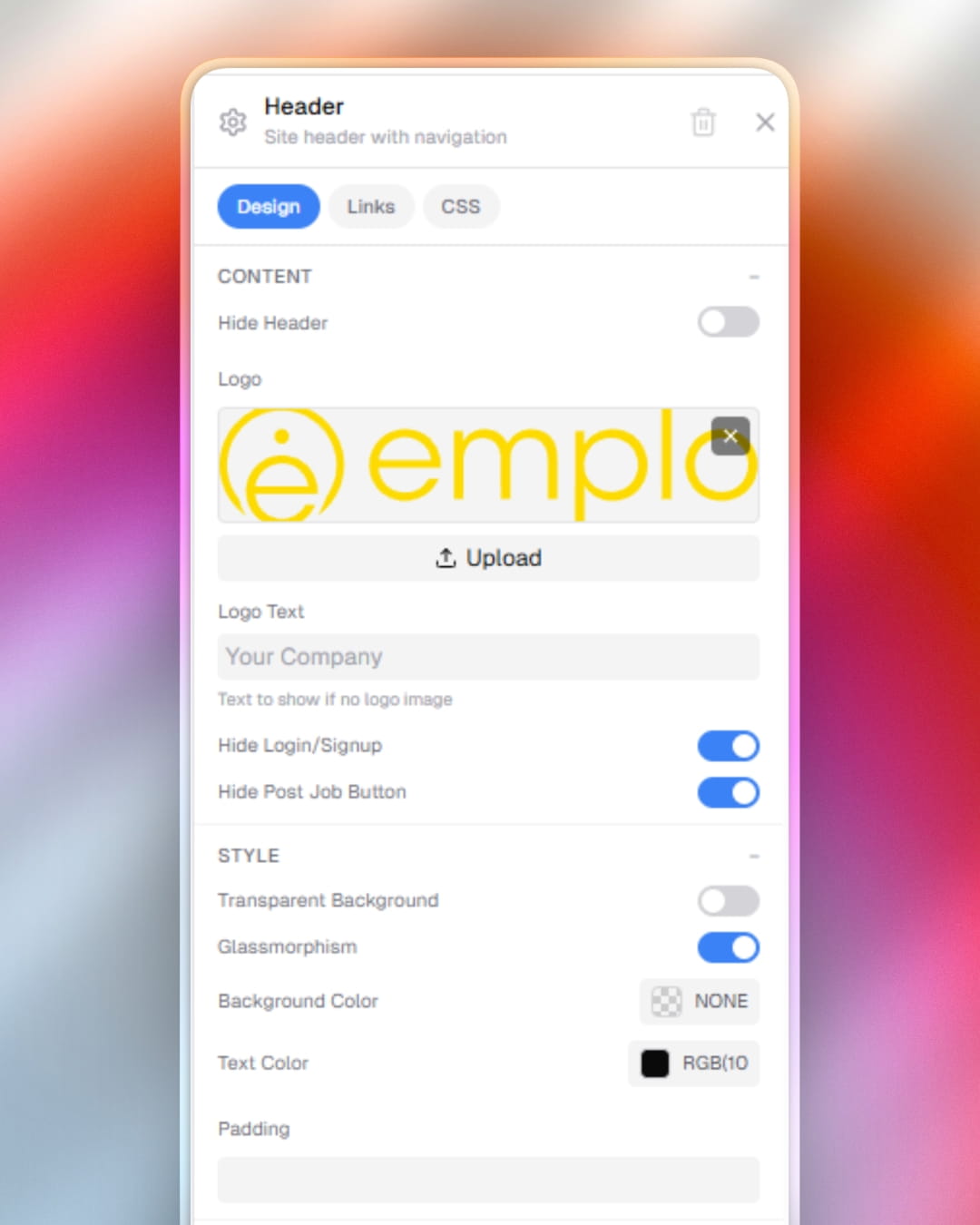
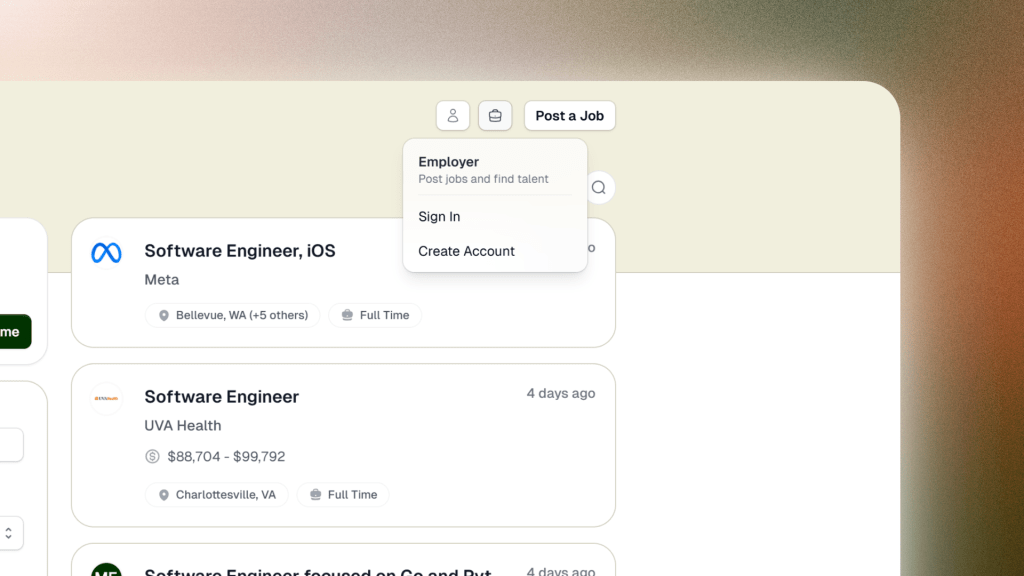
  • Headers look better with improved styling and layout refinements across your job board.
  • The mobile menu now shows all links properly, making navigation on phones and tablets much easier with a long scrollable list.
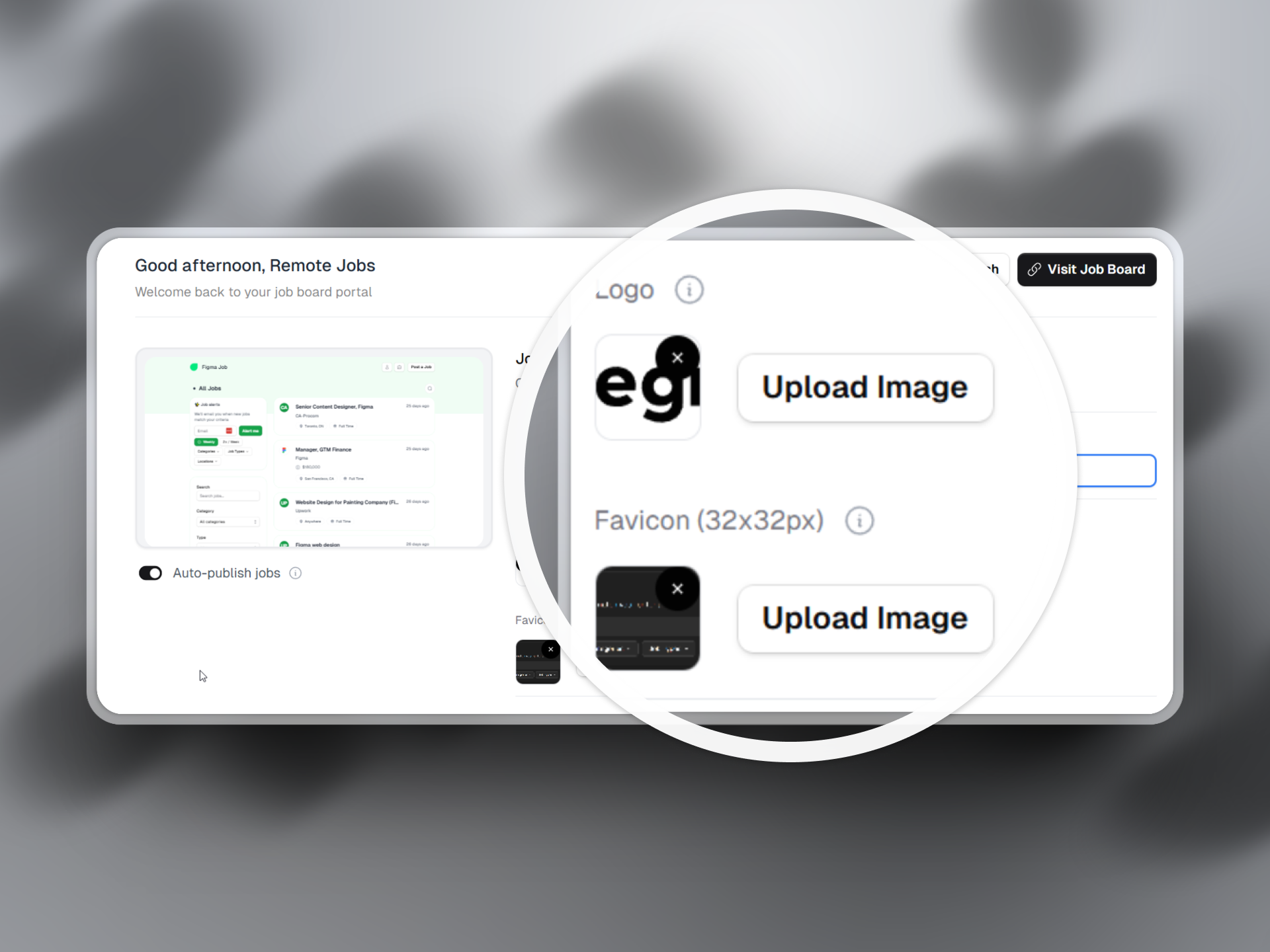
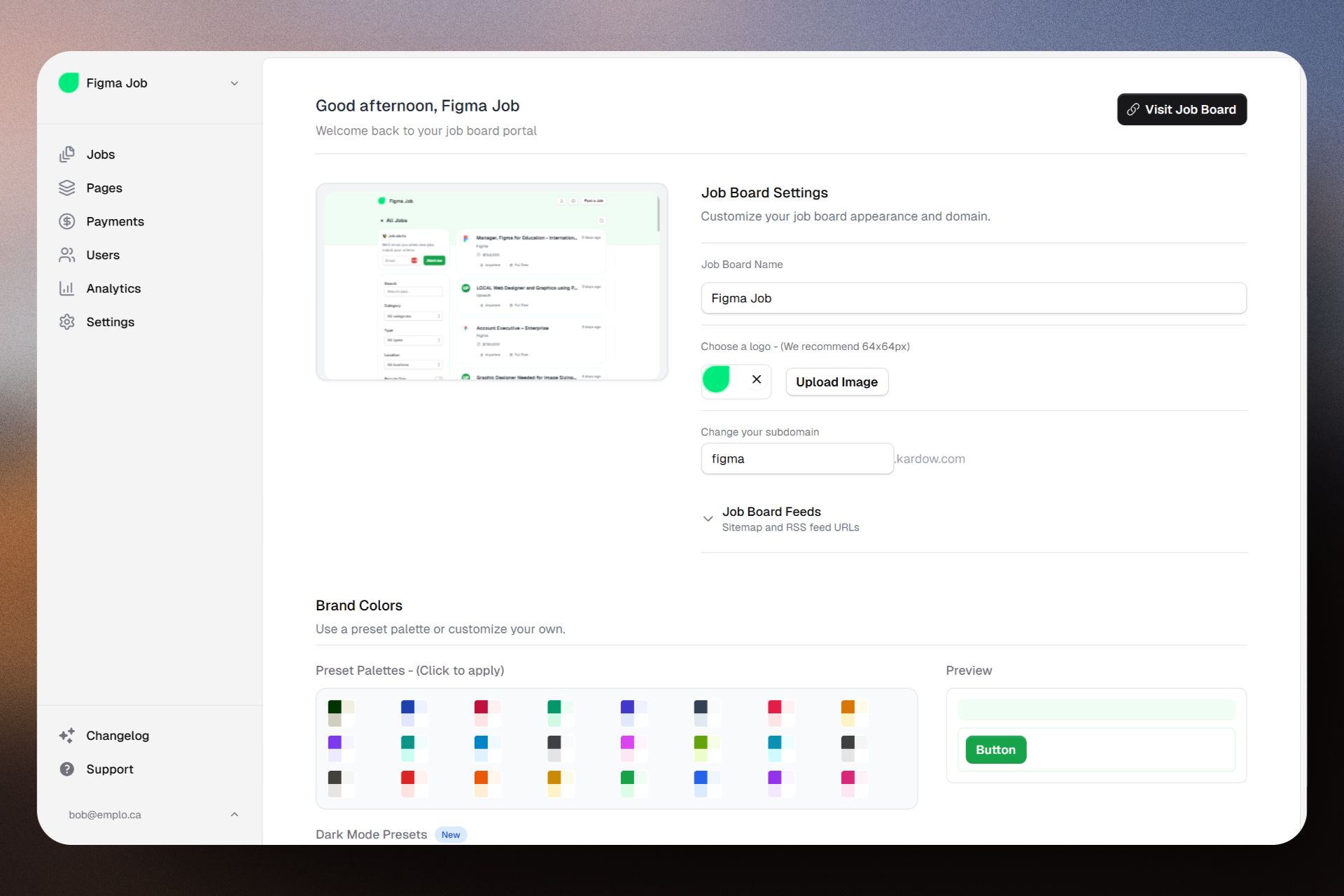
  • Logo uploads now display larger previews that fit the available space, so you can see exactly how your company logo will look.
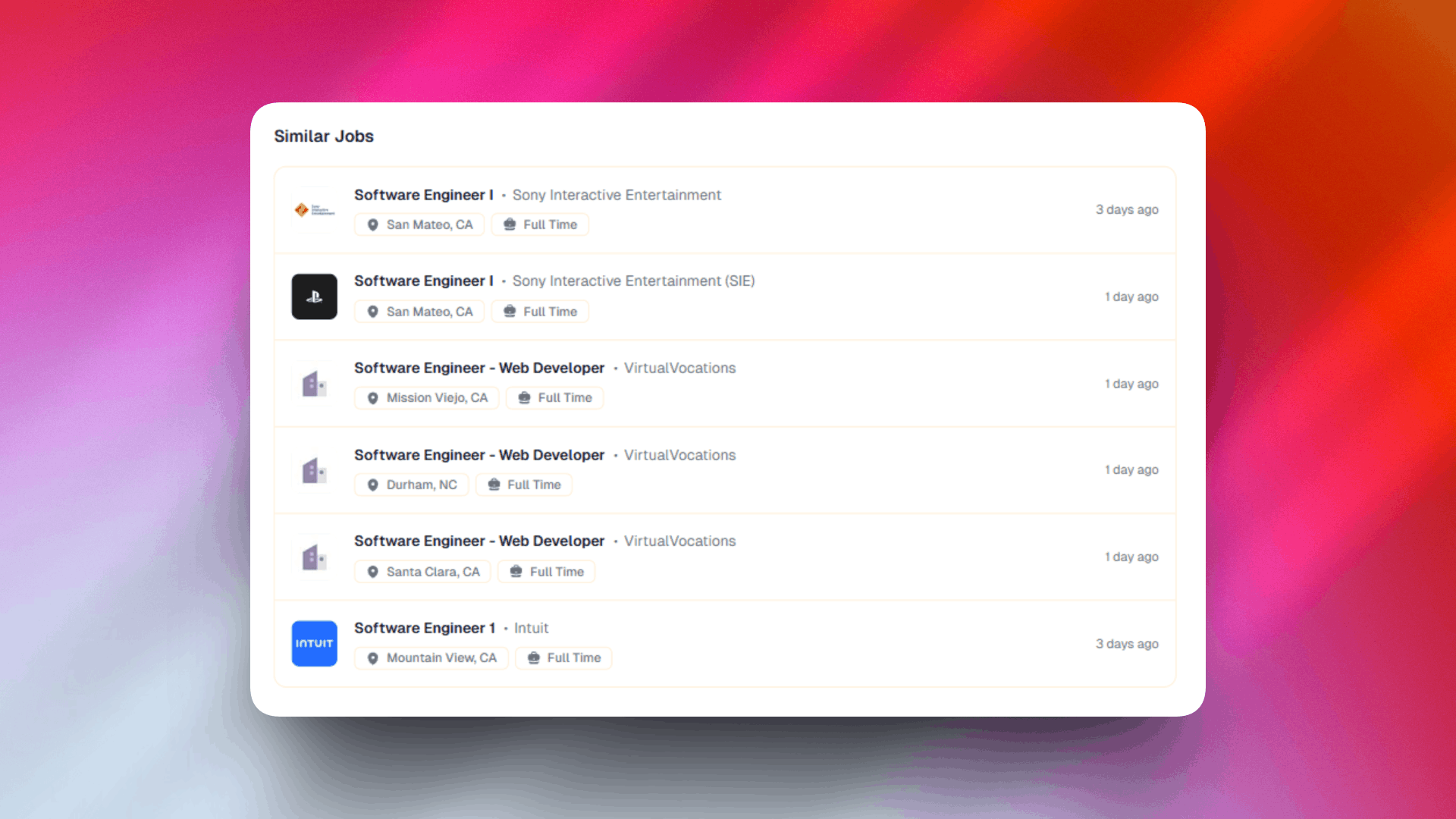
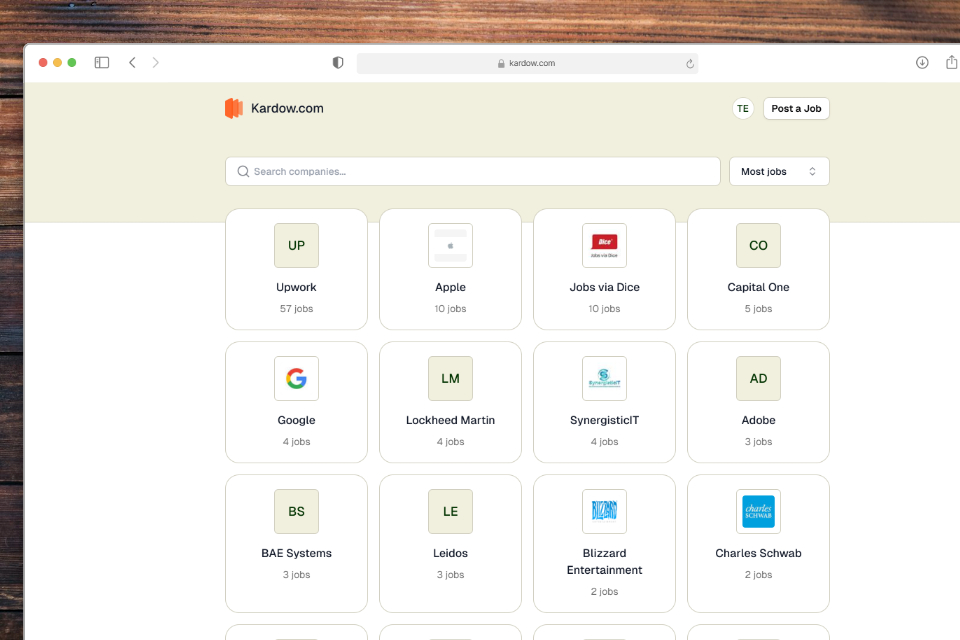
  • Company logos appear in similar jobs listings, giving visitors a quick visual reference of which companies have related positions.
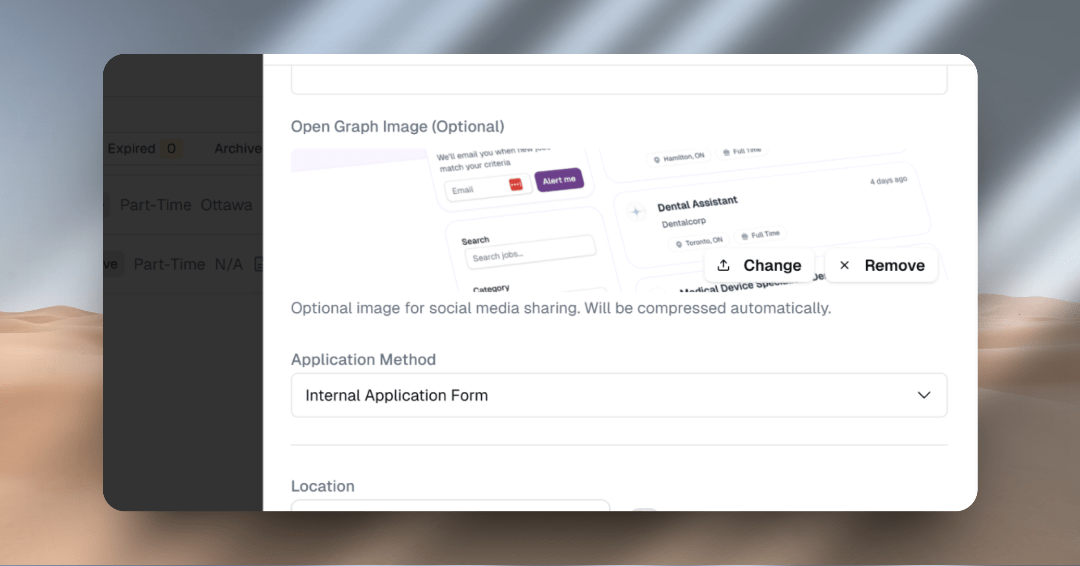
  • Social share buttons now display your custom Open Graph metadata when shared on social media, so your job posts look professional and attractive when shared.
  • Fixed a bug where expired authentication tokens would cause issues when posting new jobs, making the experience more reliable.
  • Faster job search input makes filtering and searching through your job listings snappier and more responsive.
  • Overall improvements to the job board design for a cleaner, more polished appearance.
Better Headers, Improved Job Lists, and Faster Searching
Improvement

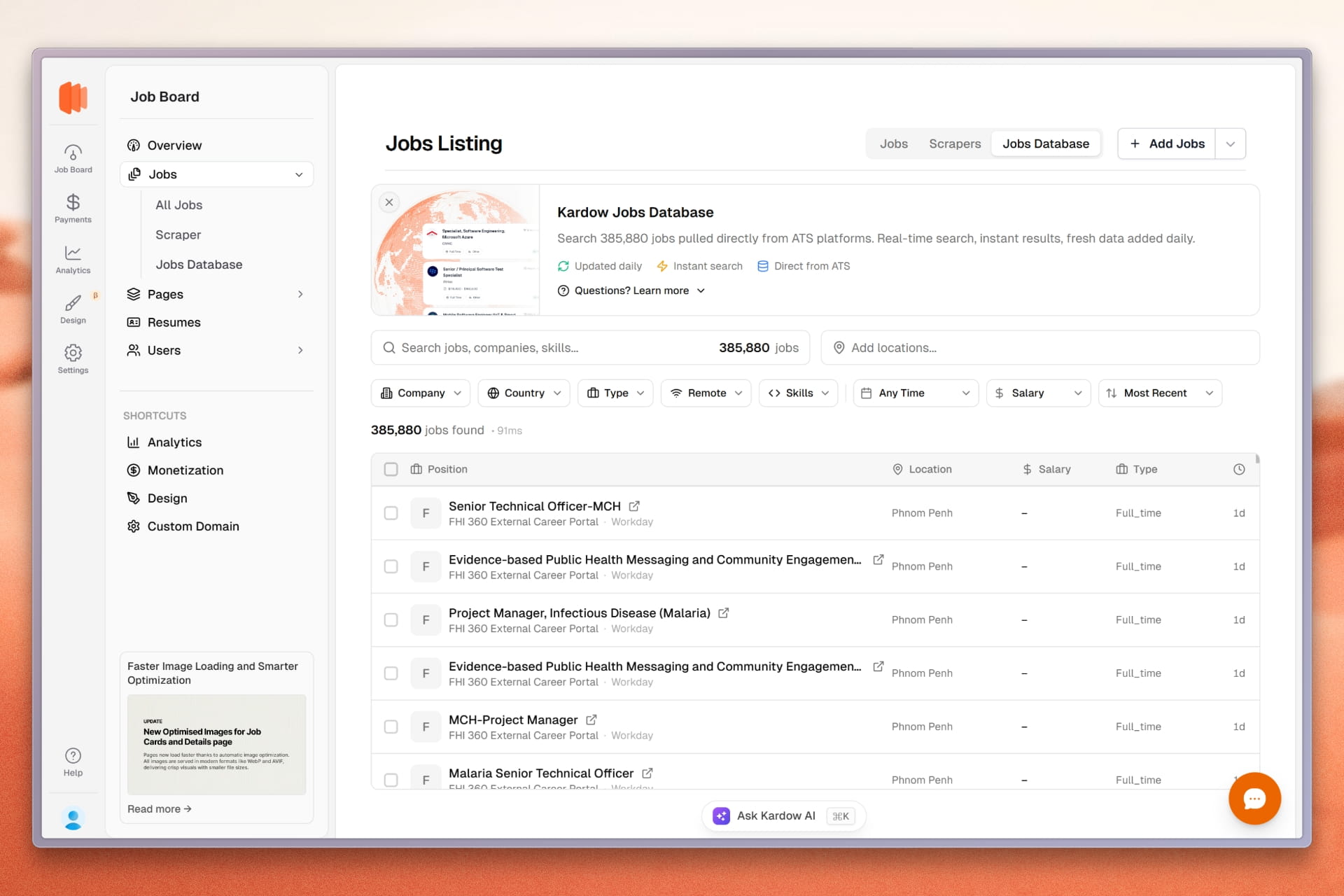
Sidebar Redesign — Easier Navigation

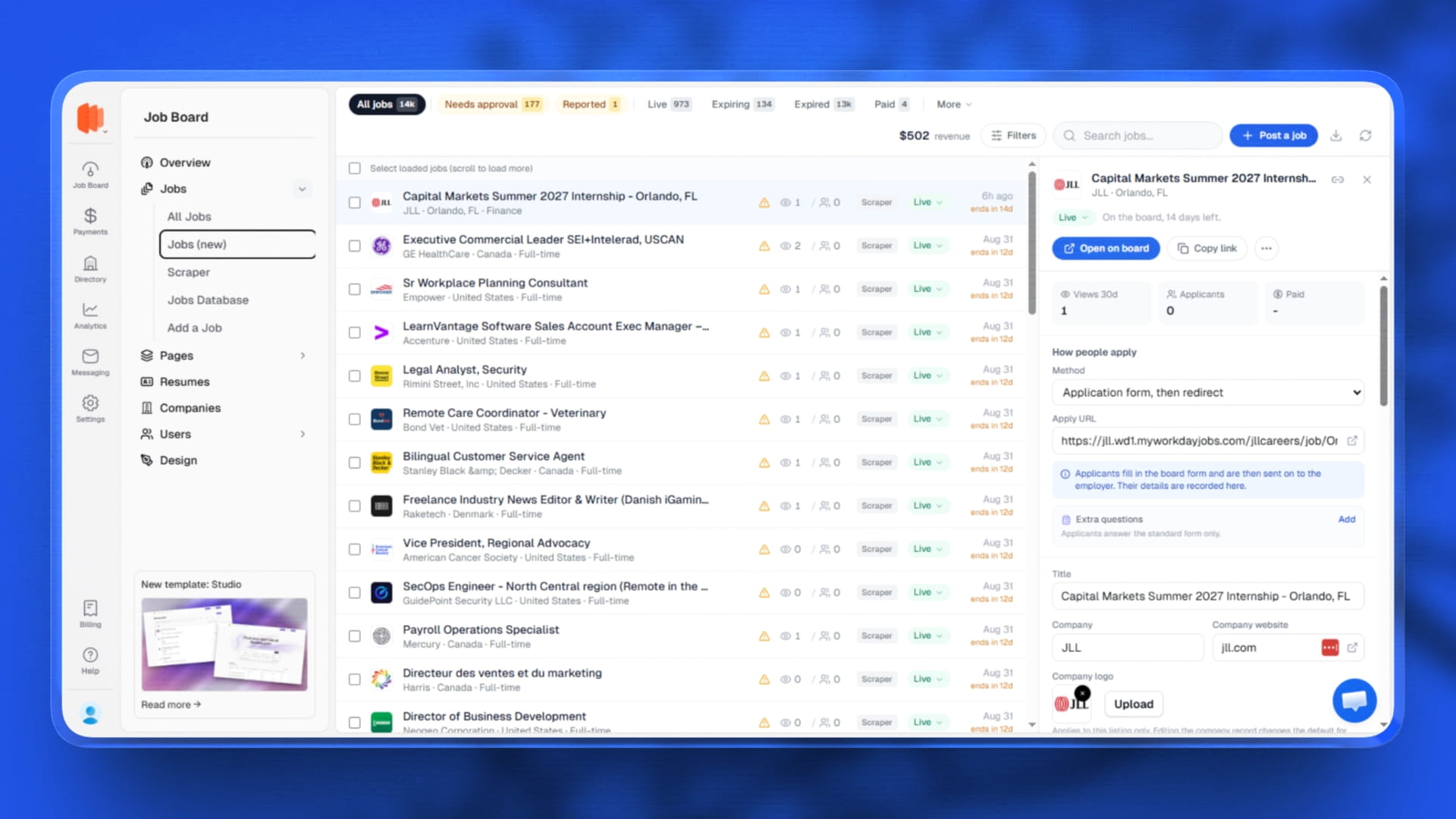
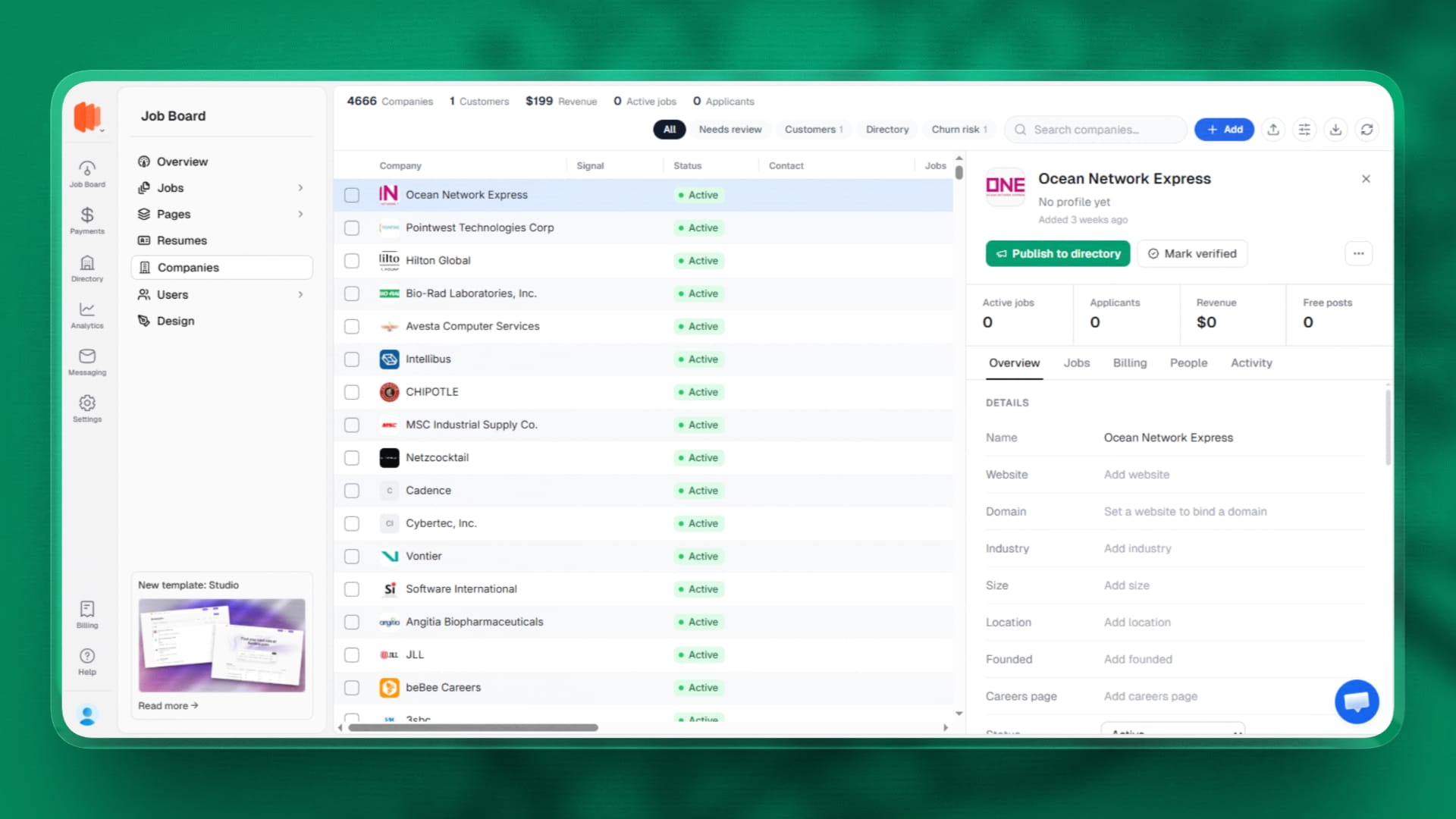
  • The sidebar has been completely reorganized to group related tools and features together, making it easier to find what you need.
  • The new icon-based navigation bar on the left groups everything into 6 main sections: Job Board, Messages, Analytics, Monetization, Design, and Settings.
  • Job Board is now the main hub where all your day-to-day work happens — jobs, pages, content, and people management.
  • Monetization consolidates all payment-related features including pricing plans, subscriptions, and paywall settings in one place.
  • Analytics now has its own dedicated section with traffic insights, job performance, applications, revenue tracking, and more.
  • Messages brings your live chat system and support conversations together for easy access.
  • Design remains your custom UI workspace for pages, themes, layouts, and components.
  • Settings contains all platform and account management options including integrations, emails, API keys, and organization settings.
  • Inside the Job Board section, quick shortcuts to other tools are included to help you transition smoothly — no existing functionality has changed.
  • This new structure scales with new features while keeping everything organized and intuitive.
Sidebar Redesign — Easier Navigation
Improvement

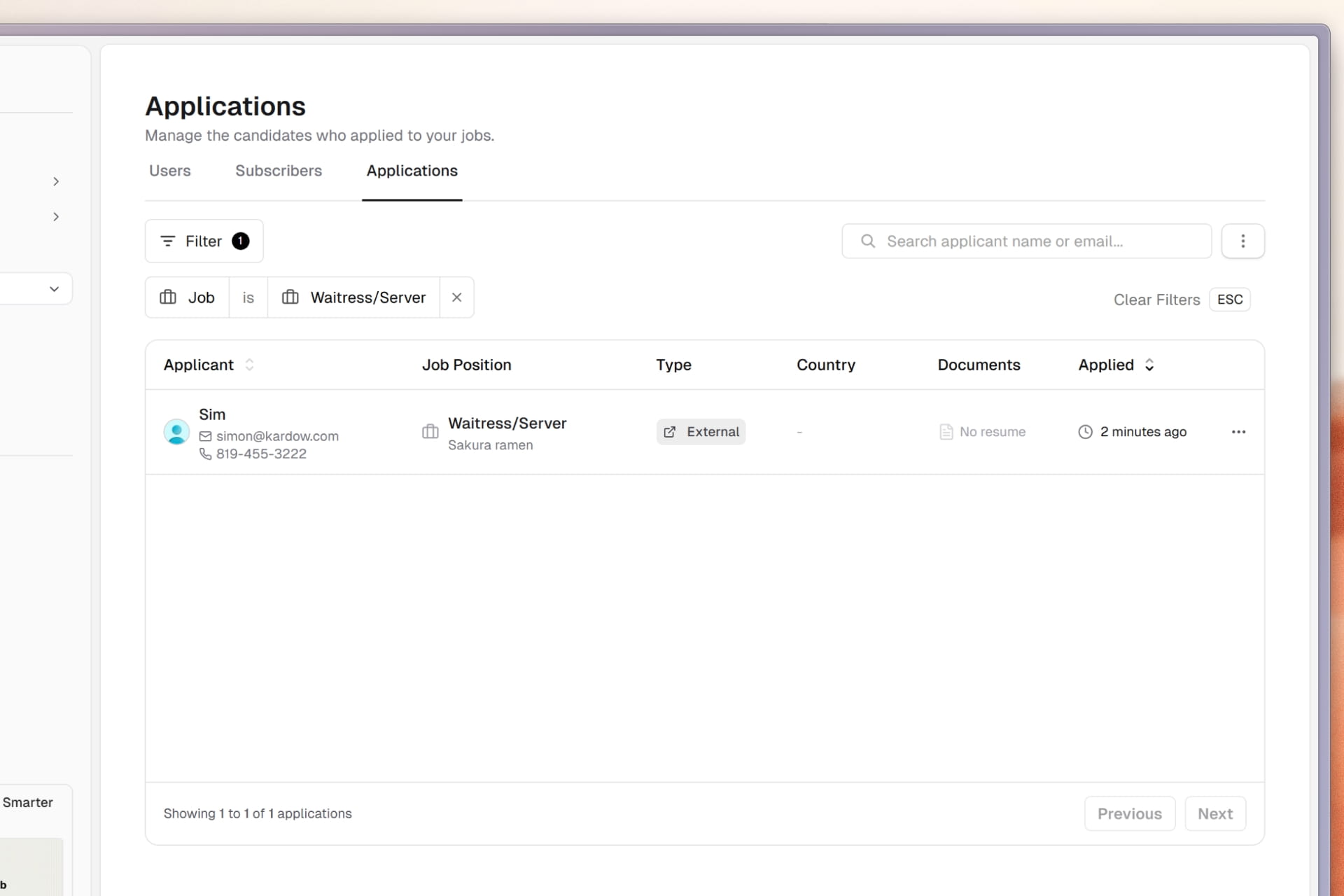
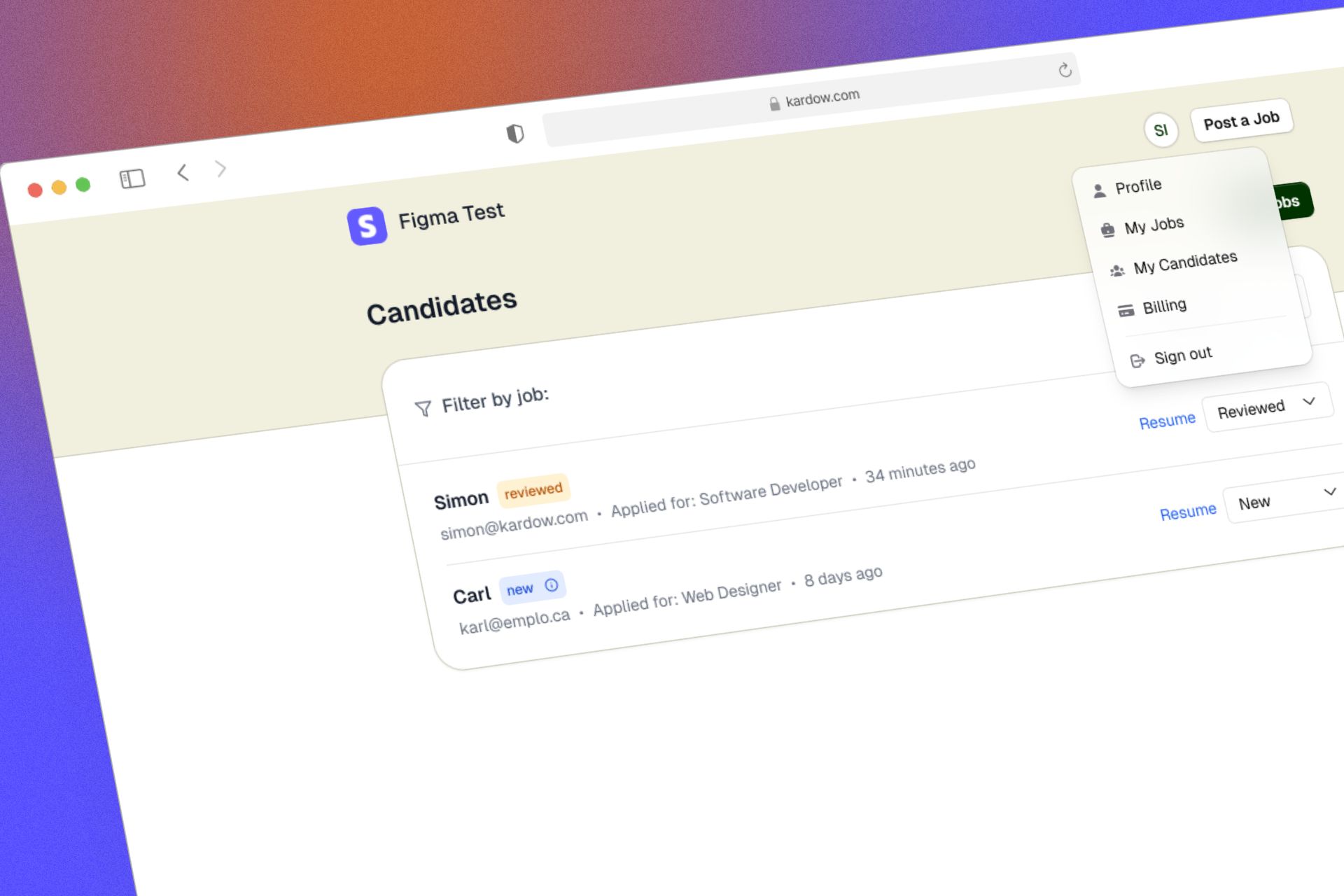
Applications Section Redesign — Better Applicant Tracking

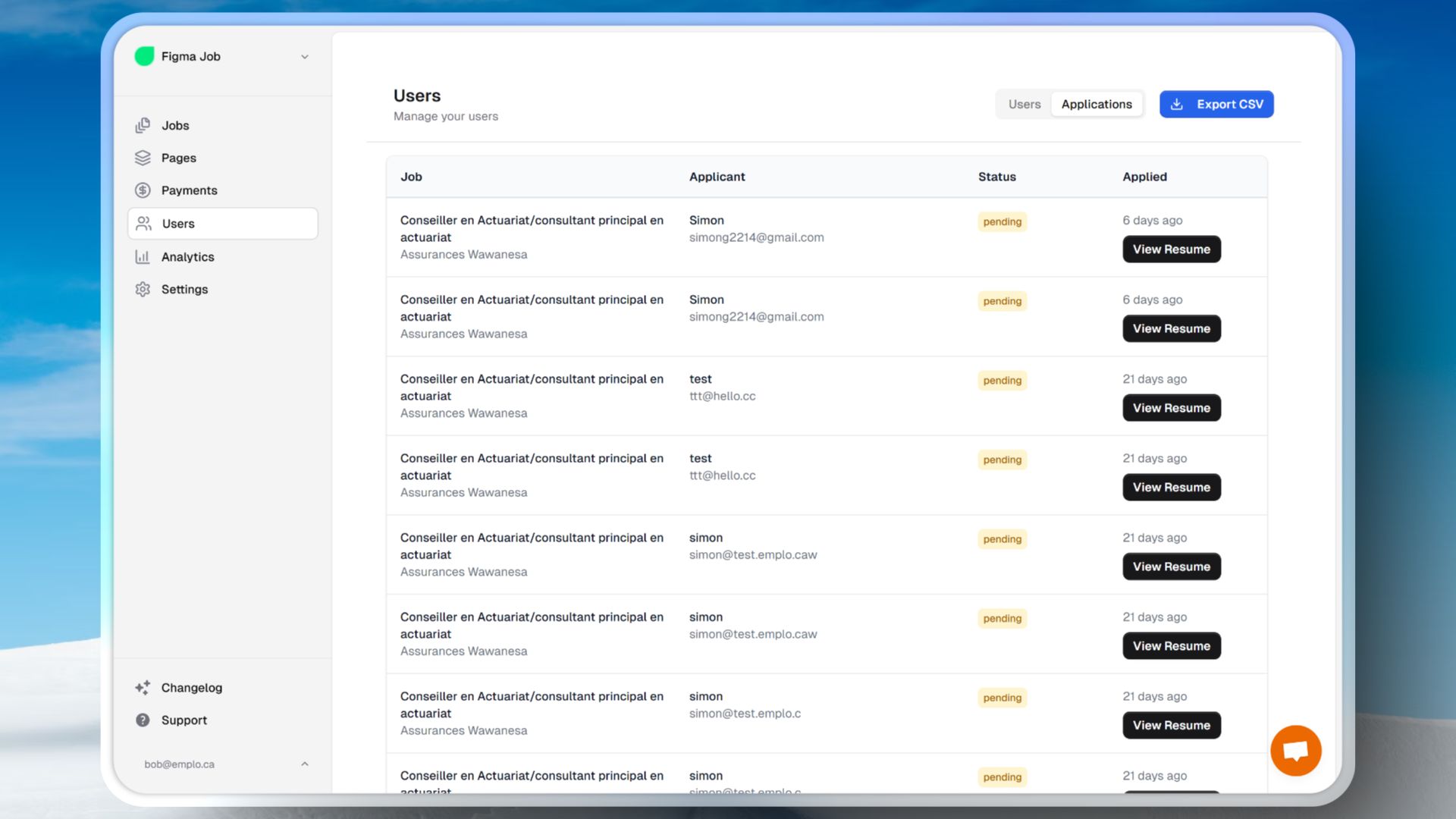
  • The Applications section has been completely modernized with a cleaner interface and powerful filtering options.
  • You can now filter applications by job, making it easy to review all applicants for specific positions at a glance.
  • A new applicants table displays all your submissions with sortable columns and advanced search capabilities.
  • Auto-redirect jobs now automatically capture visitor data including country, location, and device information when users click through, even without email addresses.
  • This means you can now track anonymous applicants and understand where your traffic is coming from geographically.
  • View detailed analytics about each applicant including their location, when they applied, and which job they applied to.
  • The improved table design makes it easier to manage large volumes of applications and spot trends in your hiring.
  • Better data collection helps you understand your applicant pool and optimize your job listings for better conversions.
Applications Section Redesign — Better Applicant Tracking
New Feature

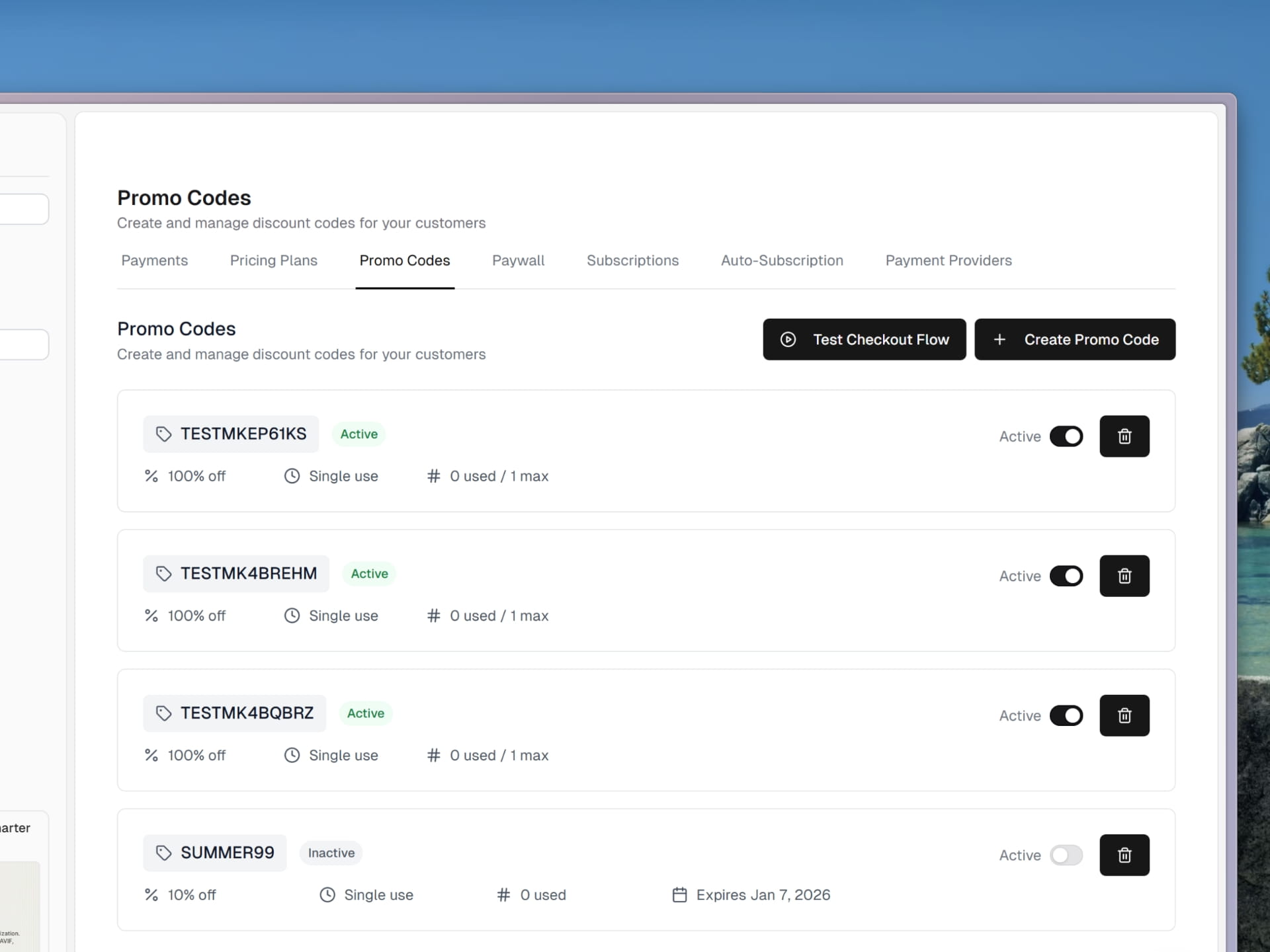
Stripe Coupon Management System

  • A brand new Coupon Management section has been added to the Payments page, allowing you to create and manage discount codes.
  • Create percentage-based or fixed-amount coupons for job postings, subscriptions, and premium features.
  • Set expiration dates, usage limits, and per-customer restrictions to control how coupons are used.
  • Coupons can be enabled or disabled at any time without deletion, making it easy to pause promotions.
  • View detailed coupon analytics including redemption counts, total discounts given, and remaining uses.
  • Search and filter your coupons by status, type, or name to quickly find what you need.
  • All coupons sync automatically with your Stripe account, ensuring consistent pricing across platforms.
  • Share coupon codes with customers to drive sales and reward loyal users.
Stripe Coupon Management System

2025

December

Improvement

Faster Image Loading and Smarter Optimization

  • Images across the job board are now served in the best possible format for each user, including modern formats like WebP and AVIF when supported.
  • Company logos are automatically resized and optimized for job cards, job detail pages, and the site header to reduce load time and improve visual clarity.
  • Pages now load faster thanks to a new global image caching layer, ensuring images are delivered quickly no matter where your visitors are located.
  • Job pages also benefit from improved caching, resulting in snappier navigation and faster repeat visits.
  • The logo loading experience has been refined so the letter-based avatar placeholder no longer flashes while images load, creating a cleaner and more polished user experience.
Faster Image Loading and Smarter Optimization
New Feature

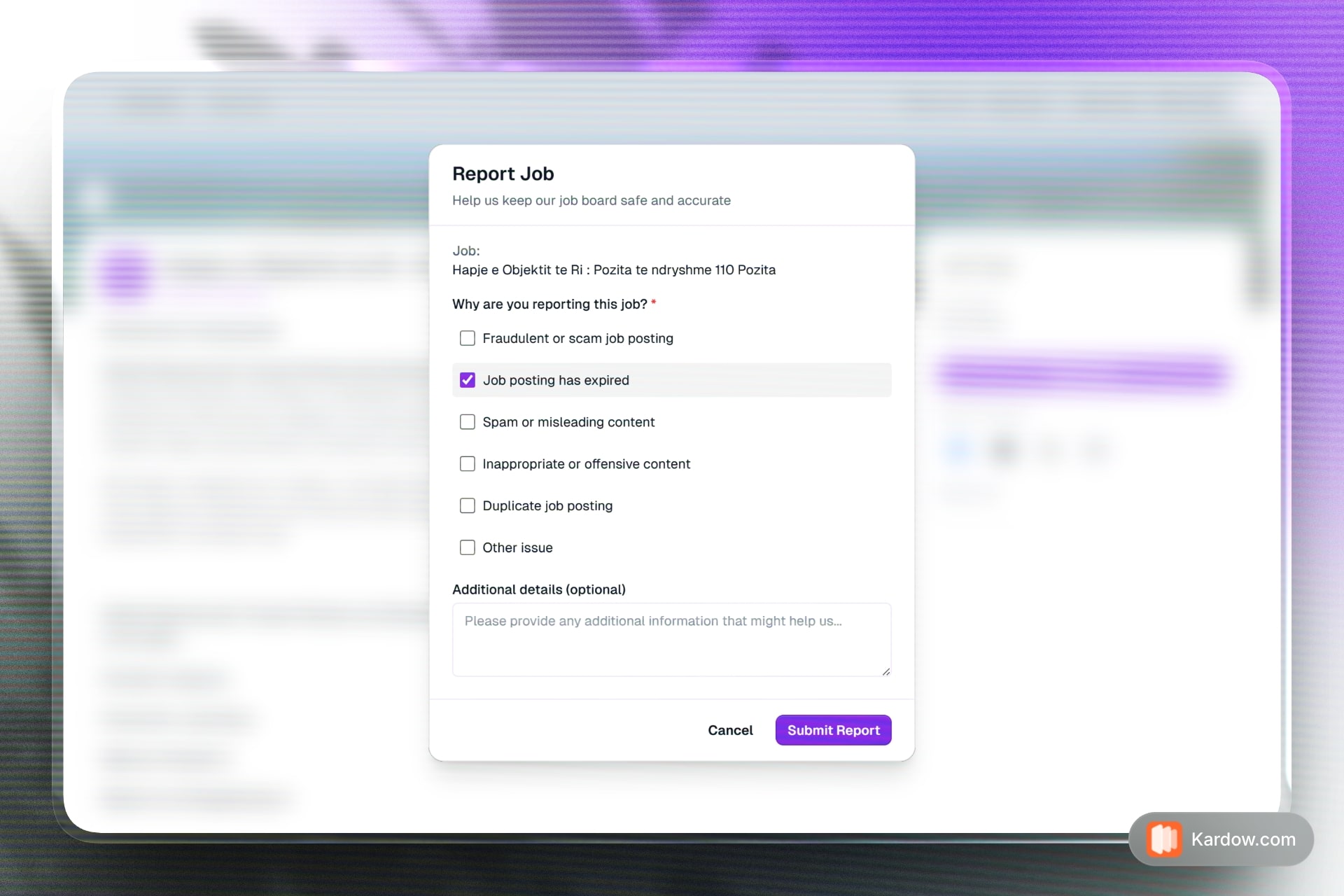
New Job Reporting Form

  • Full translation support has been added for job reporting, expired job pages, and social sharing across all supported languages (English, French, Spanish, and Albanian).
  • A new Report Job link is now available on every job posting, making it easy for visitors to flag fraudulent, expired, or inappropriate listings.
  • The report modal now fully adapts to your board's theme and colors, including dark mode support.
  • If a job is reported, a new alert badge will appear in your dashboard to notify you and allow you to view the reports.
  • Social sharing buttons now display translated labels and work seamlessly in both light and dark themes.
  • Expired job pages now show properly translated content including job alerts and support contact options.
  • Footer location links now support a minimum job count filter, allowing you to control which locations appear based on the number of active jobs.
New Job Reporting Form

November

Improvement

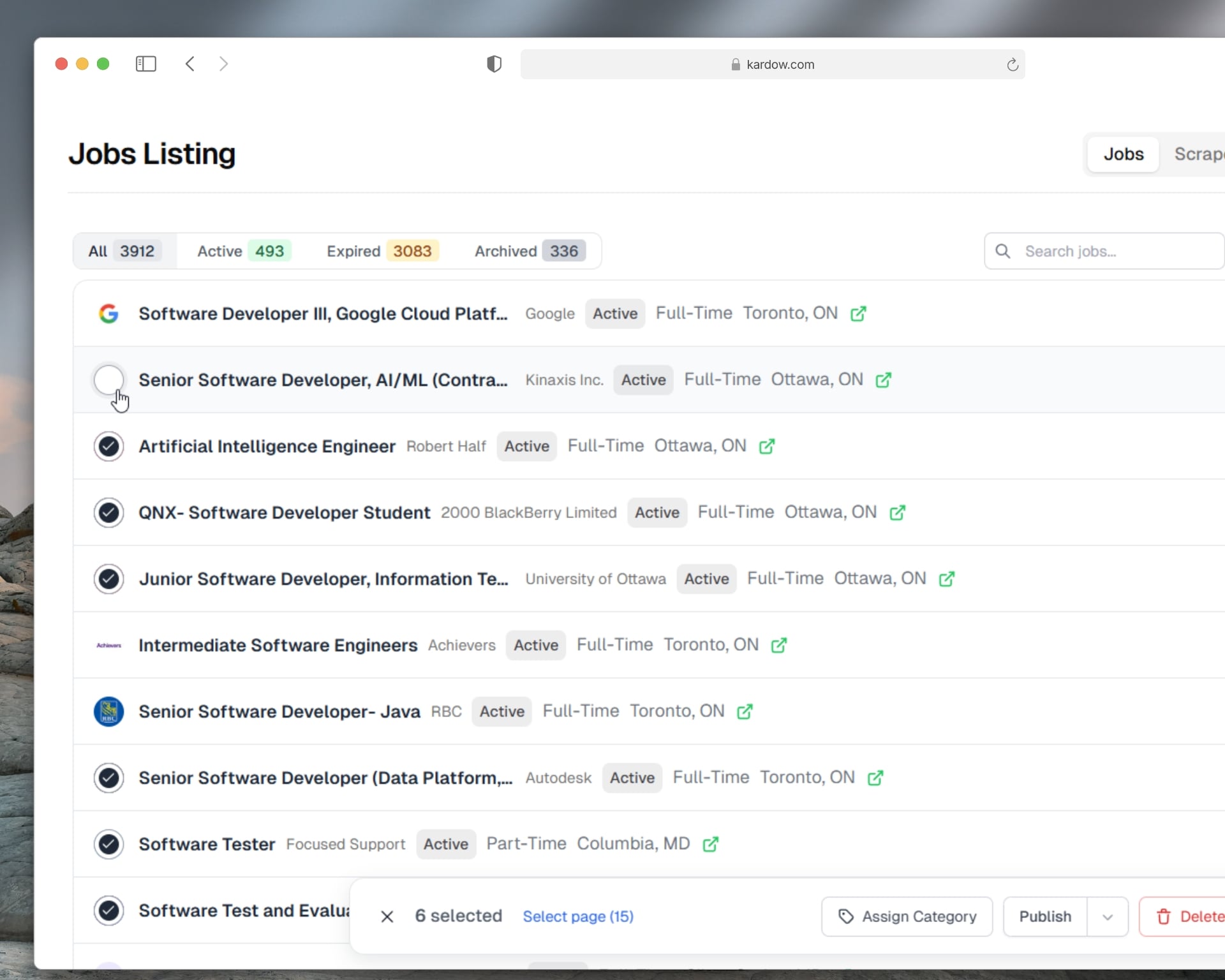
Improved Subscribers Table and New Management Tools

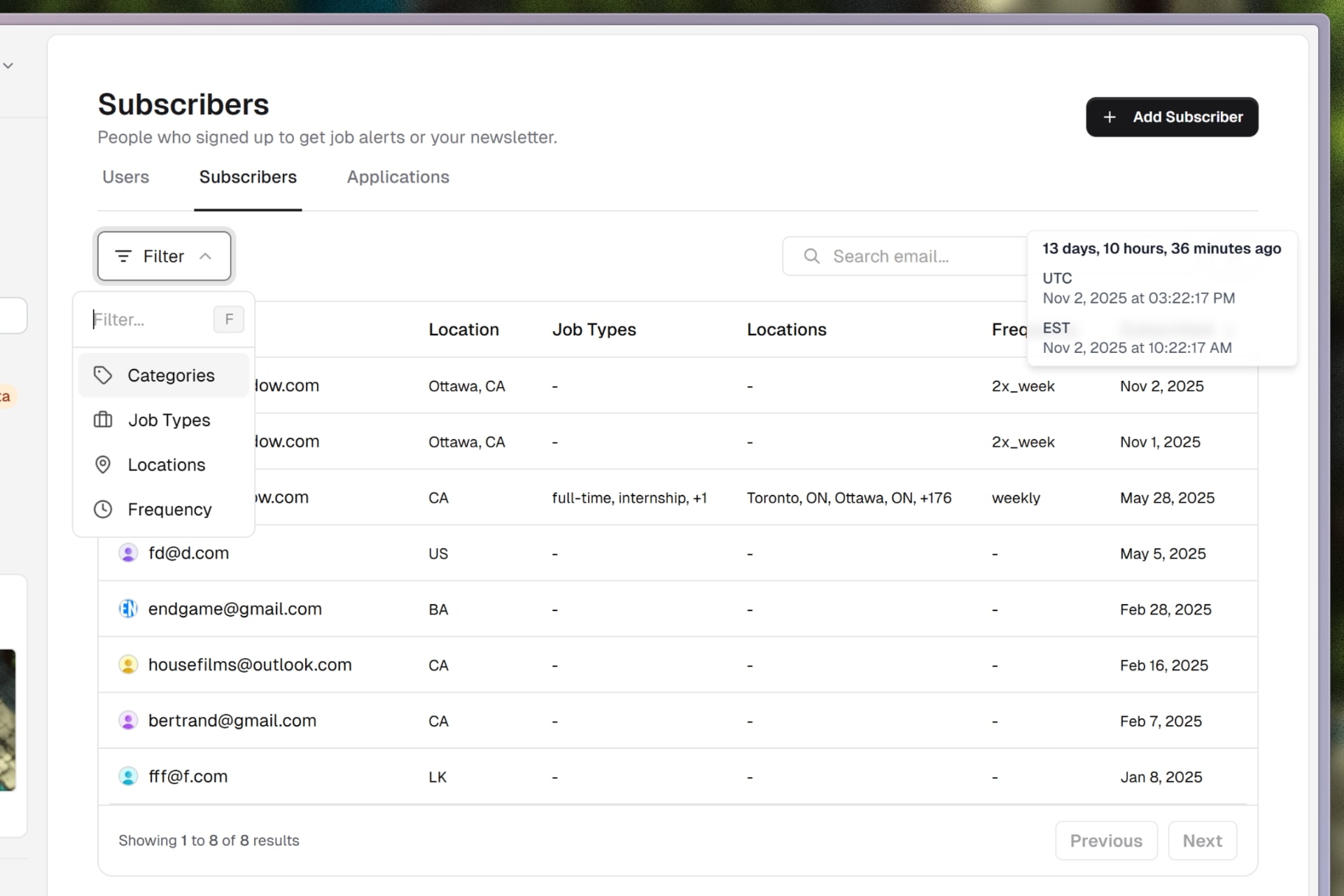
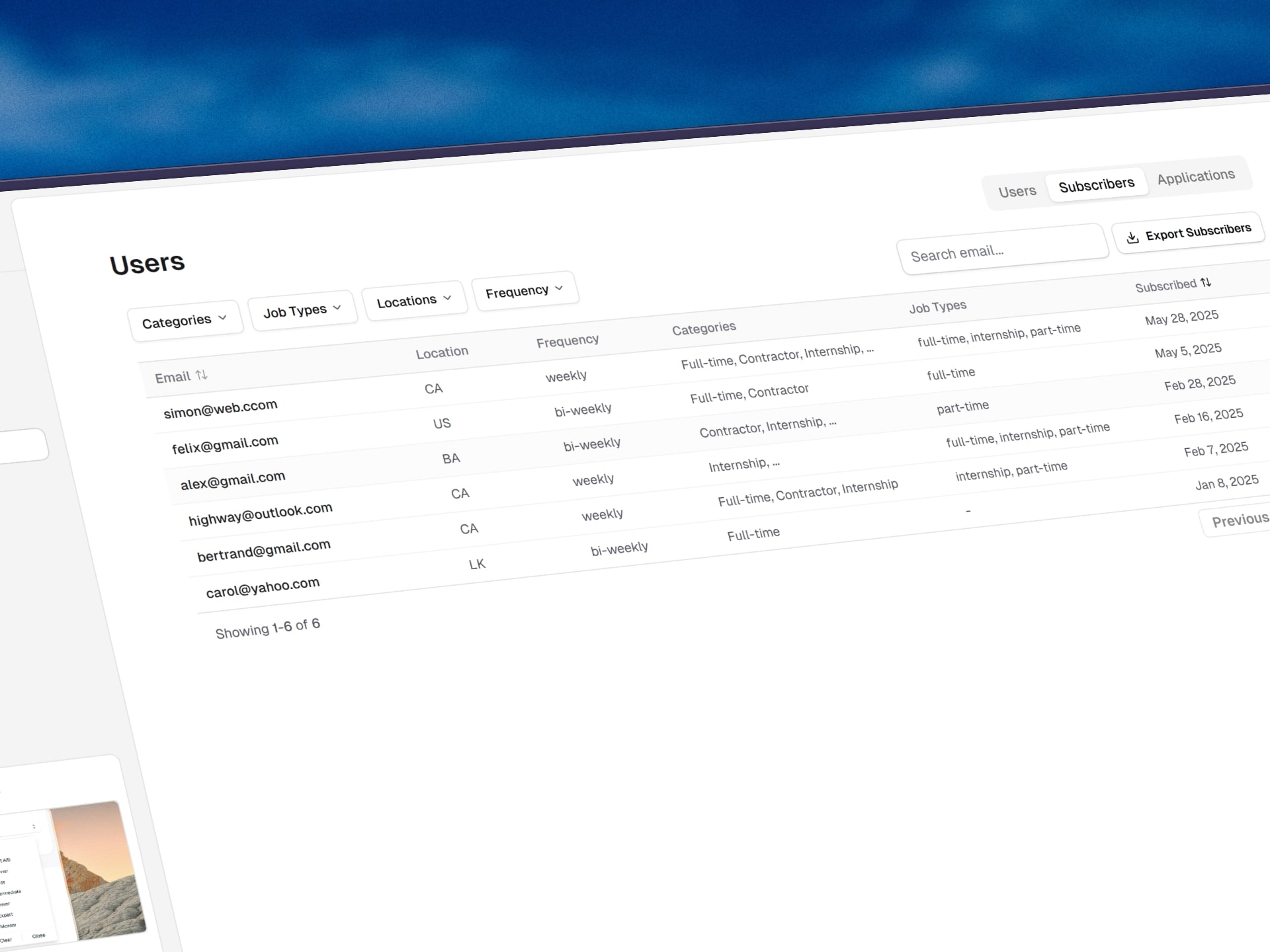
The subscribers table has been fully revamped with a cleaner interface and improved filtering options similar to the updated users table.

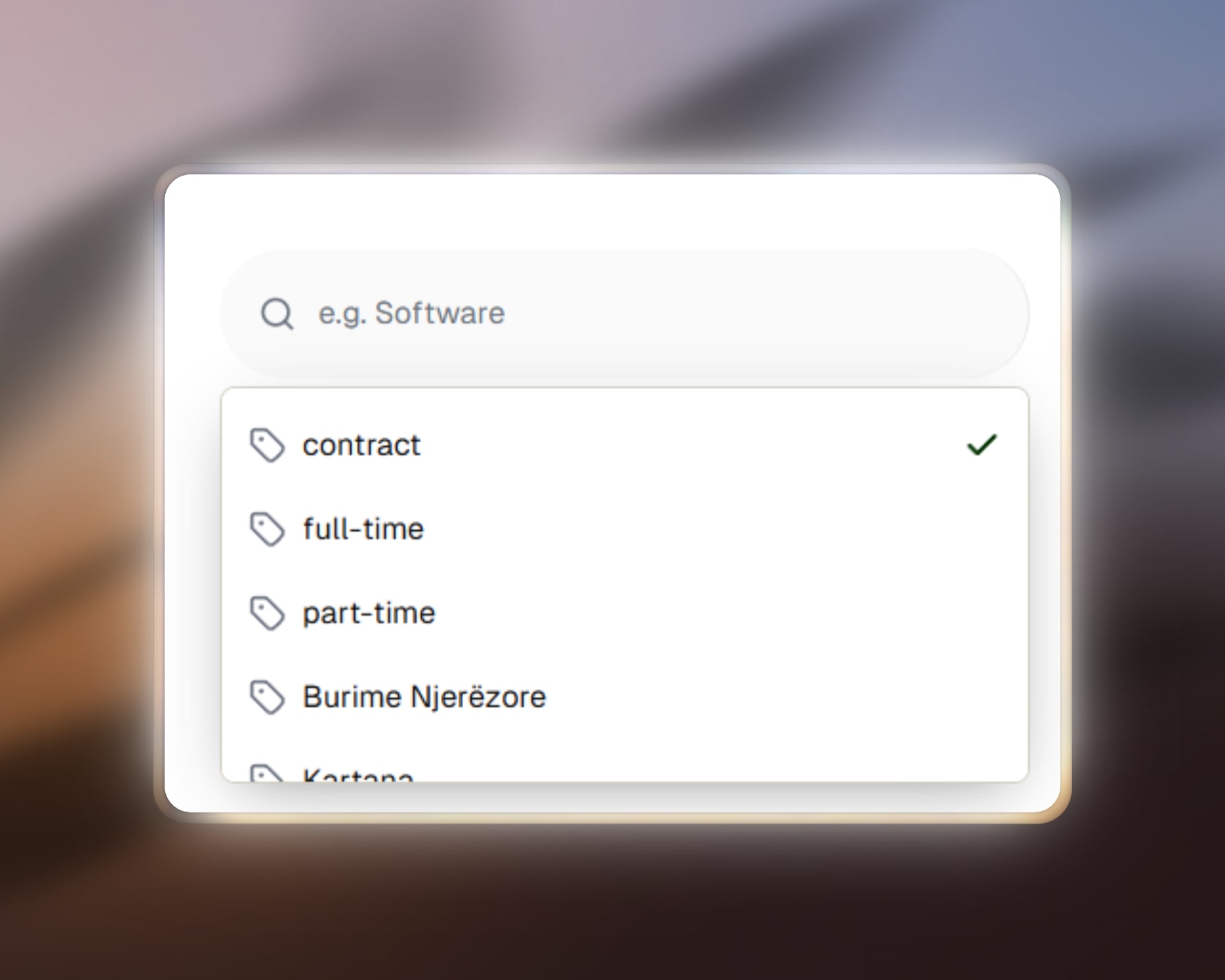
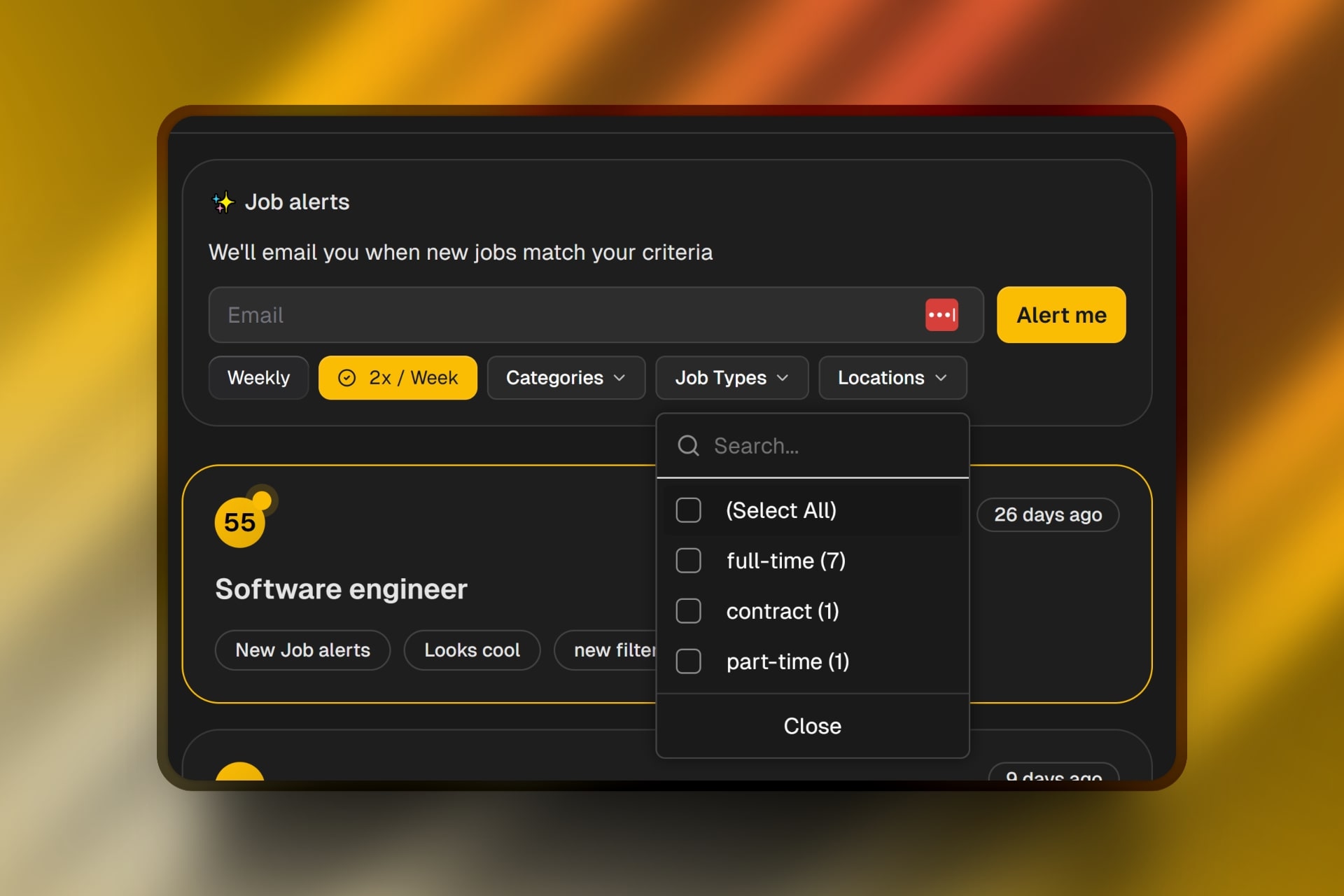
Advanced filters are now available, including categories, job types, locations, and frequency, making it easier to segment and understand your subscribers.

Fallback avatars and Gravatar images are now automatically pulled when available.

A new relative time tooltip has been added, showing how long ago a subscriber joined. The tooltip also displays the formatted date in UTC and automatically converts it to your local timezone.

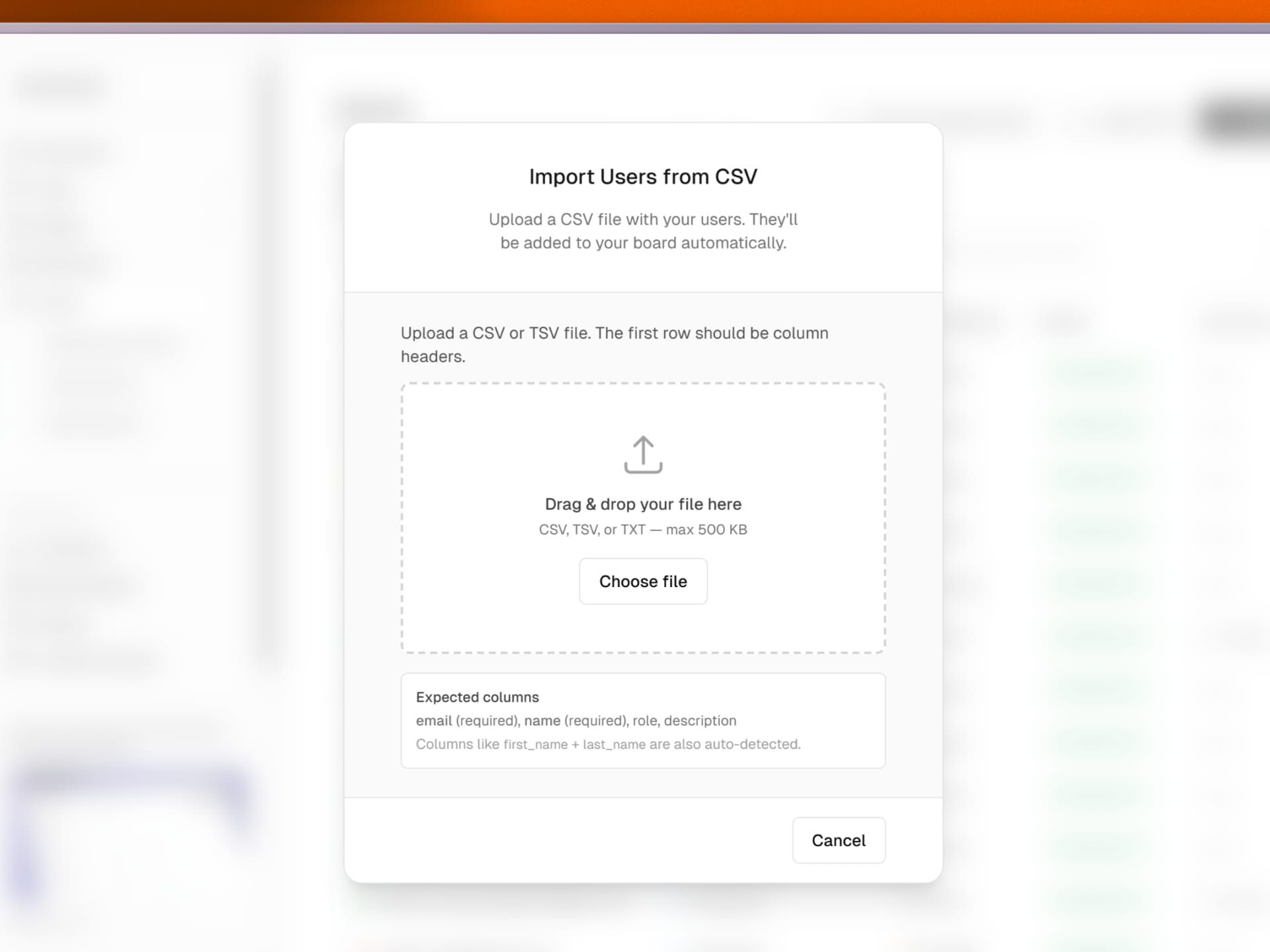
You can now manually add new subscribers directly from the dashboard with the new subscriber form.

Subscriber preferences such as selected locations, job types, and frequency are now visible inside the table for better insight.

Subscriber location data is now displayed when available.

Search has been improved for faster and more accurate email lookups.

An export to CSV option has been added under the three dots menu, allowing you to download your subscriber list at any time.

Improved Subscribers Table and New Management Tools
Improvement

Analytics Accuracy and Filter Improvements

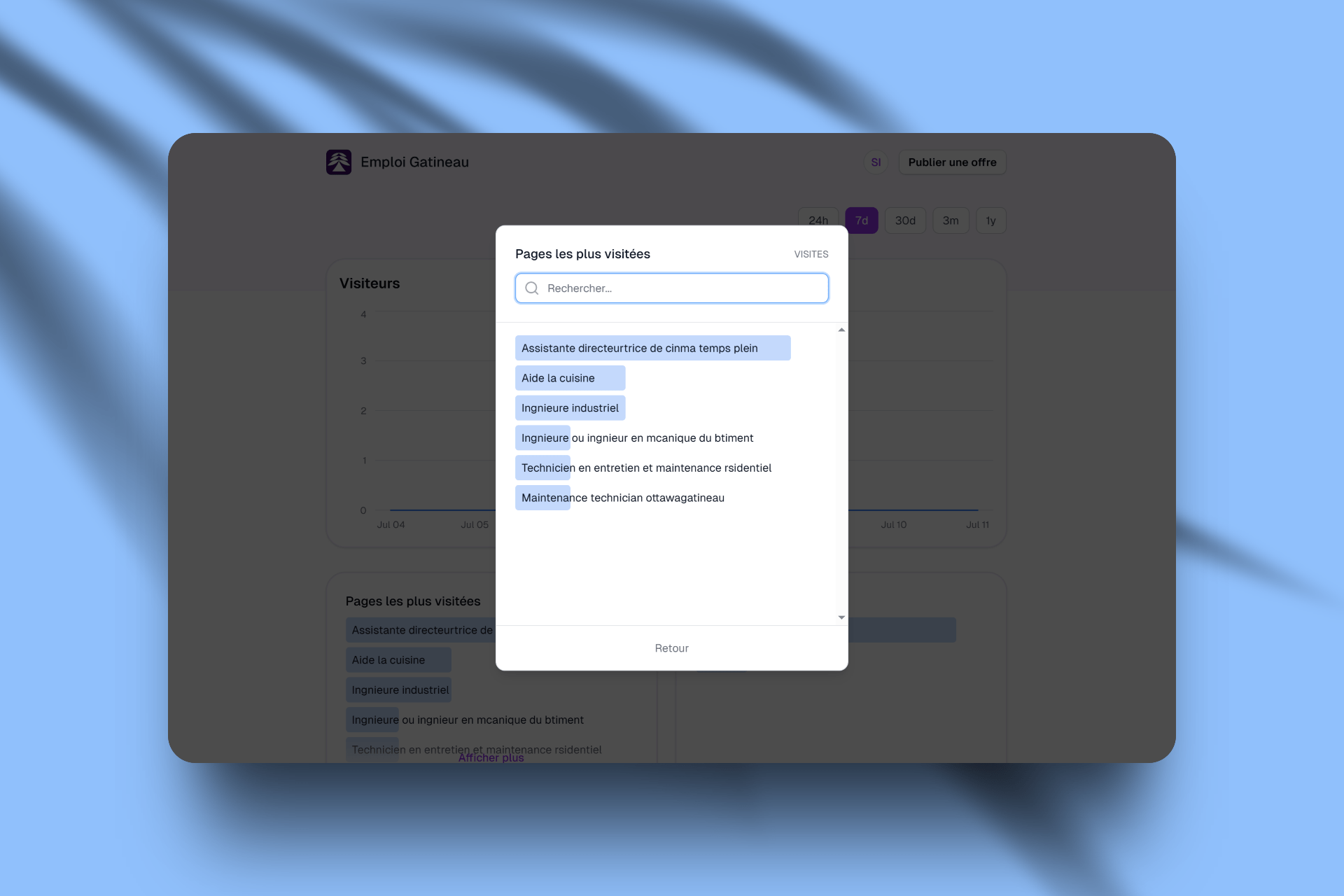
Analytics have been updated to improve accuracy and usability across the dashboard.

A bug was fixed where the country data was not displayed correctly and defaulted to the United States. Countries now display accurately for all visitors.

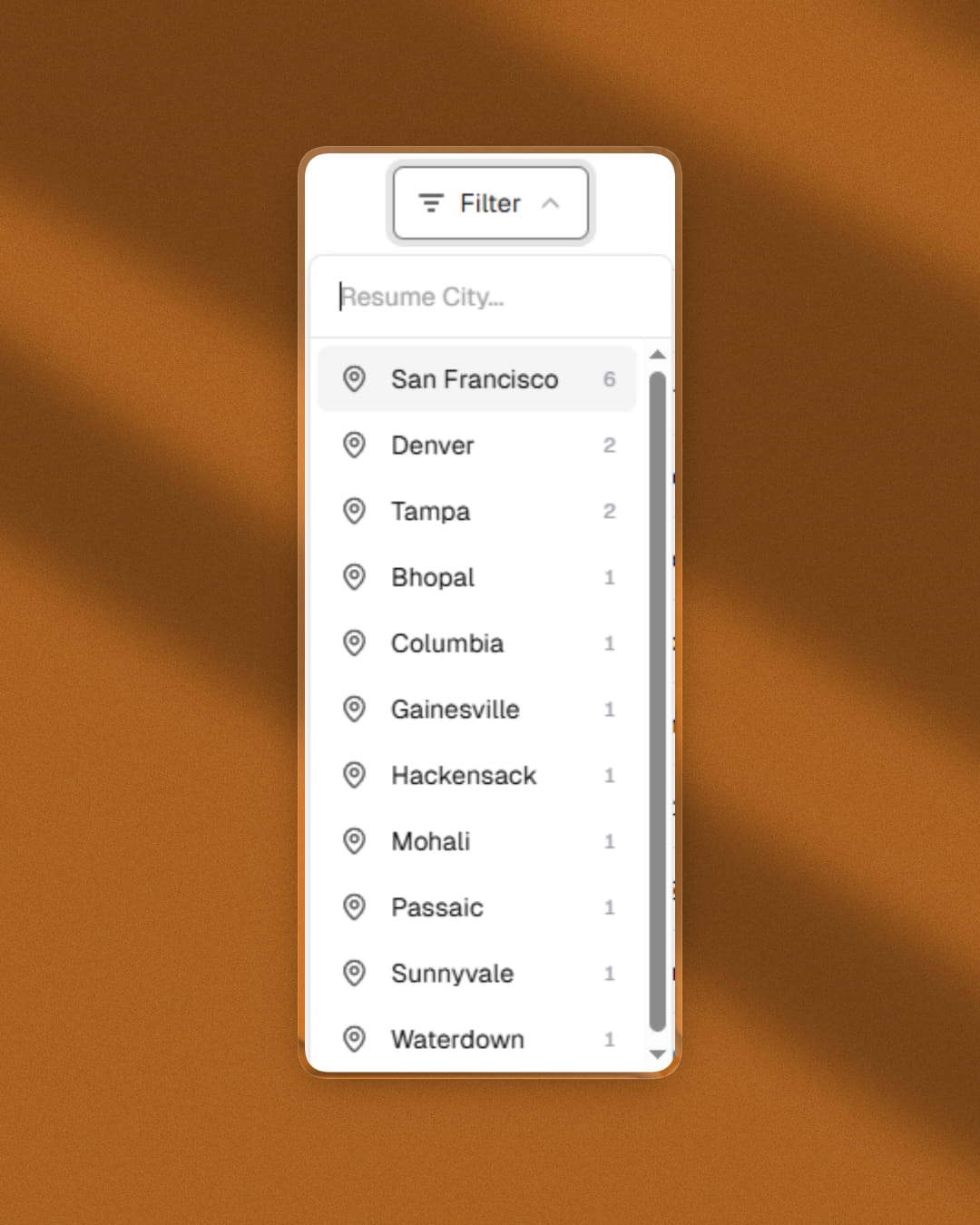
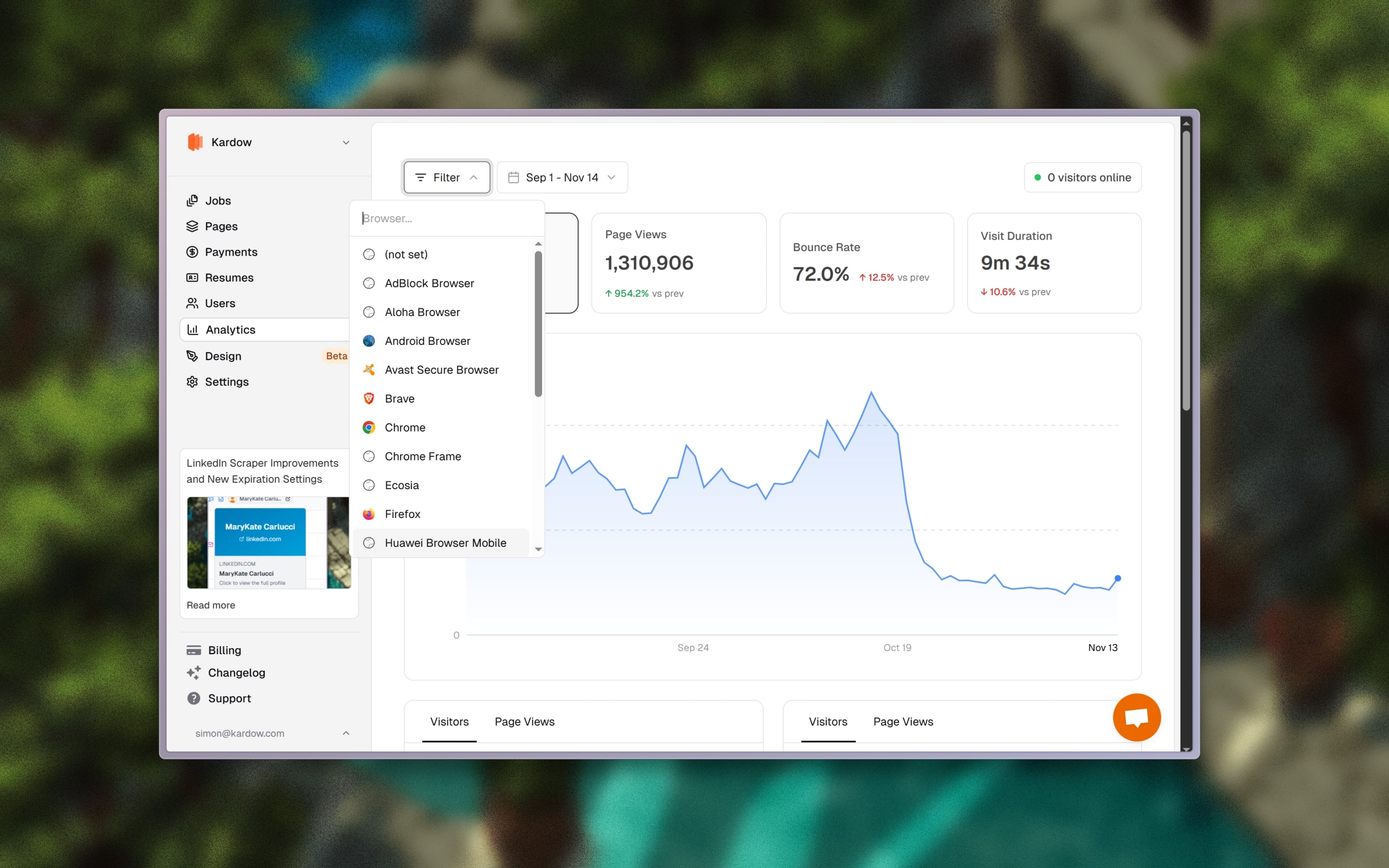
Filters now include page favicons, full country names, logo fallbacks, and device icons for a clearer understanding of traffic sources and user details.

Very long filter lists now support scrolling with a maximum height for better navigation.

A new data comparison feature has been added, allowing you to compare metrics between two periods and view percentage changes in green or red depending on performance.

Filters have been improved to show all active filters directly inside the analytics panel, making it easier to adjust or refine data views.

Active filters can now be clicked and modified directly from the interface without clearing and reapplying them.

Analytics Accuracy and Filter Improvements
Improvement

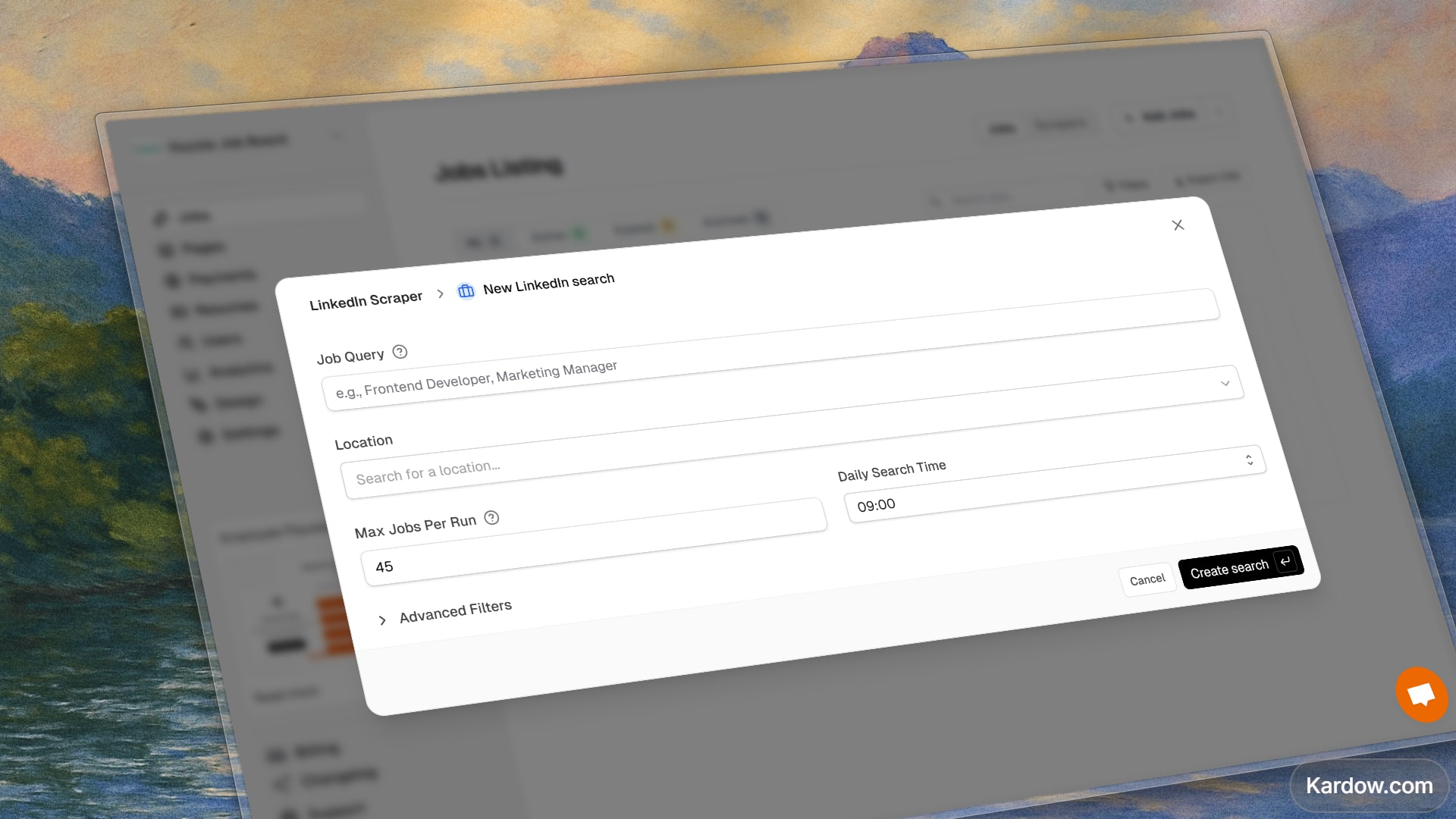
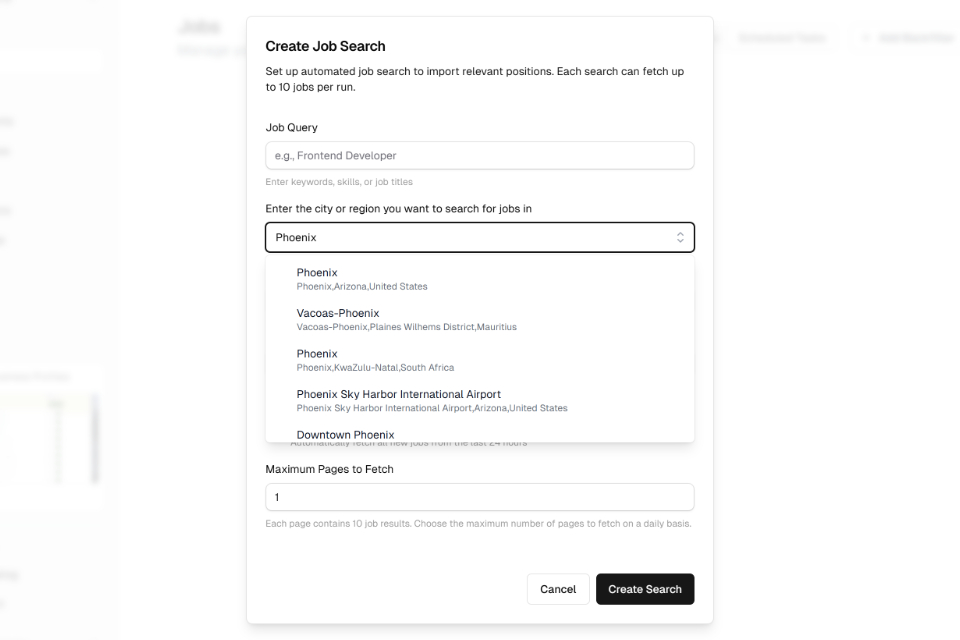
LinkedIn Scraper Improvements and New Expiration Settings

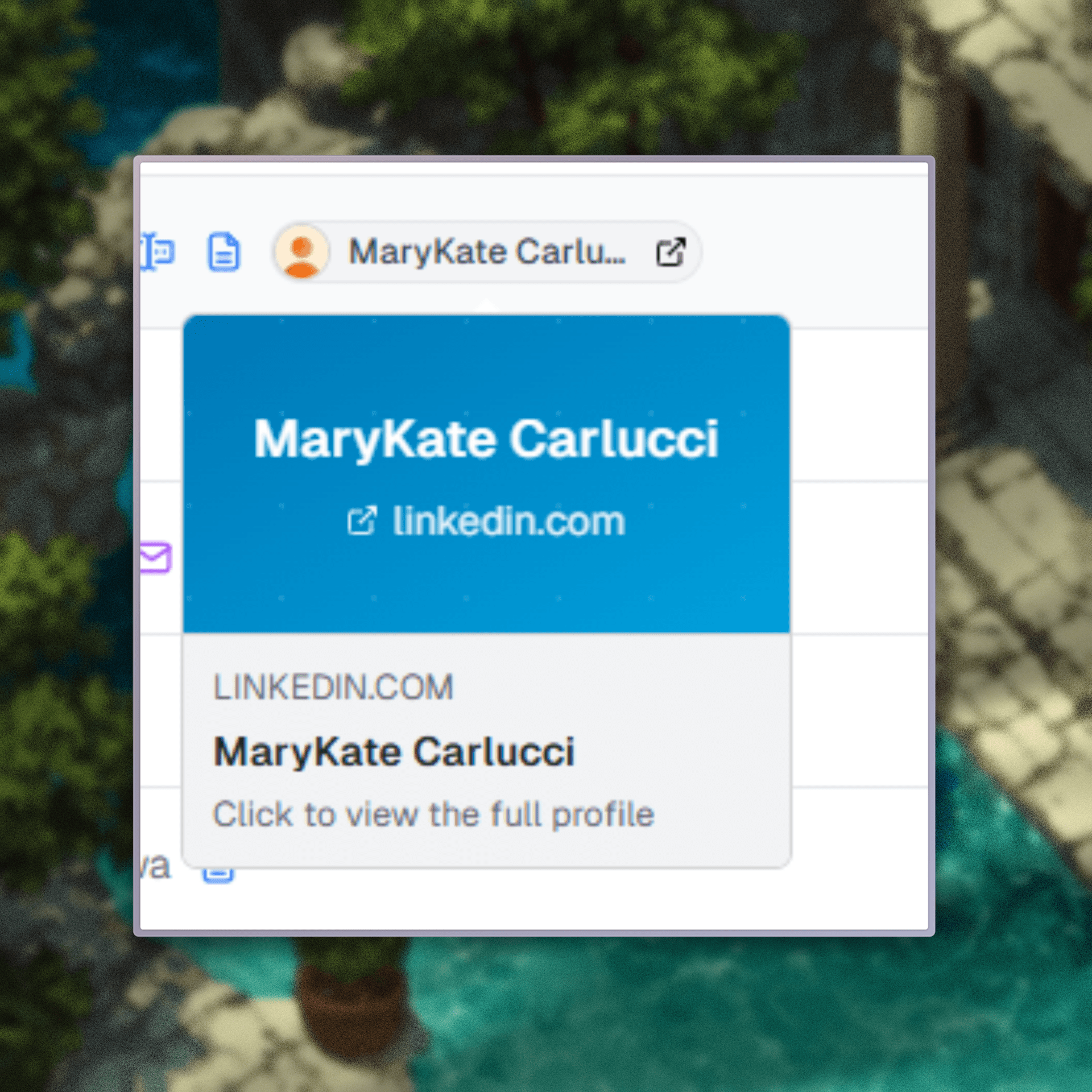
The LinkedIn scraper has been updated with new data and improved reliability. Recruiter contact information and their LinkedIn profiles are now returned when available, making it easier to reach out to potential customers or contacts.

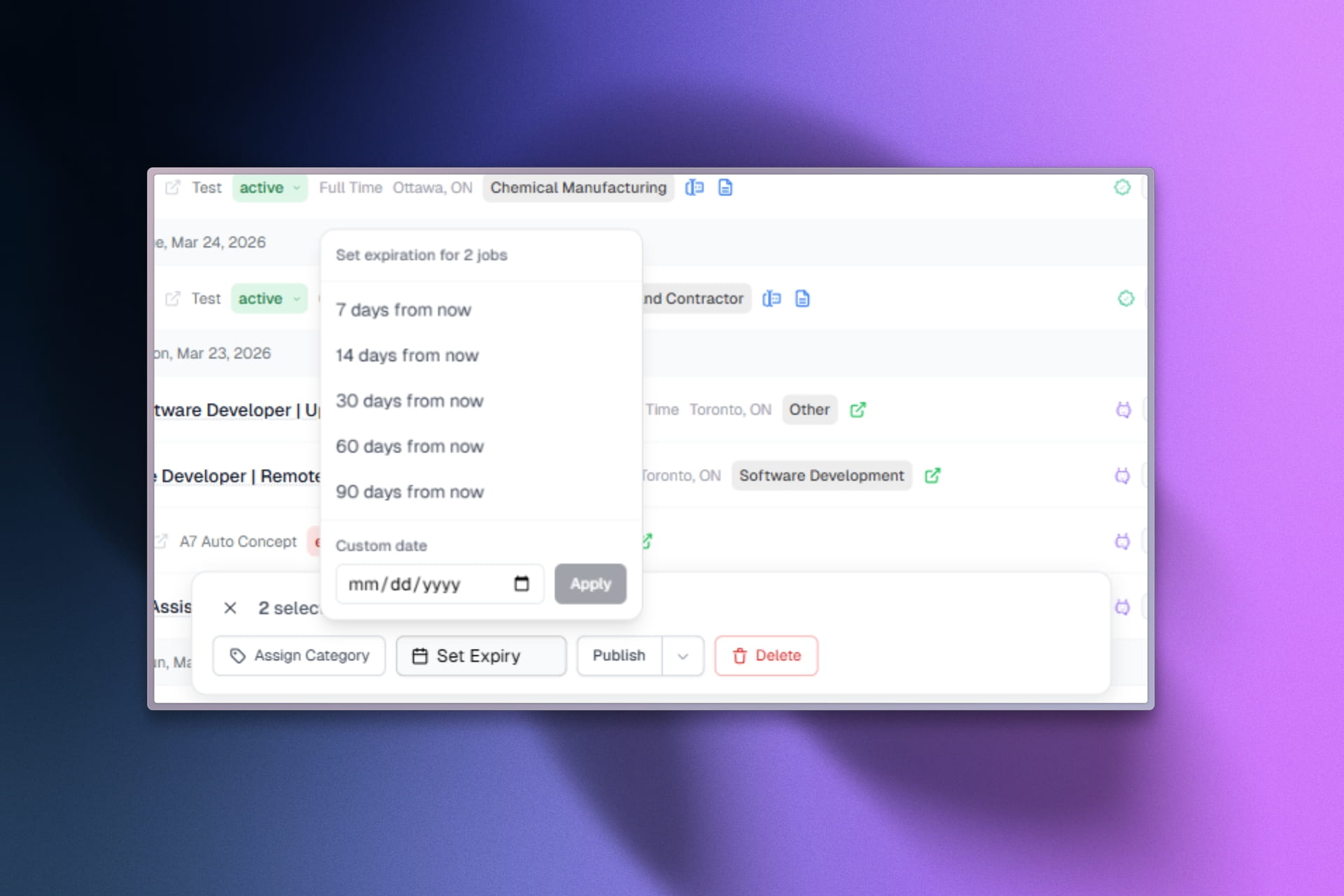
Scraper settings now include a new option to define how long jobs should stay active on your site before expiring. You can choose a custom number of days or mark jobs as never expiring.

Jobs missing company images will now automatically receive a fallback image. When a company logo is missing, the system performs an image search to retrieve a suitable logo.

Retry logic has been improved so the scraper will try again when no results are returned, increasing overall reliability.

A new force results option allows the system to bypass duplicates and continue searching across more job pages until it reaches the targeted number of jobs you requested.

LinkedIn Scraper Improvements and New Expiration Settings
Improvement

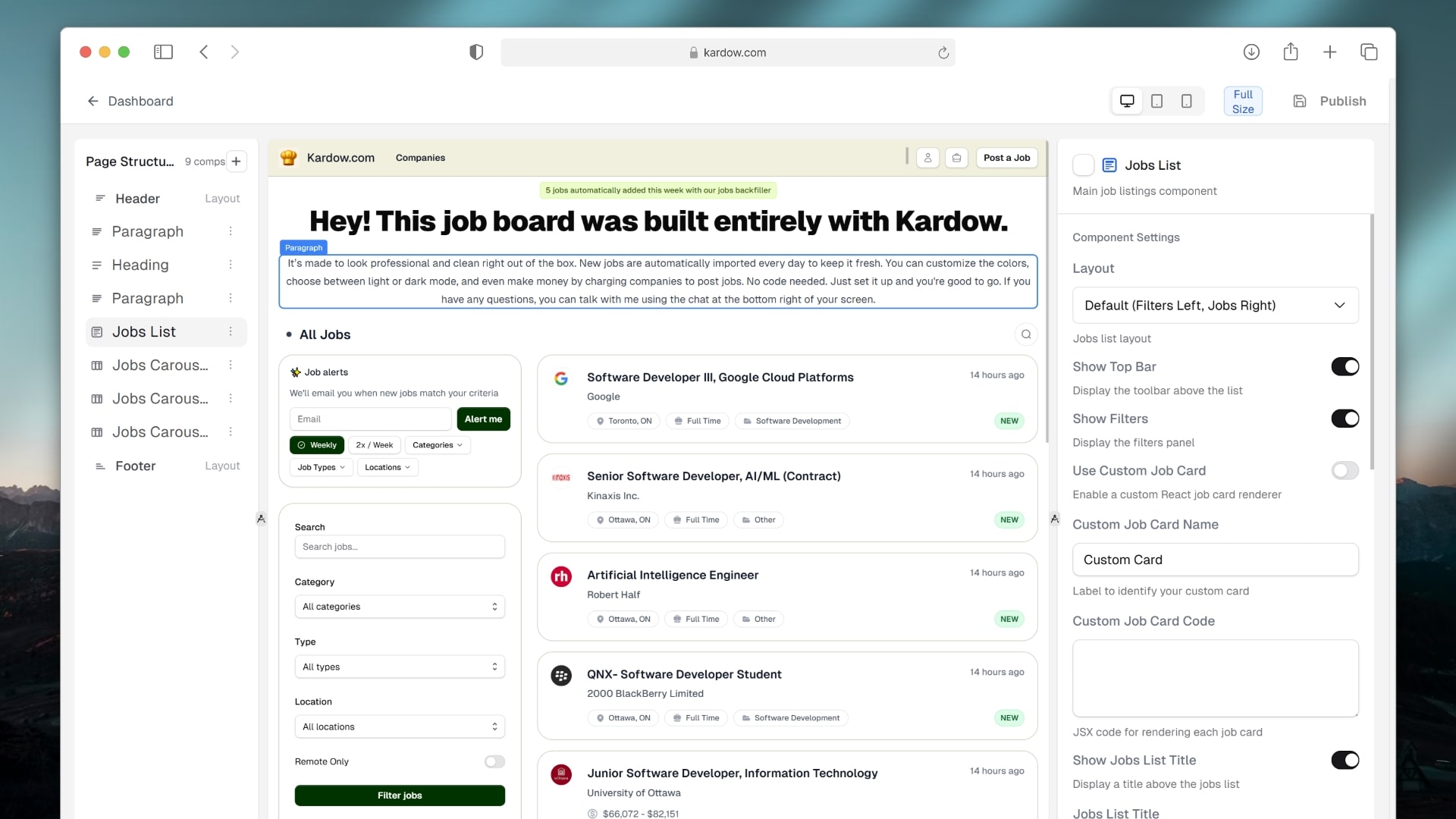
Pages Editor and Blog Improvements

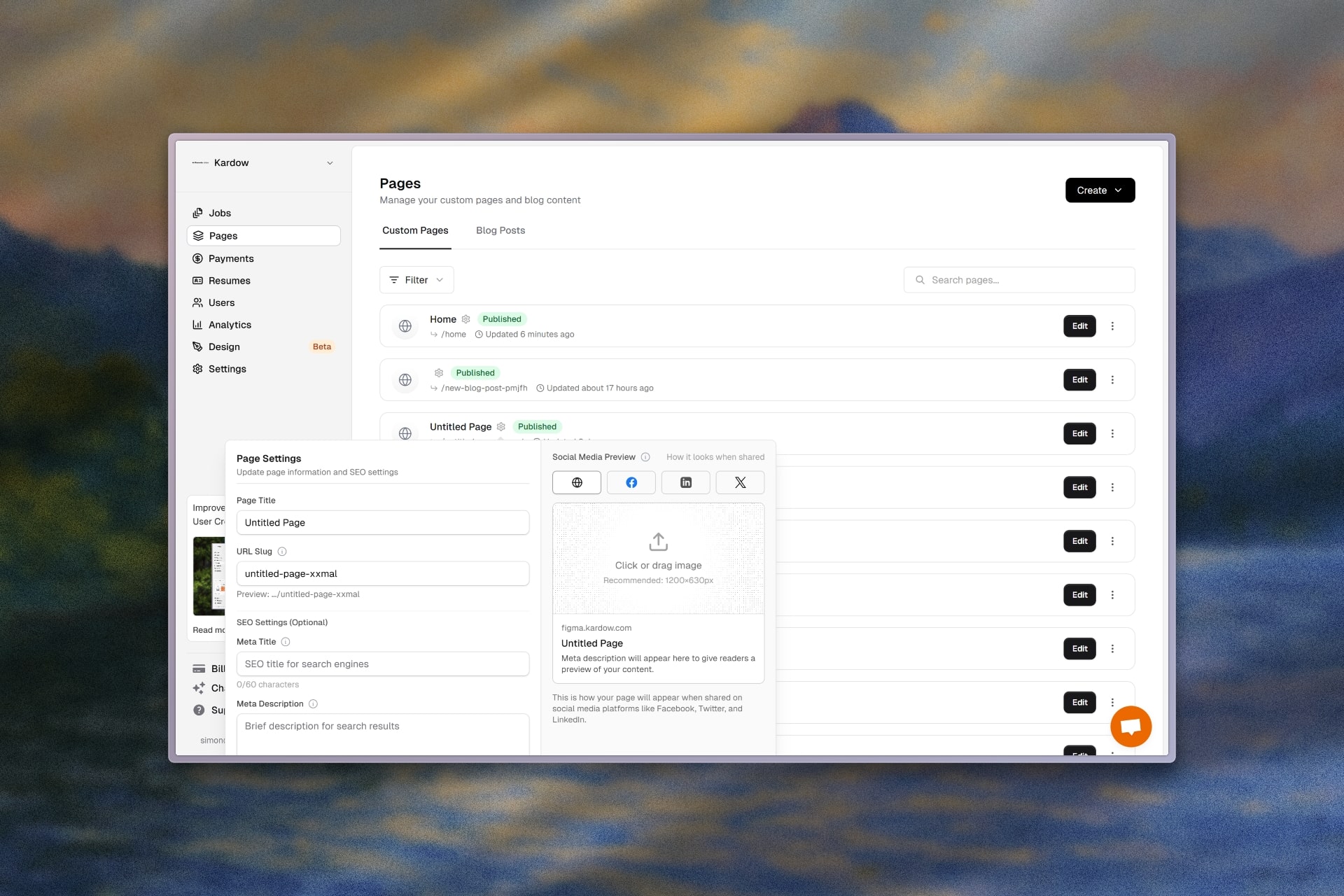
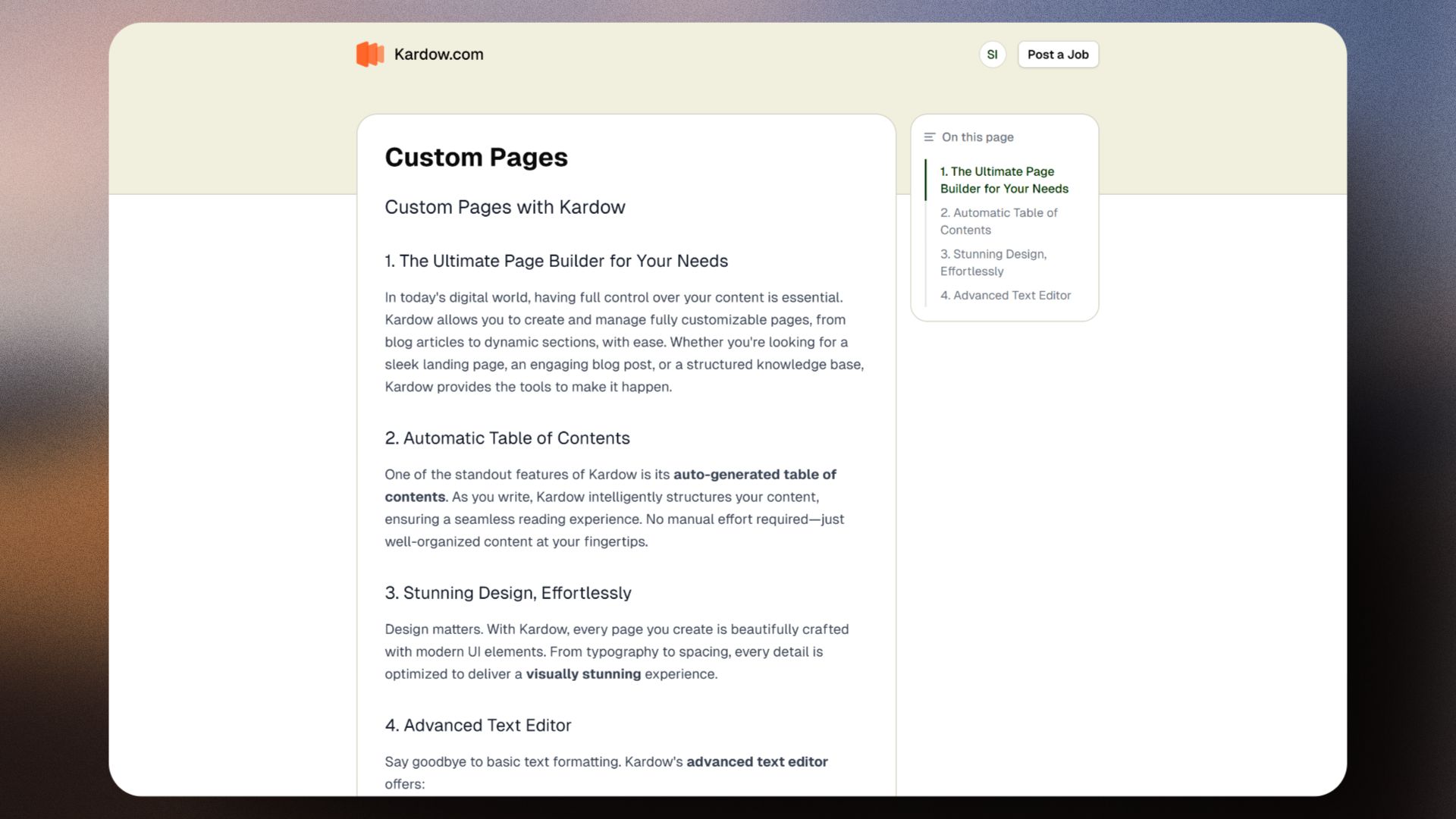
The pages editor has been updated with a refined interface to make managing custom pages and blog posts clearer and more efficient.

Blog posts now have their own dedicated section, making it easier to understand and manage your blog content.

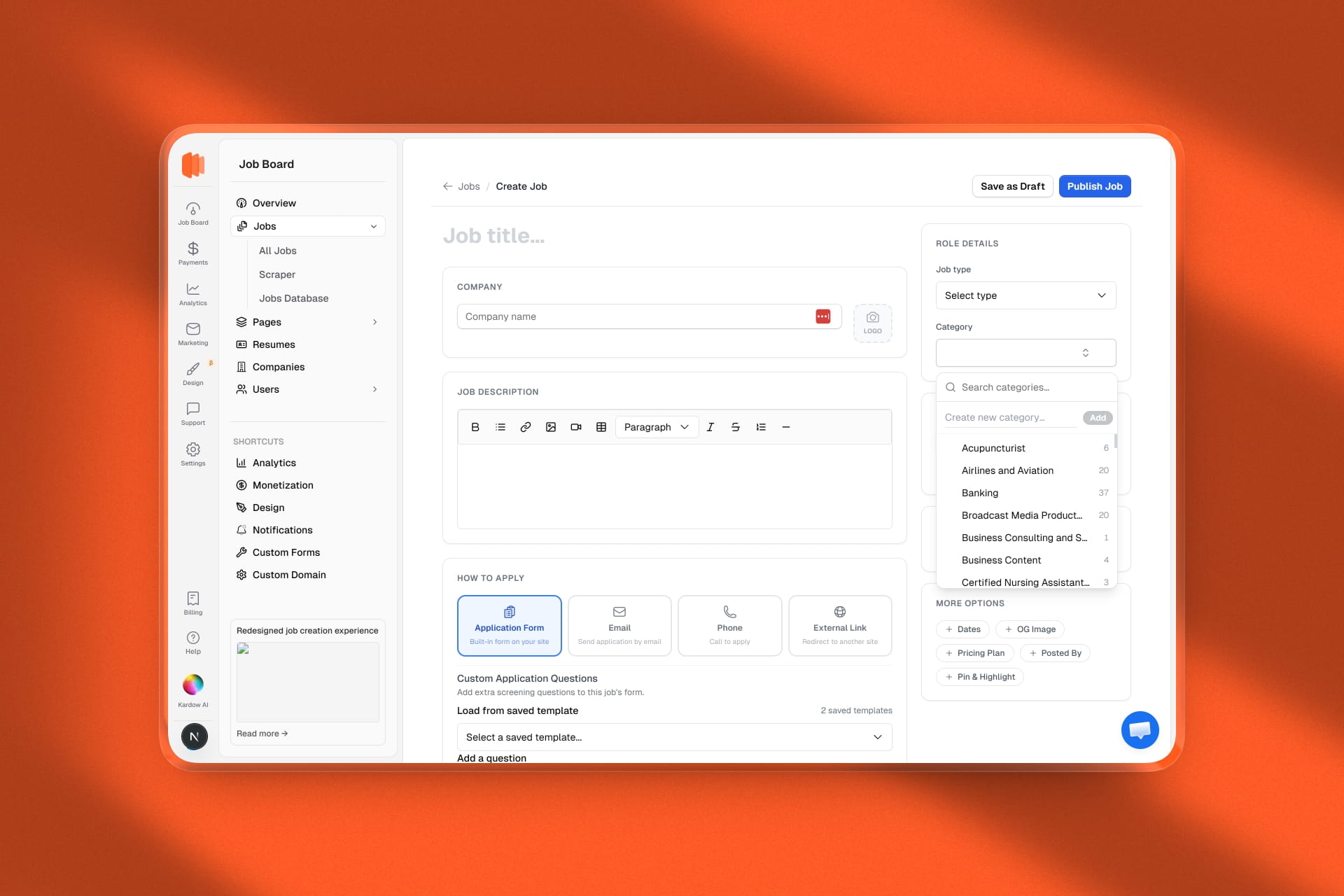
You can now upload images directly instead of providing a URL. The new image uploader also allows you to reformat the image and add alt text directly below it.

Page cards have been improved with direct access to each page on your site through a visible URL path, and a settings icon to quickly update basic settings, SEO, and custom Open Graph images.

The page editor experience has been improved for better usability, fixing multi-line text editing issues and improving how components are added.

Each page now displays its title and description fields directly at the top for faster and more intuitive editing.

Pages Editor and Blog Improvements

October

Improvement

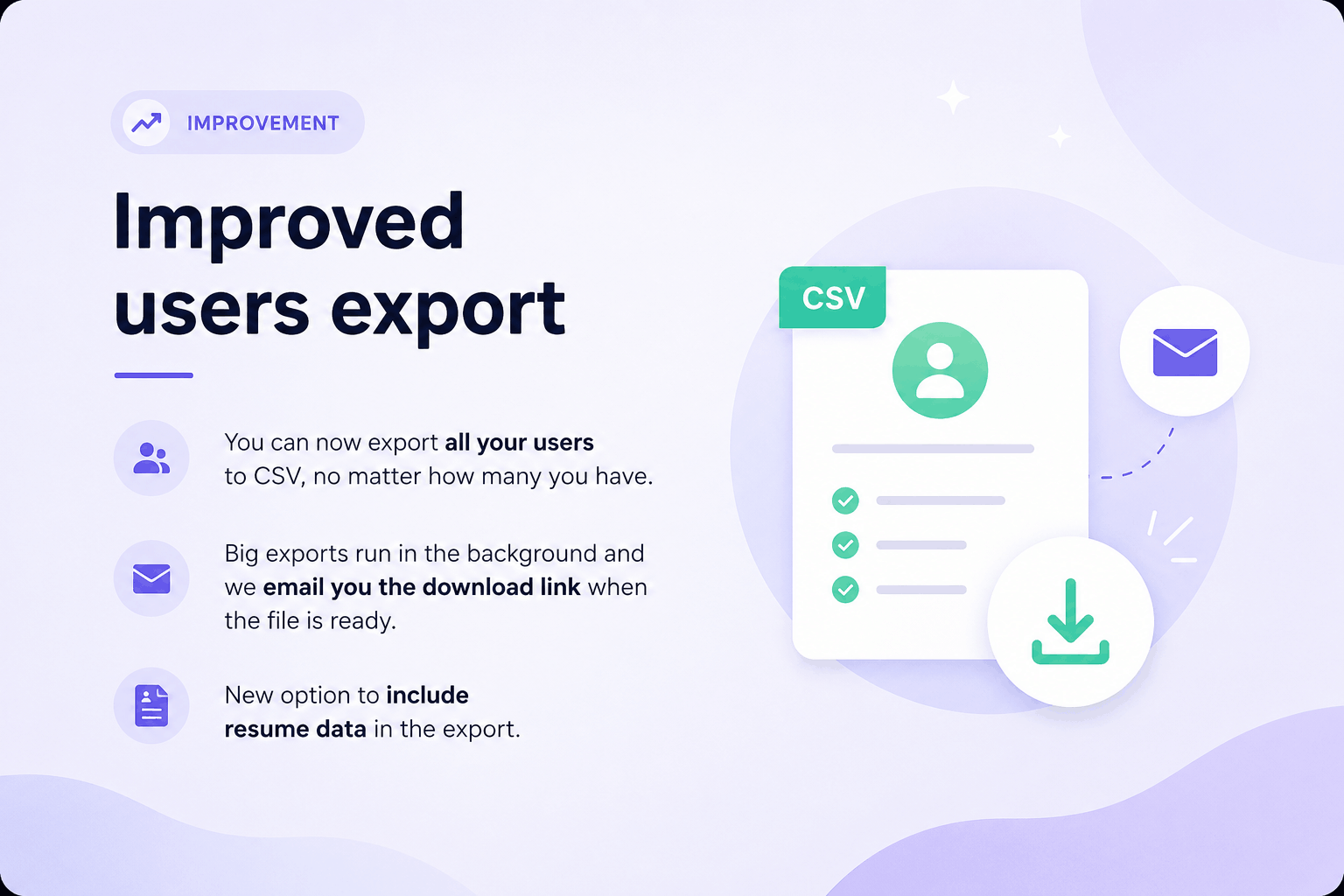
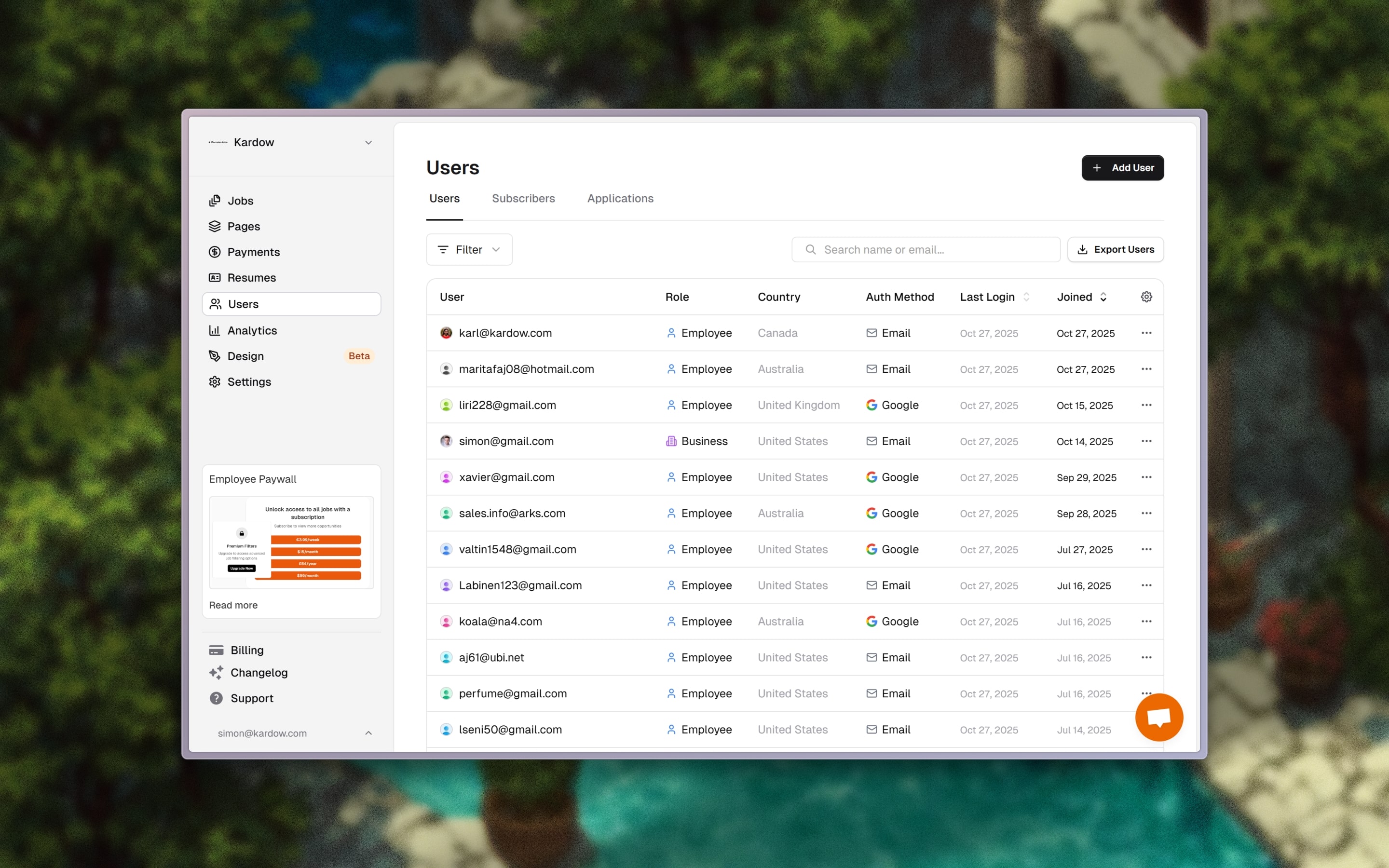
Improved Users Page & Manual User Creation

The Users page in your dashboard just got a big upgrade! 👥

You can now manage and understand your users more easily than ever before.

Here’s what’s new:

  • Add Users Manually: You can now create new users directly from your dashboard, no need to go into your job board or use an external form.
  • Redesigned Users Table: Cleaner, more modern layout with better spacing, readability, and overall visual polish.
  • New Filter Bar: Quickly find users by name, email, or other filters with the new search and filter bar at the top.
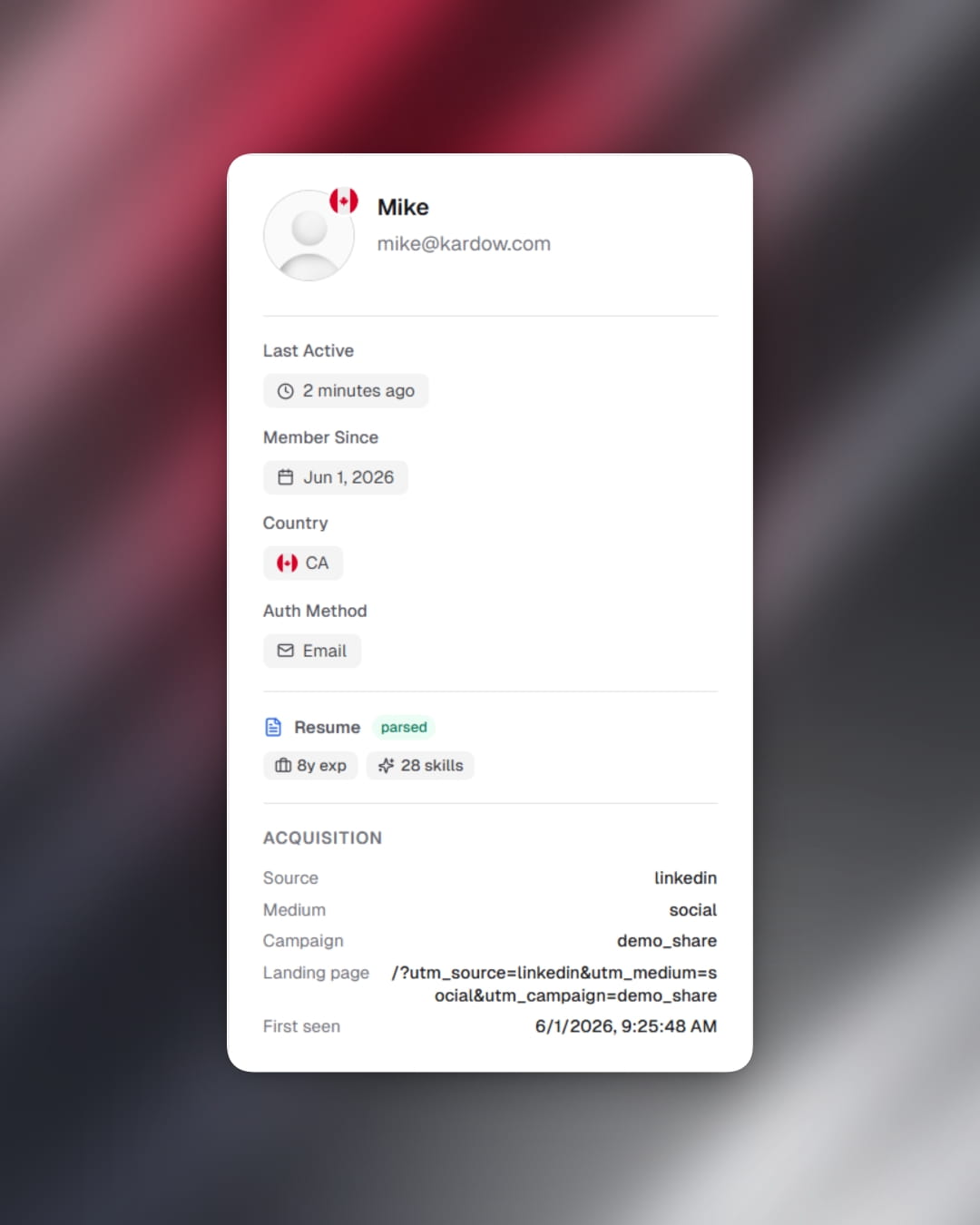
  • User Insights: We now track each user’s last login date and country for better analytics and visibility.
  • Coming Soon: We’re working on even more user insights, including device information and detailed location data to help you understand your audience better.

These updates make managing your community of candidates and employers much easier, faster, and more insightful.

Improved Users Page & Manual User Creation
Improvement

Smarter Job Search and New Filters

Searching for jobs is now faster, smoother, and more powerful than ever! 🔍

We’ve completely revamped the search experience with a brand new search component and the first phase of instant search.

Here’s what’s new:

  • Autocomplete Keywords: Get instant suggestions as you type, find what you’re looking for faster.
  • Instant Search (Phase 1): Results update much faster when typing, making it feel seamless and responsive.
  • Custom Badge Filters: Filters now have colorful badges with subtle animations, glowing dots, and enhanced backgrounds for better visibility.
  • Advanced Job Search Bar: A new top section featuring horizontal filters for query, location, and advanced options, all fully customizable for your job board.
  • Modern Design: Refined animations and smoother transitions make the search experience feel elegant and snappy.

This update lays the groundwork for full real-time search and smarter filtering to help your users find jobs with custom filters. ⚡️

Smarter Job Search and New Filters
New Feature

Google OAuth and One Tap Login

Sign in just got a whole lot easier! 🚀

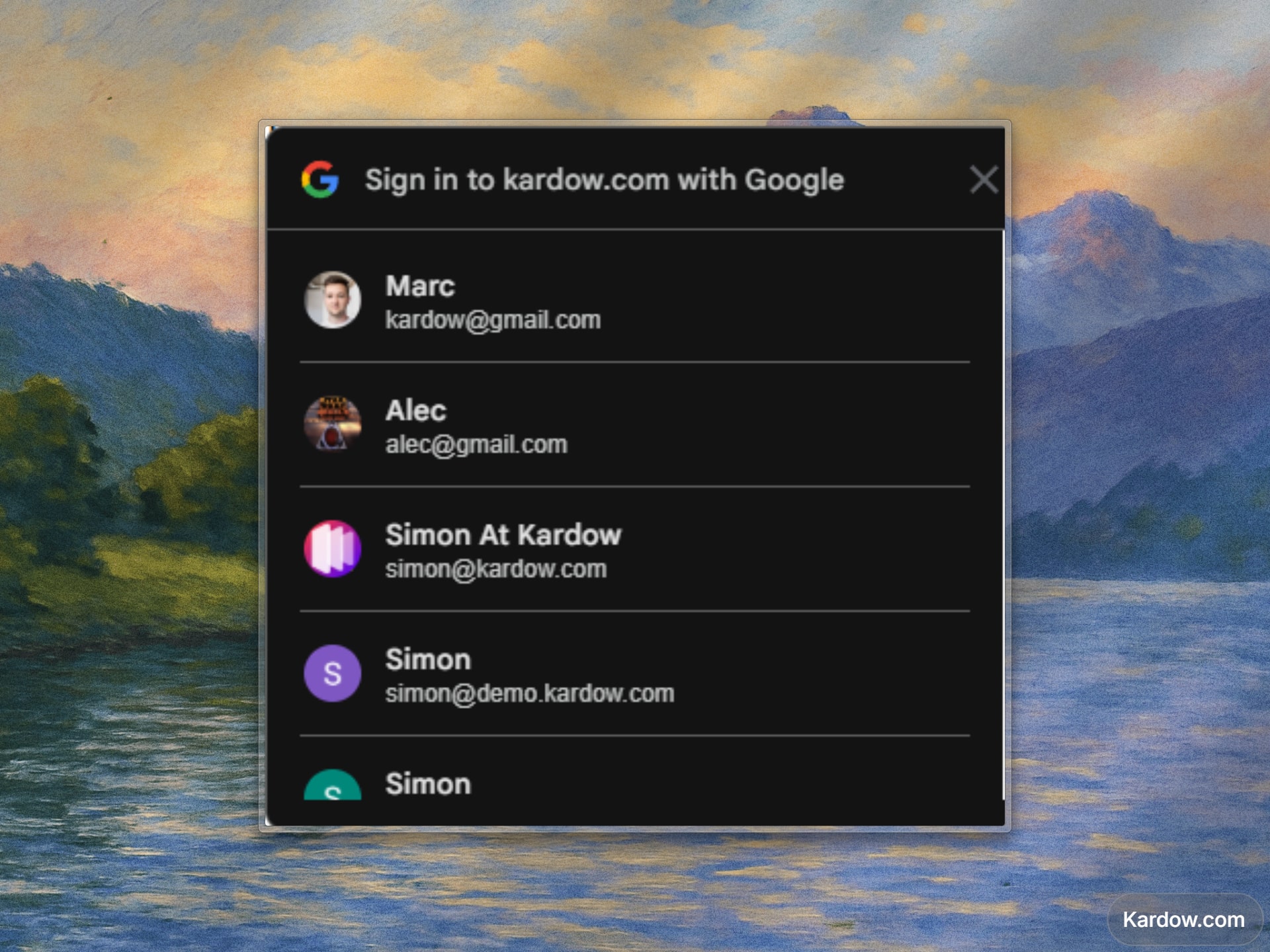
You can now enable Google OAuth and One Tap login for your job board — allowing users to connect with a single click using their Google account.

Check the full guide for tutorial

Here’s what’s new:

  • Full Google OAuth Support: Add your Google Client ID in your dashboard to enable secure authentication via Google.
  • Google One Tap Login: Show a sleek One Tap prompt so users can sign up or log in instantly without leaving your site.
  • Faster Onboarding: No passwords, no friction — users can access your job board in seconds.
  • Seamless Integration: Works perfectly with your existing authentication system and adapts to your job board’s branding.

This feature makes it easier than ever for candidates and employers to connect — helping you increase engagement and signups instantly. ⚡️
Google OAuth and One Tap Login
Improvement

Advanced LinkedIn Scraper Filters

The LinkedIn scraper just got smarter and cleaner! 💼

You can now control which LinkedIn jobs are imported with new advanced filtering options:

  • Skip LinkedIn Easy Apply: A new toggle in the Advanced Filters lets you exclude jobs that require applying directly through LinkedIn.
  • Auto-skip invalid jobs: Jobs without a proper application URL are now automatically skipped (no more empty links or broken entries).
  • Cleaner imports: Fixed issues where some LinkedIn jobs caused database errors due to missing fields.

These updates make your LinkedIn job imports more reliable and easier to manage.

You’ll find the new toggle in the Advanced section of the LinkedIn Search dialog — complete with a helpful description and visual indicator when active.

With this update, only the jobs that matter make it to your job board. 🎯

Advanced LinkedIn Scraper Filters

September

New Feature

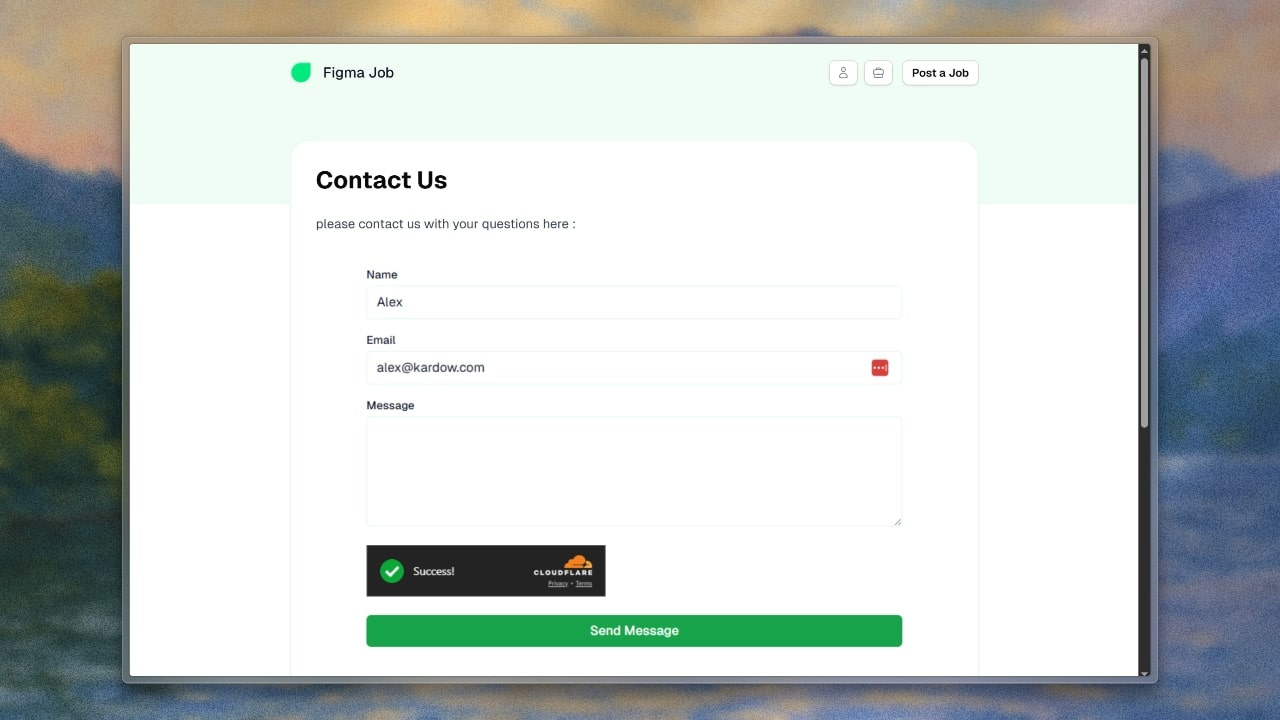
Custom Contact Form

You can now easily add a fully-featured contact form to any custom page on your job board! 💬

Here’s what’s new:

  • Add a contact form directly from the page editor using the slash command (/ → "Contact Form")
  • Customize all labels — name, email, message, submit button text, and success message
  • Built-in spam protection powered by Cloudflare Turnstile
  • Automatically styled to match your job board’s colors and theme (light or dark mode)
  • Seamlessly embedded in pages with a secure iframe that adjusts height automatically

Submissions are safely handled and sent to your organization’s contact emails — just configure the email addresses in your dashboard settings.

This makes it easy for visitors to reach out while keeping your inbox clean and spam-free!

Custom Contact Form
New Feature

Employee Paywall

A new payment option is now available. You can now charge employees to access your job board with a custom paywall.

Learn more about it at https://kardow.com/paywall

What has been updated:

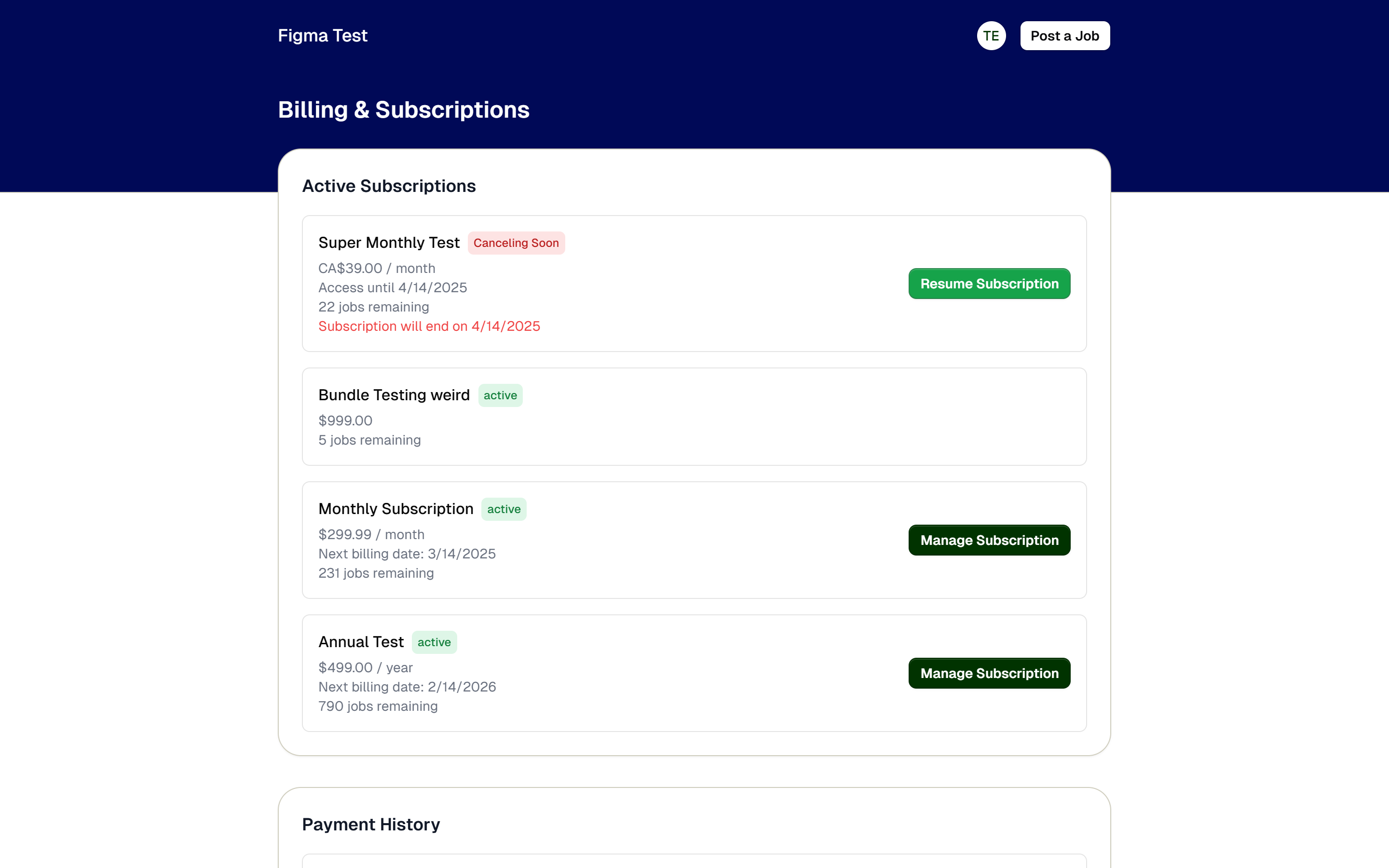
  • New employee paywall with access to weekly, monthly, yearly and lifetime pricing plans
  • new paywall section in the dashboard where you can add paywall plans and configure the paywall
  • New editor for paywall design to customize it
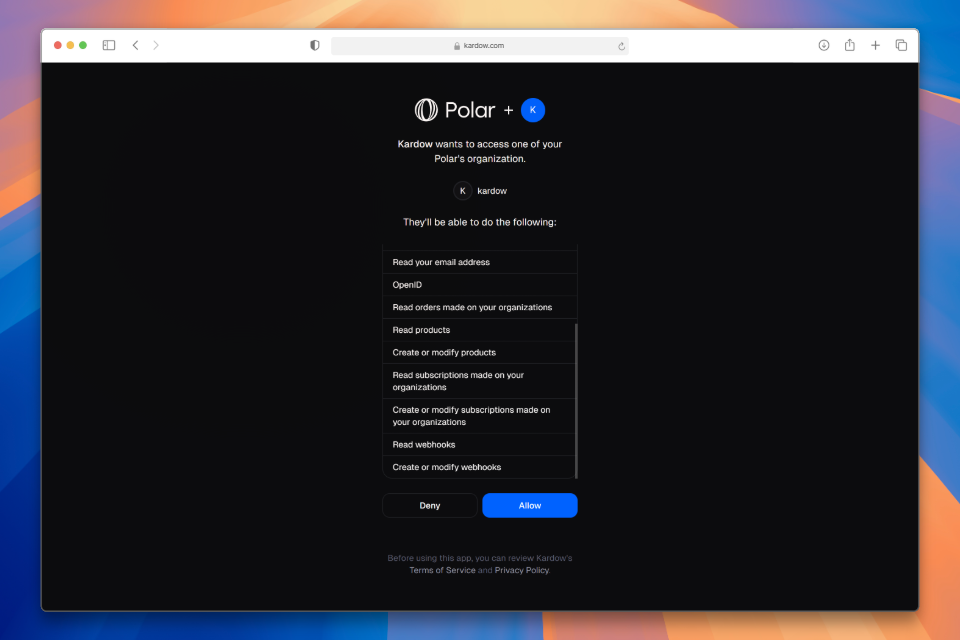
  • Stripe and Polar have access to create payment plans for paywall and handle the payments
  • in your job board, you can choose how many jobs are available for free and lock the rest for paid access automatically
  • Employees now have a billing section where they can handle their subscription and payment plans
  • Fixed a bug where the custom field dialog in the dashboard was not opening correctly
  • Added a few missing translations in custom dialog for job details page
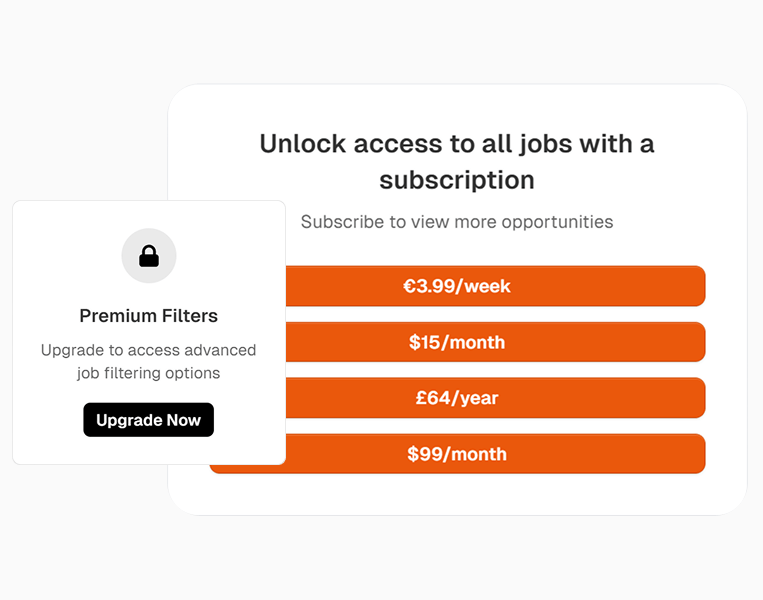
Employee Paywall

August

Improvement

Improved Resume Search

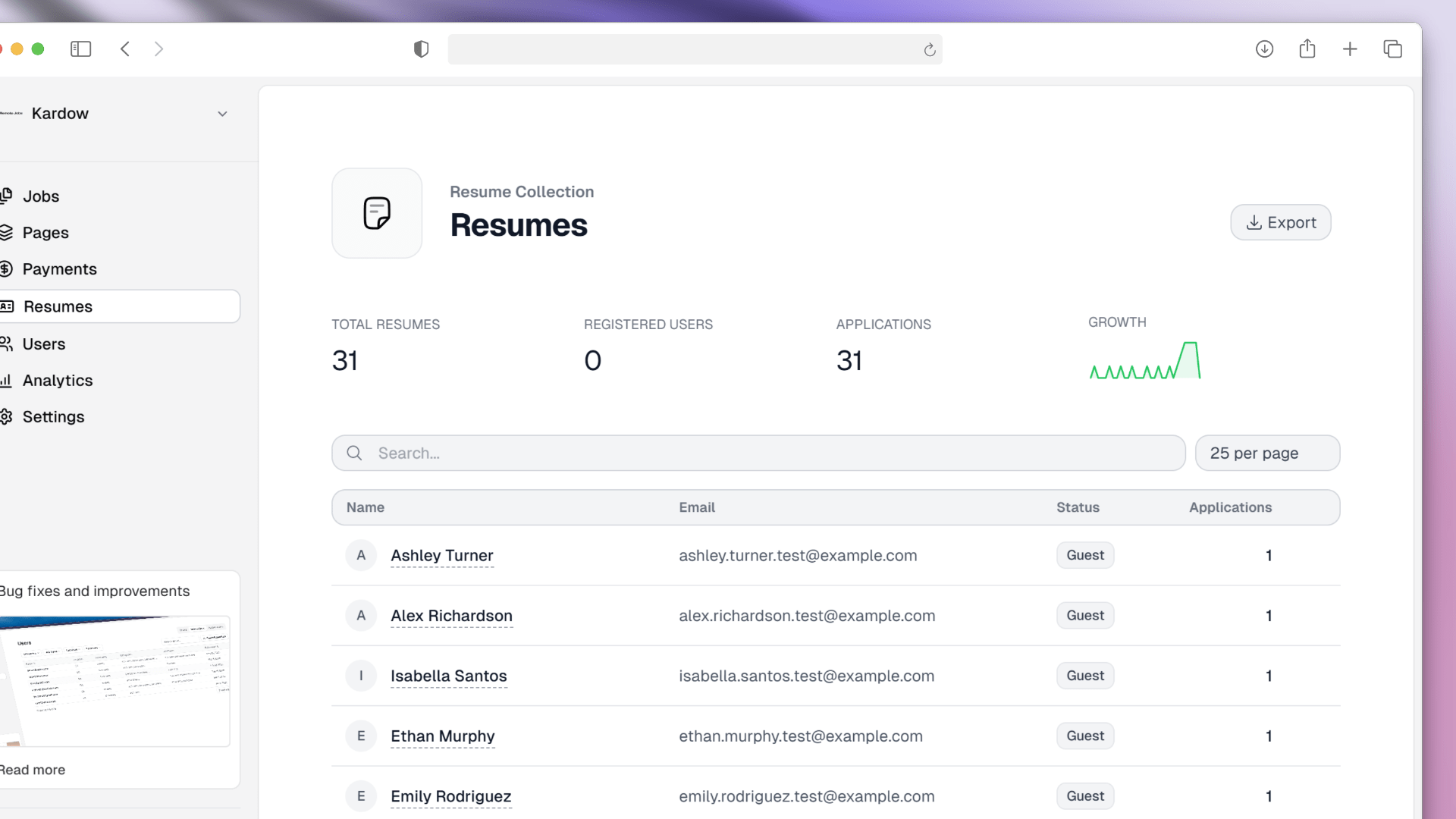
  • We have improved the resume search to make it more user-friendly and easier to use
  • The new resume section comes with easy access to all uploaded resumes and applications
  • You can now search for users and resume, and control the number of results per page
  • You can also see a graph with monthly growth to get a better overview of your resume and application growth
  • You can also export the data to a CSV file to use it in your own system
  • Clicking the user name will open a new page with the user details and all their applications

We have also done some bug fixes for :

  • Fixing the order for new jobs in the plan based jobs section
  • Fixed bug that was showing the wrong page number in the pagination for resume search
  • The button to see plan details now opens in a new window to prevent losing the current page data
  • Made the `Post Now` section on job details sticky in the scrollable section
Improved Resume Search

July

Improvement

Bug fixes and improvements

  • We have implemented automatic image compression to significantly reduce file sizes and improve loading speeds. All uploaded images are now automatically optimized for their intended display size, reducing storage costs and improving page load performance. The compression is safe and includes fallbacks to ensure uploads never fail.
  • We have fixed a bug where searching for job board users was returning not found.
  • We have changes the links color in the job details page to use standard blue color instead of tenant color.
  • We have fixed a bug where og images were not being uploaded correctly in the blog posts.
  • the job details left section now follows the page on scroll.
  • The invoice id is now being sent with the team members invoice email
Bug fixes and improvements
New Feature

New Company Analytics

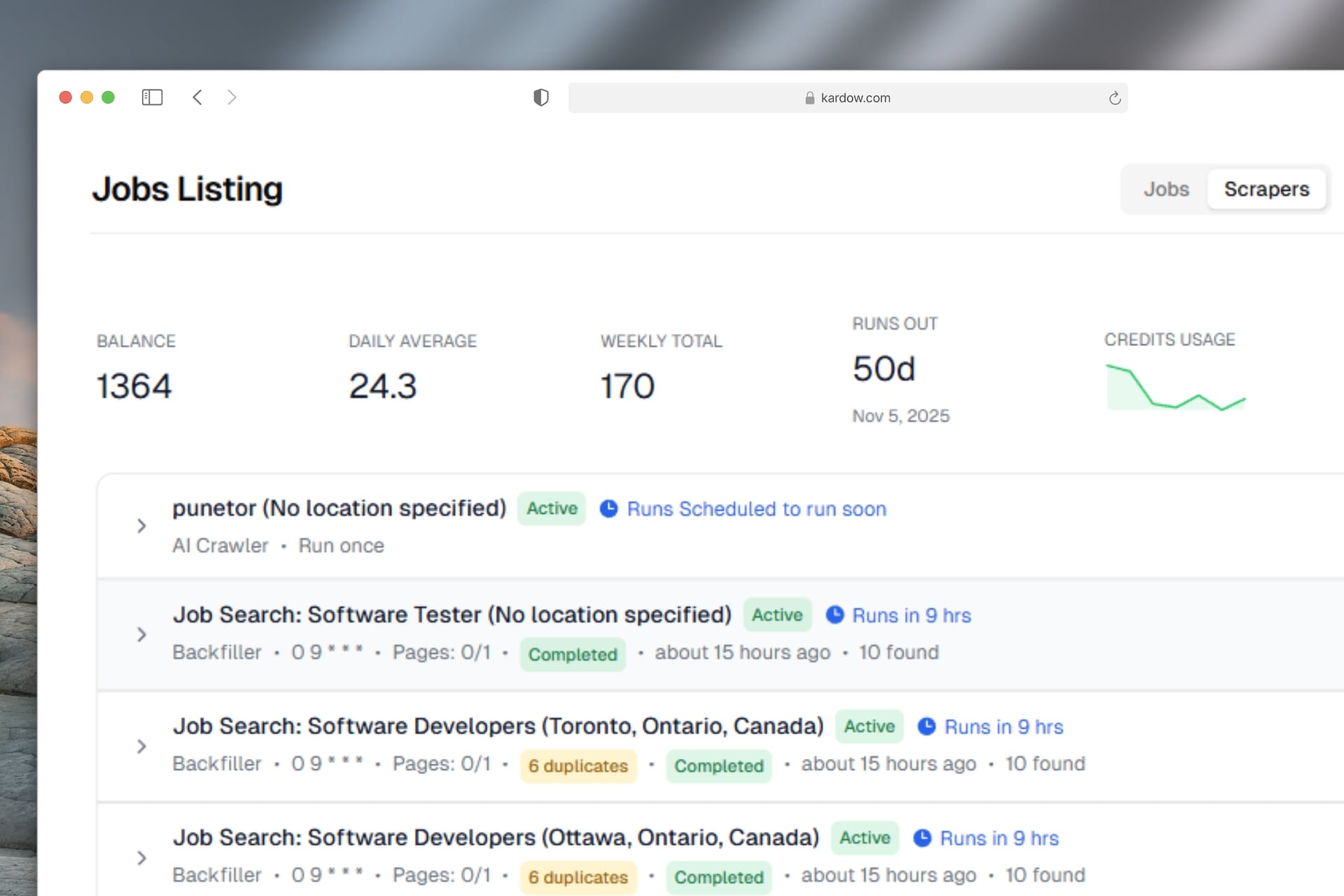
  • Scraped jobs will now use the auto-publish tag to automatically publish the job or keep it as draft
  • We had to bring a new provider for our scraper - our previous one unnexpectedly shut down without any notice this week, some jobs might have not been running but everything is back to normal now. If you have problems with results, please let us know. We are still working on matching specific targeted filters for the scraper.
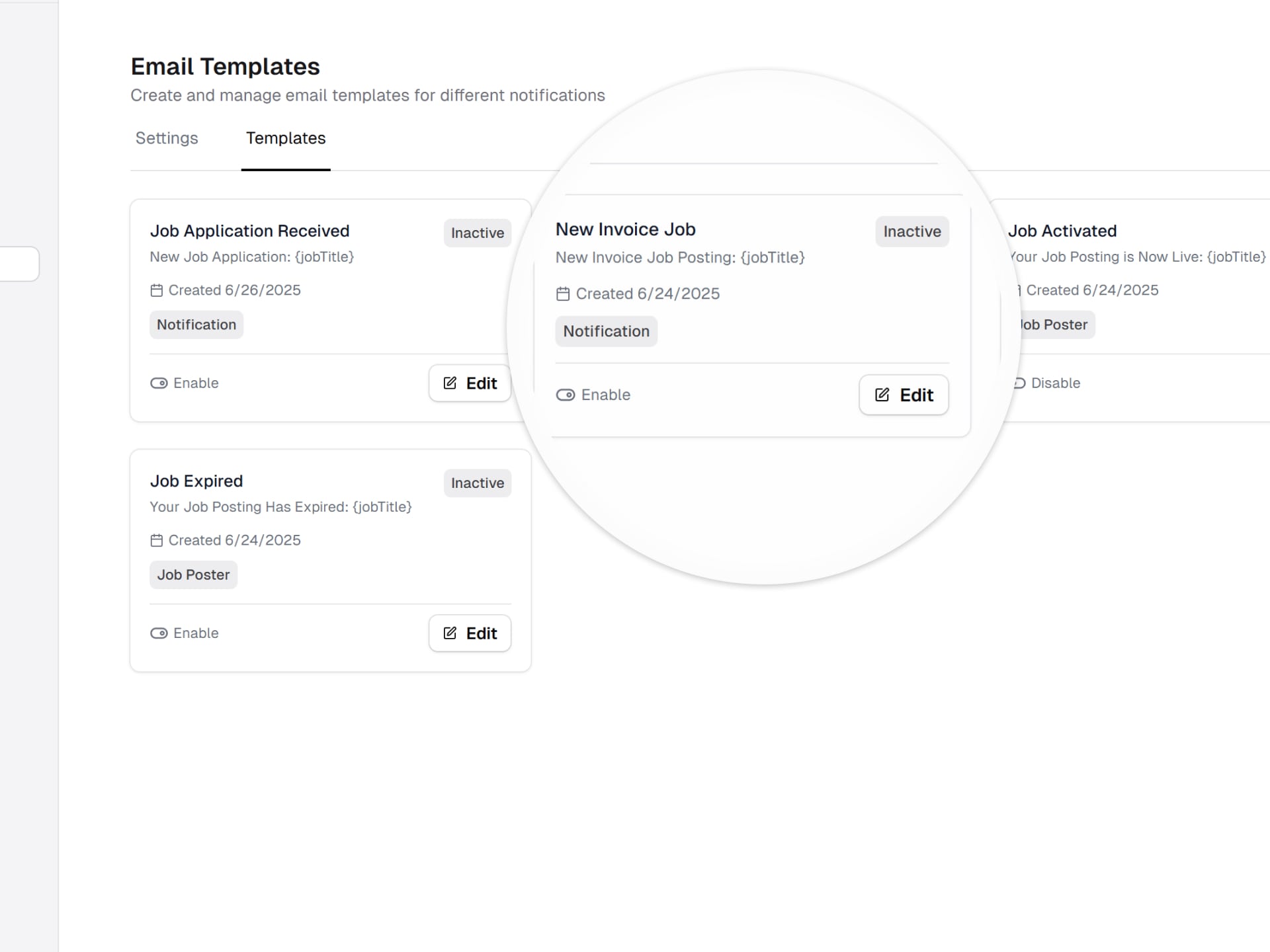
  • Emails for active and expired jobs can now be sent out to the company
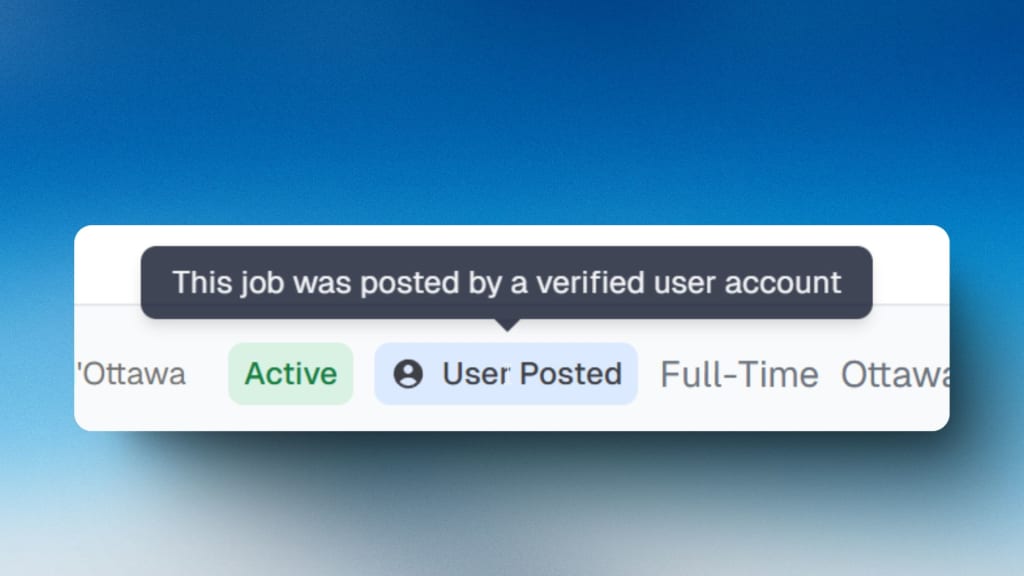
  • You can now select a user account when posting a job in your admin dashboard. The job will be posted by this user.
  • Title of the list is now shown only when a search is happening to make it looks better without duplicate titles
  • Analytics page is now available in the dashboard
  • Analytics data about how many visitors per company and jobs are now available in your dashboard. This is still in beta
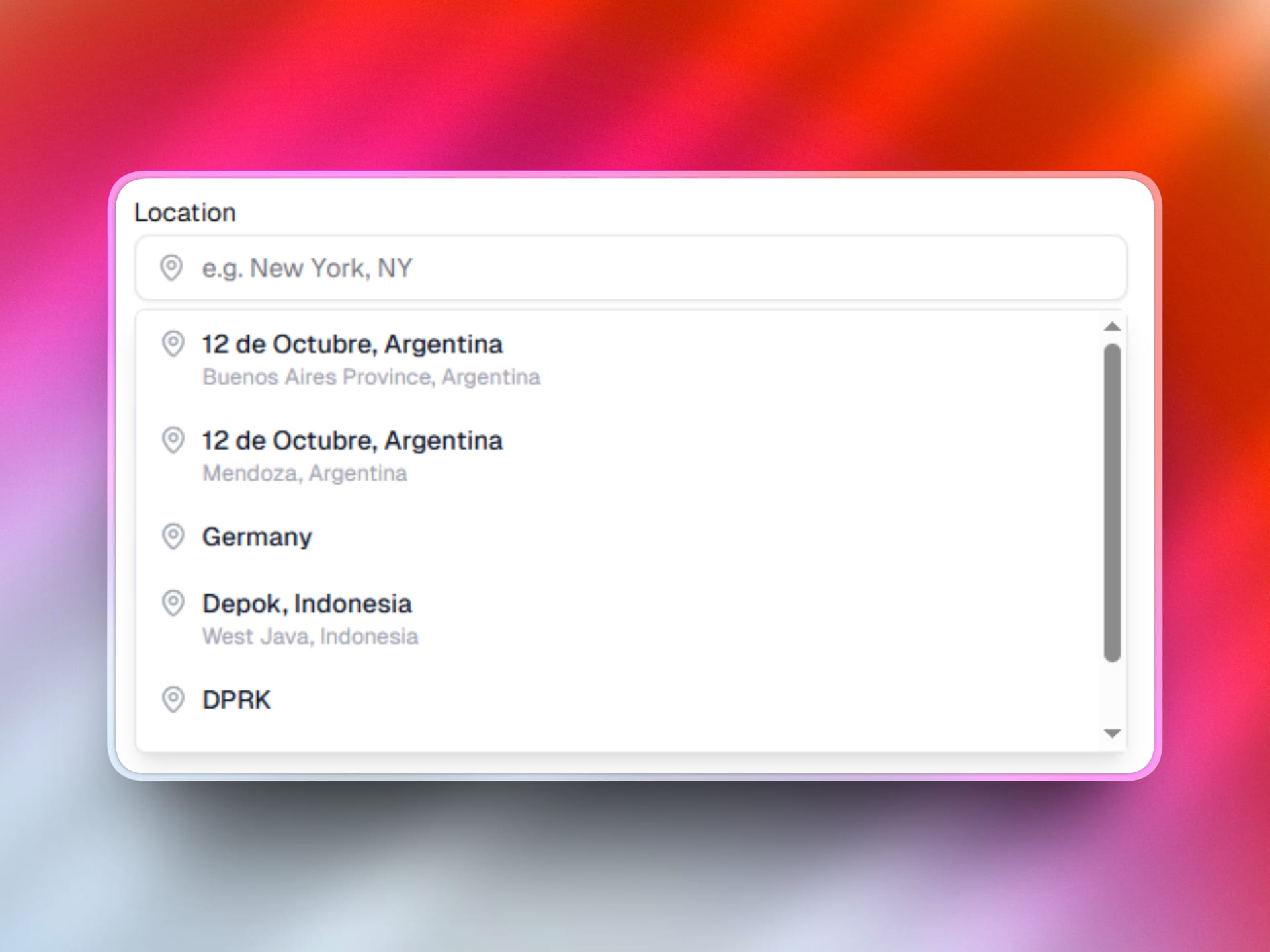
  • Location dropdown is now available in your admin dashboard.
  • mandatory fields are now showing in post a job form, also errors have been updated to translate the targeted field and using red background to be more easily visible
  • Removed the required field in features field in the form to add a pricing plan.
New Company Analytics
Improvement

Bug fixes and improvements

We have made lots of bug fixes and improvements to the job board

  • We have changed our date rendering to use relative time for users worldwide - Users in different timezones were seeing some inconsistencies in the date format caused by timezones
  • Fixed missing translations in blog, companies, matches component and pricing plans pages.
  • Pricing plans can now handle multiple pricing options bundled together in the post a job form
  • Improved pricing plans component (checkmarks, translations, custom text, centered)
  • Job posts can now be refreshed half way through their duration. Ex: When you post a job for 1 month, after 15 days it will automatically republish it to the top of your site as new. You can enable it in advanced settings
  • We have fixed a bug where uploading a resume was not saving the vector for AI analysis
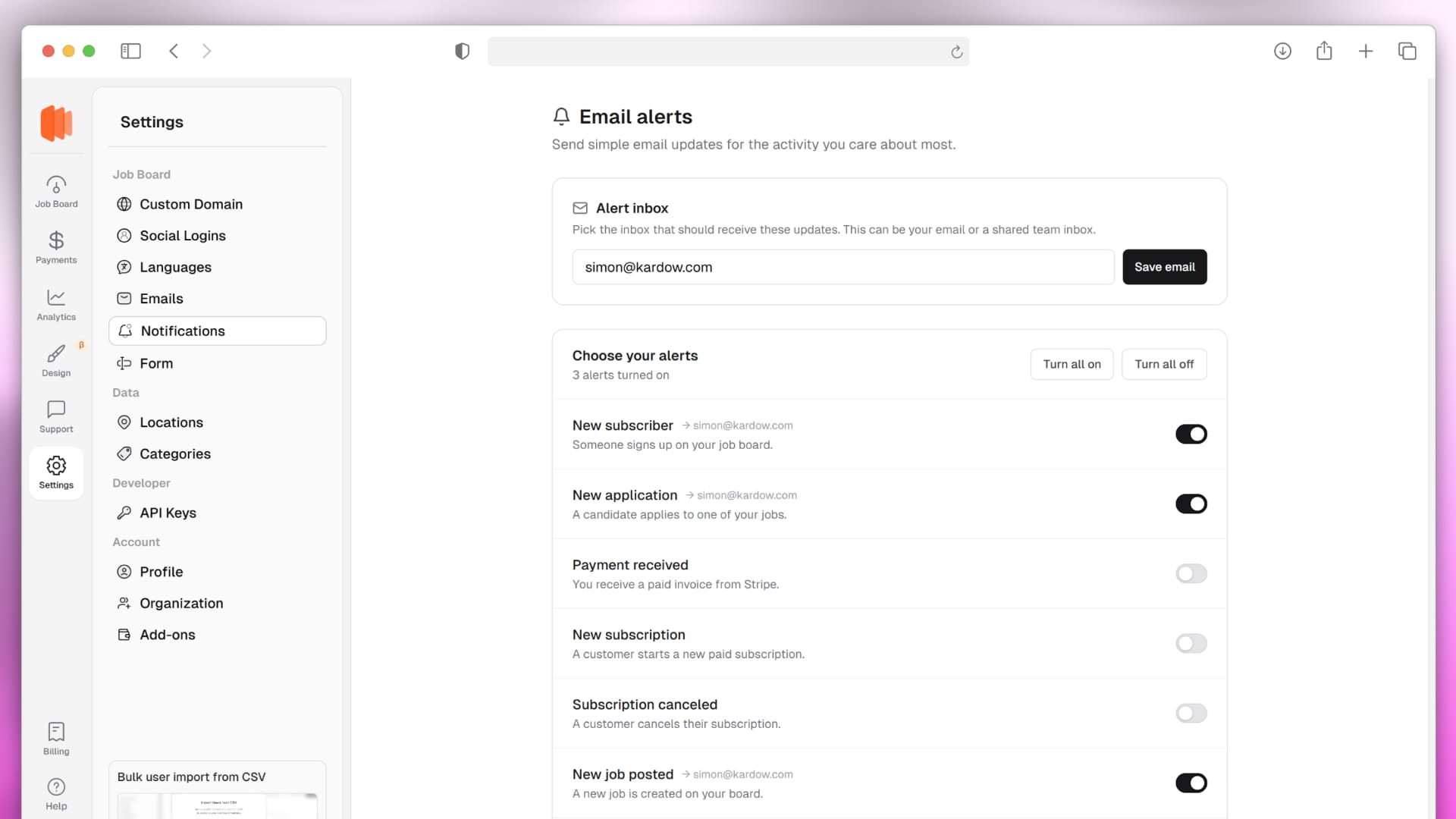
  • New emails notifications can be sent out : - When a job becomes active (Company will be notified) - When a job expires (Company will be notified)
  • New option to attach a custom og image to override the default one (Default one still working)
  • The description width in the post a job form was overflowing and now is fixed
  • There is now an option to remove the /mo in the Pricing Details component
  • Changed the left and right margins of the Pricing Details component to be less for mobile/responsive view, so the component would be more wide
  • For Blog posts, the main container now has less width and is more readable
  • In responsive view, the title of the List is now inline with the All Jobs / Matches part, because it was pushing the text together
  • We now purge the cache instantly when adding or editing jobs in the dashboard.
  • For the Pricing Details component, the cards are now centered when there are fewer than three, Ex: 2 plans for each now
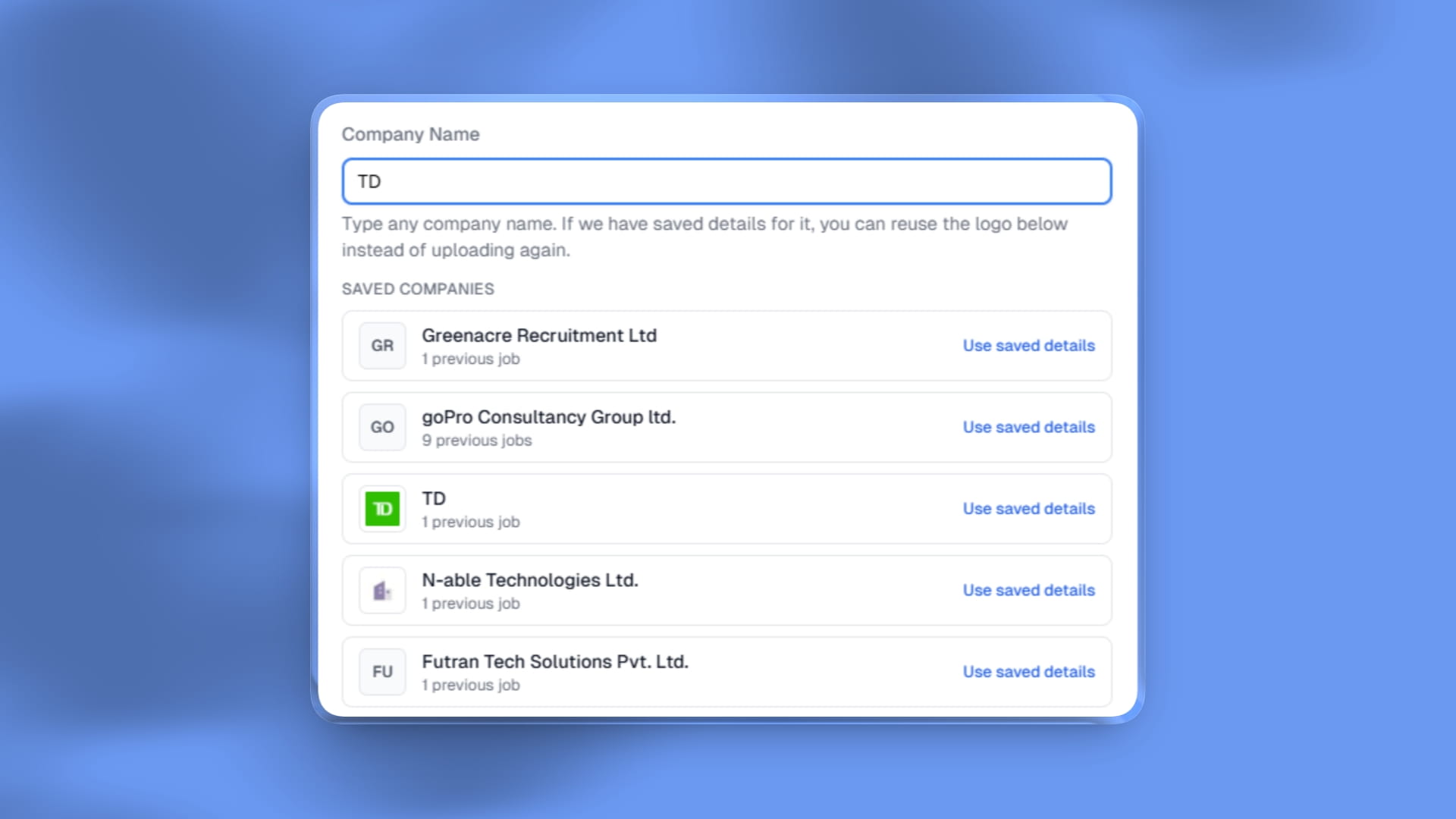
  • We have added a new system where we will try to find the company profile of the business automatically to prevent duplicated and make it faster.
  • Removed pinned jobs from the top of jobs list in the dashboard, jobs are now only ordered by most recent.
Bug fixes and improvements

June

New Feature

New Custom Dates

We have added new control over dates in the forms

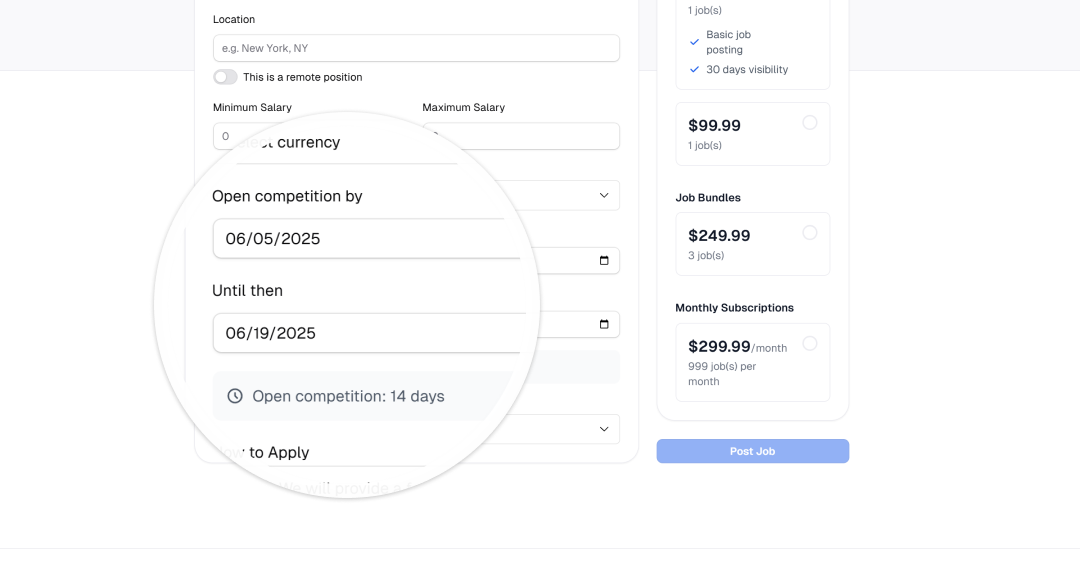
  • In the post-a-job form there are now fields for start and end date
  • In the job card you can now replace how long it was posted by remaining days
  • We have a new tag in the job card if it was posted in last 24 hours.
  • Updated Job post Form with new fields
  • New tag in organizations for expired_date tag enabled (Boolean)
  • Added control over dates in the future and removed them from the search results
  • Updated the business form to allow the expired fields if it is enabled in org settings
  • Fixed polar wrong dashboard url.
  • Removed the invoice-based banner that was showing in the dashboard for wrong plans
  • Added one-time payment option for the invoice-based plans
  • You can now customize the invoice-based plans success message
  • Moved to faster server - faster load times and better performance, no cold start
New Custom Dates

April

Improvement

Improved SEO + OG images

We have improved the SEO of the job board to make it more user-friendly and easier to use

  • Each page now has a new Open Graph image that is automatically generated
  • Each og image uses your custom site colors
  • When you share on social media, it will now display the correct image and description
  • We have also improved the meta descriptions to make them more accurate and helpful
  • Jobs /jobs page now displays search queries to form a better title for search engines
  • We have improved our job search filter to better capture the categories, type and location
  • Our footer and results now only display active results to remove some noise for search engines and wrong empty results query
  • Added minutes, hours and days ago to the job card with language translations
  • Similar jobs translation was fixed
Improved SEO + OG images

March

New Feature

New Categories and Locations

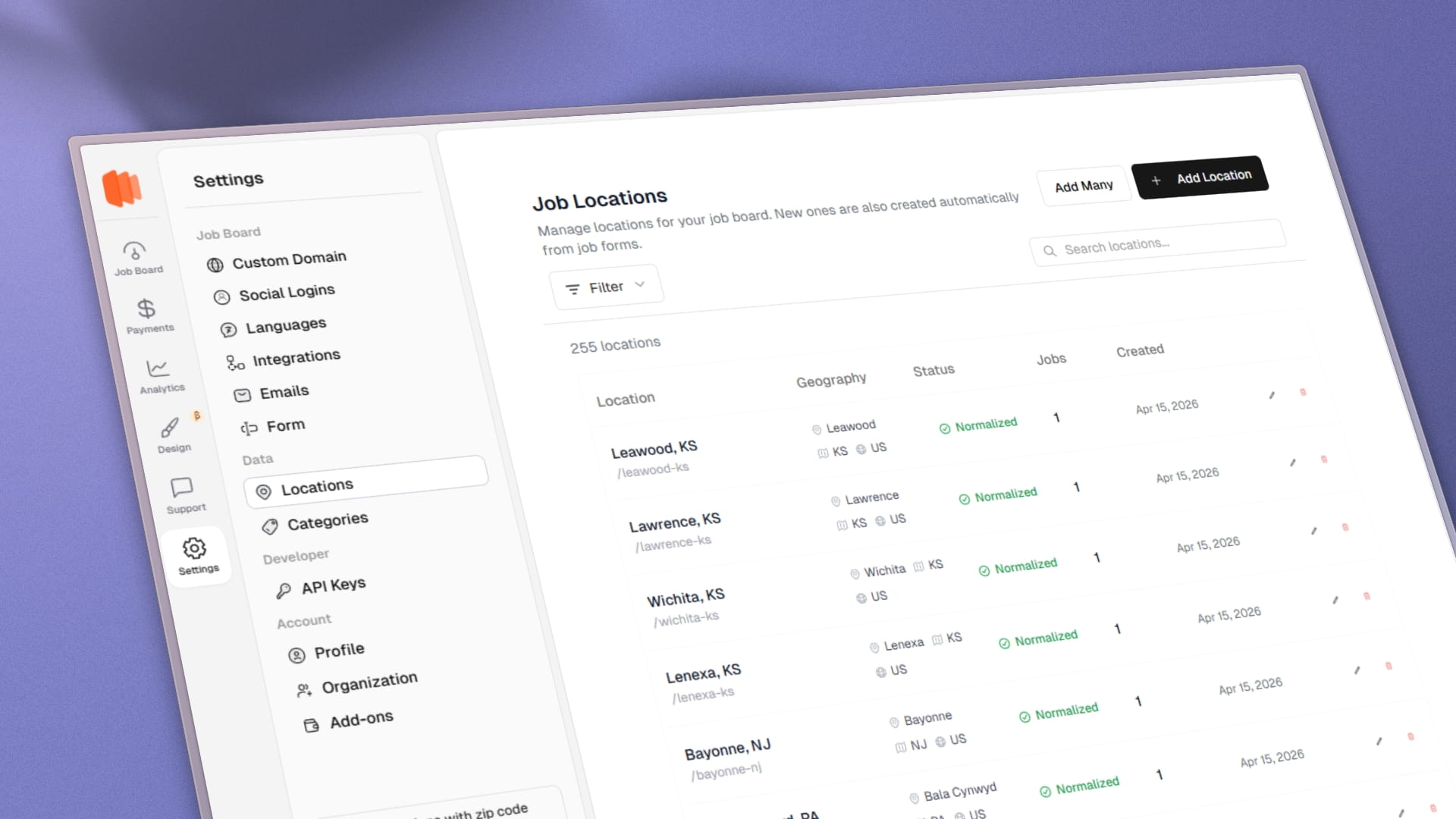
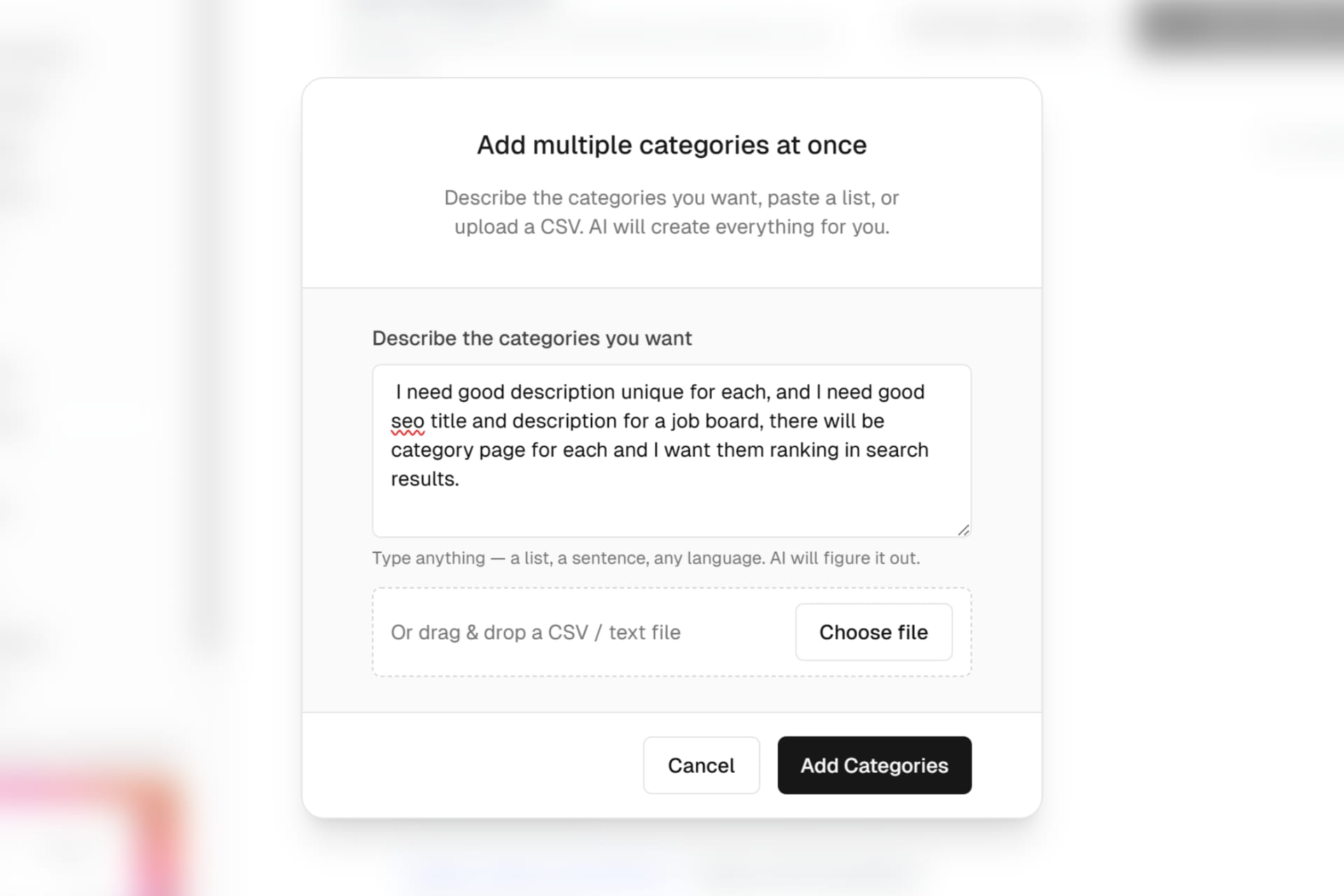
We have added a new categories and locations sections in the settings menu

  • You can now manage your categories and locations from the dashboard
  • There is an advanced setting to force users of your board to only have categories and locations available and not be able to add new ones
  • The navigation has been improved to not get stuck in the full page spinner and going straight to within the page.
  • Updated the categories and locations input for an improved combo input and a working version with the new forced select
  • Fixed the missing translations for post a job page, success page and business jobs page
  • Fixed bug where long dashboard name was going out of the sidebar screen
  • Translations were finally added for header, footer and all new business pages. Employees pages are coming soon. If you see missing translations, please let us know.
New Categories and Locations

February

New Feature

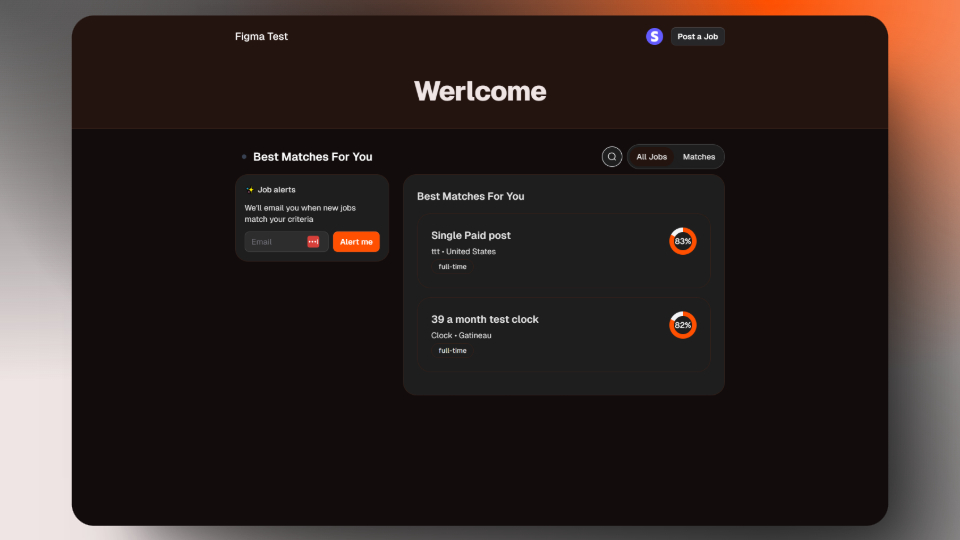
New Jobs Recommendations

  • We have added an ai-powered recommendation system.
  • It will recommend jobs to employees based on their resume and compare through all your jobs
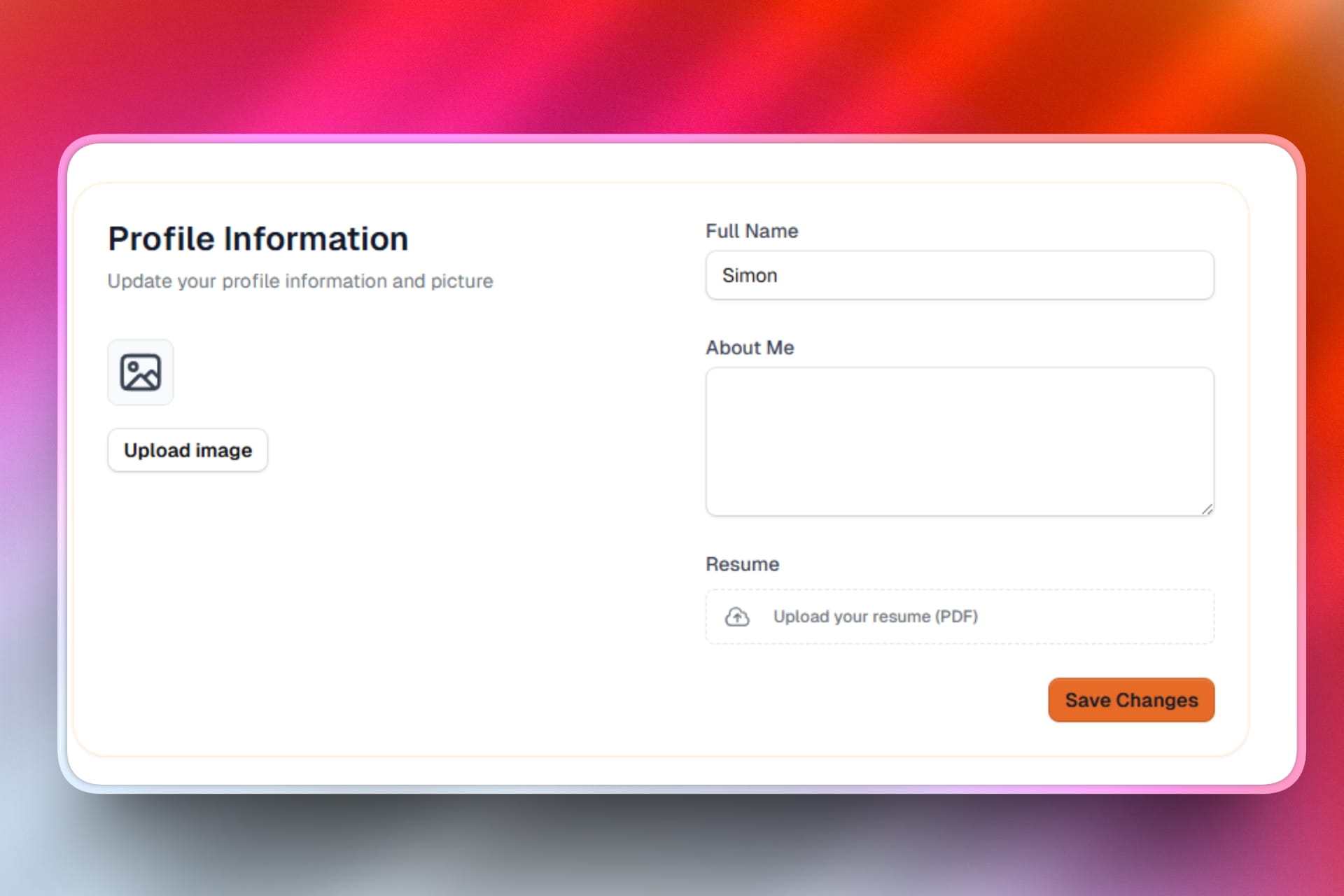
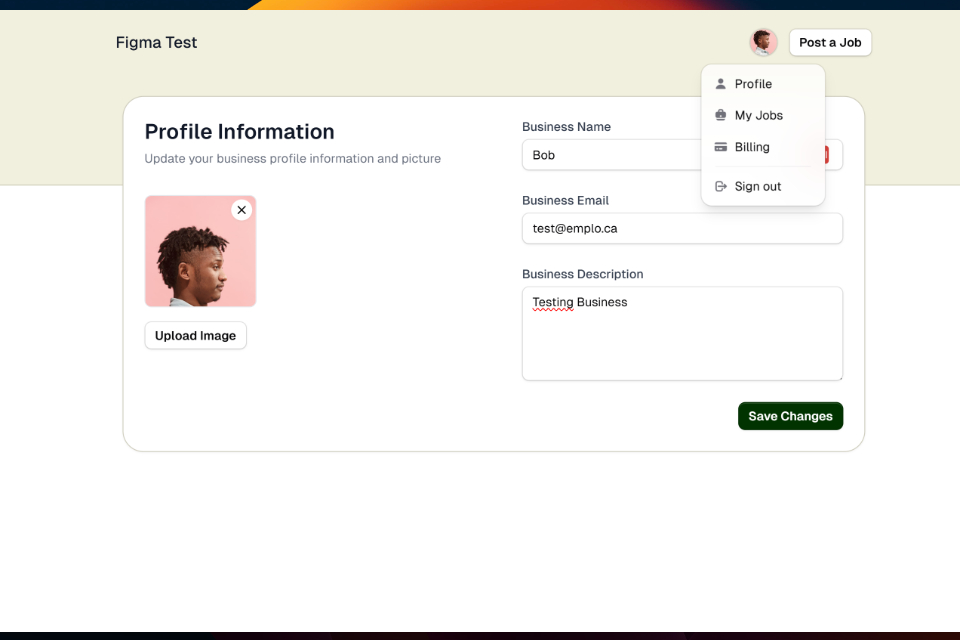
  • Employees now have a user profile page where they can upload their resume
  • When they upload their resume, it will be visible in the new resumes section
  • When employees are not connected or no resume, it will have a banner to upload a resume
  • When employees are connected and have a resume, it will show the recommended jobs
  • We have added a new tab in the job details page to see the recommended jobs
  • You can enable ai-powered recommendation from your dashboard settings
  • New jobs have a similar jobs section at the end of each job (For new jobs for now)

Also, some bugs and improvements:

  • you can now provide a bigger logo in your job board settings. It will be used in the header only
New Jobs Recommendations
New Feature

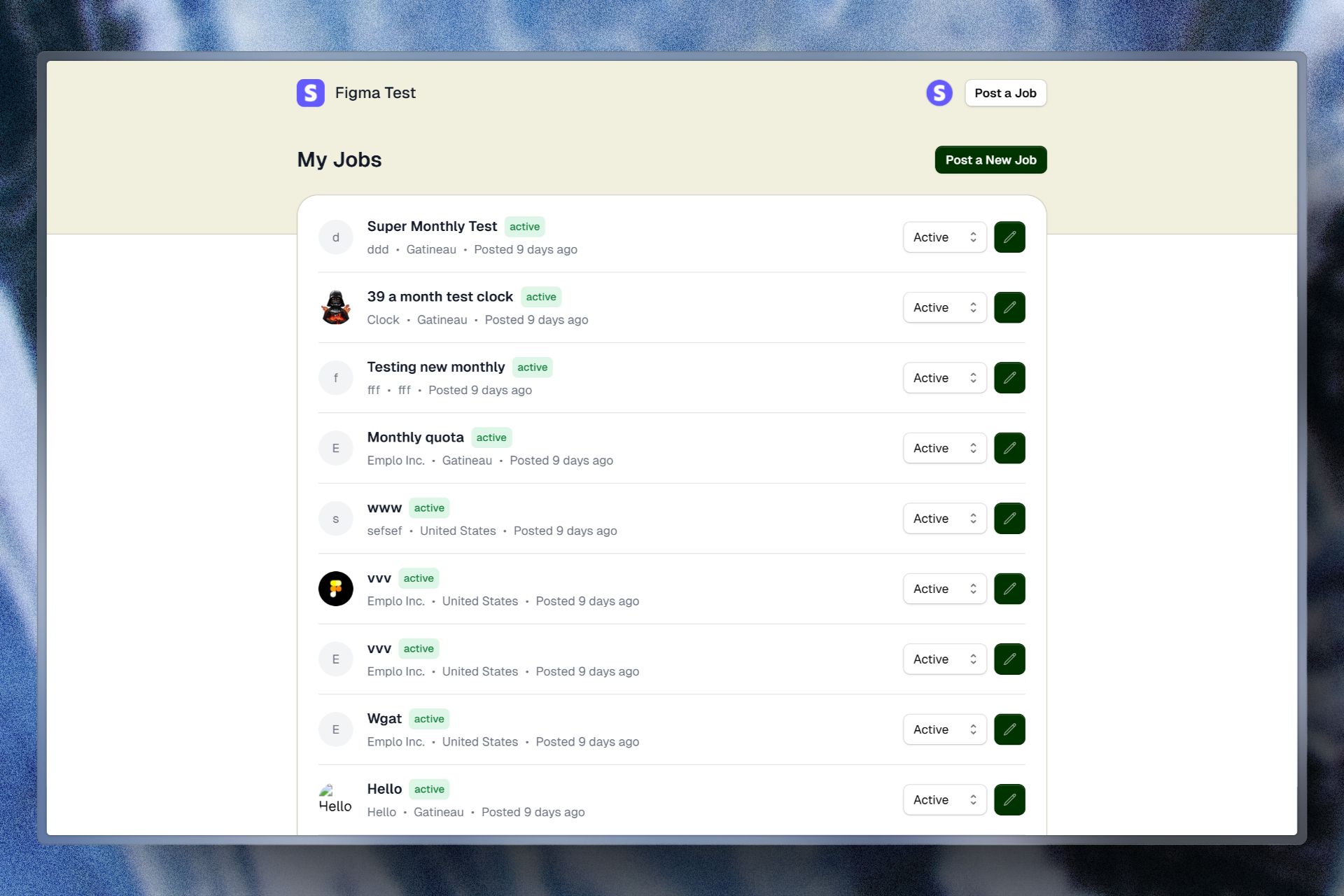
New Pricing Plans (Monthly, Yearly, Bundle and One-time)

We have added new pricing plans for your job board

  • You can now choose between monthly, yearly, bundles and one-time payments

We have also added some new features to the pricing plans

  • You can now choose to auto-publish jobs from your dashboard
  • Active subscriptions will appear directly in the pricing and a show more pricing options is now available
  • Fixed bug when jobs were published before payment was completed - we still save the job but it now has a pending_payment status. You can see those in failed payments
  • Added a webhook to keep in sync all payments and subscriptions
  • All monthly and yearly plans can have jobs quotas and will reset at the end of the month or year
  • In your pricing page we have improved the UI of pricing plans and added button on menu to select the pricing plan you want
  • When a user with no profile picture post their first job, we now automatically create a profile picture for them and will reuse it for all their jobs automatically
  • When only one type of plan is available, we show only that section without any sections titles
  • Texts in header when dark color automatically uses white
  • Coupons are now available in checkout page
New Pricing Plans (Monthly, Yearly, Bundle and One-time)

January